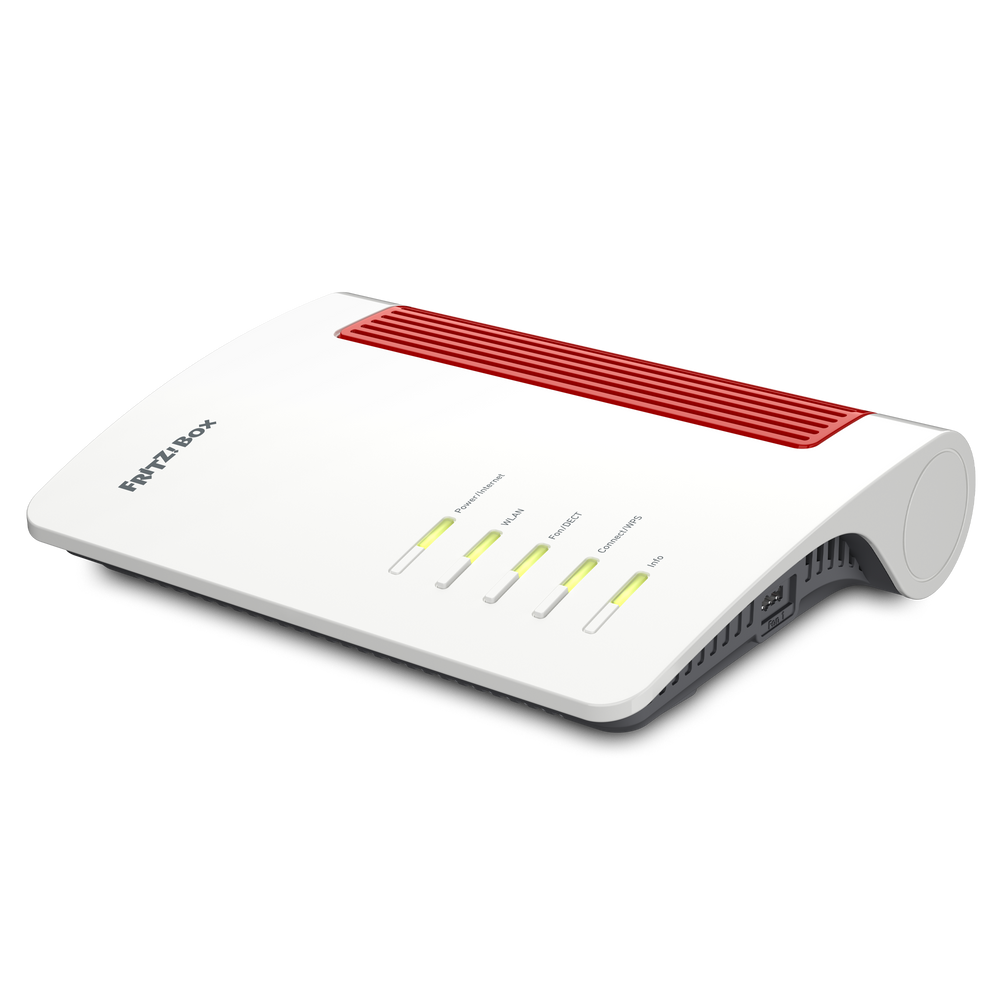
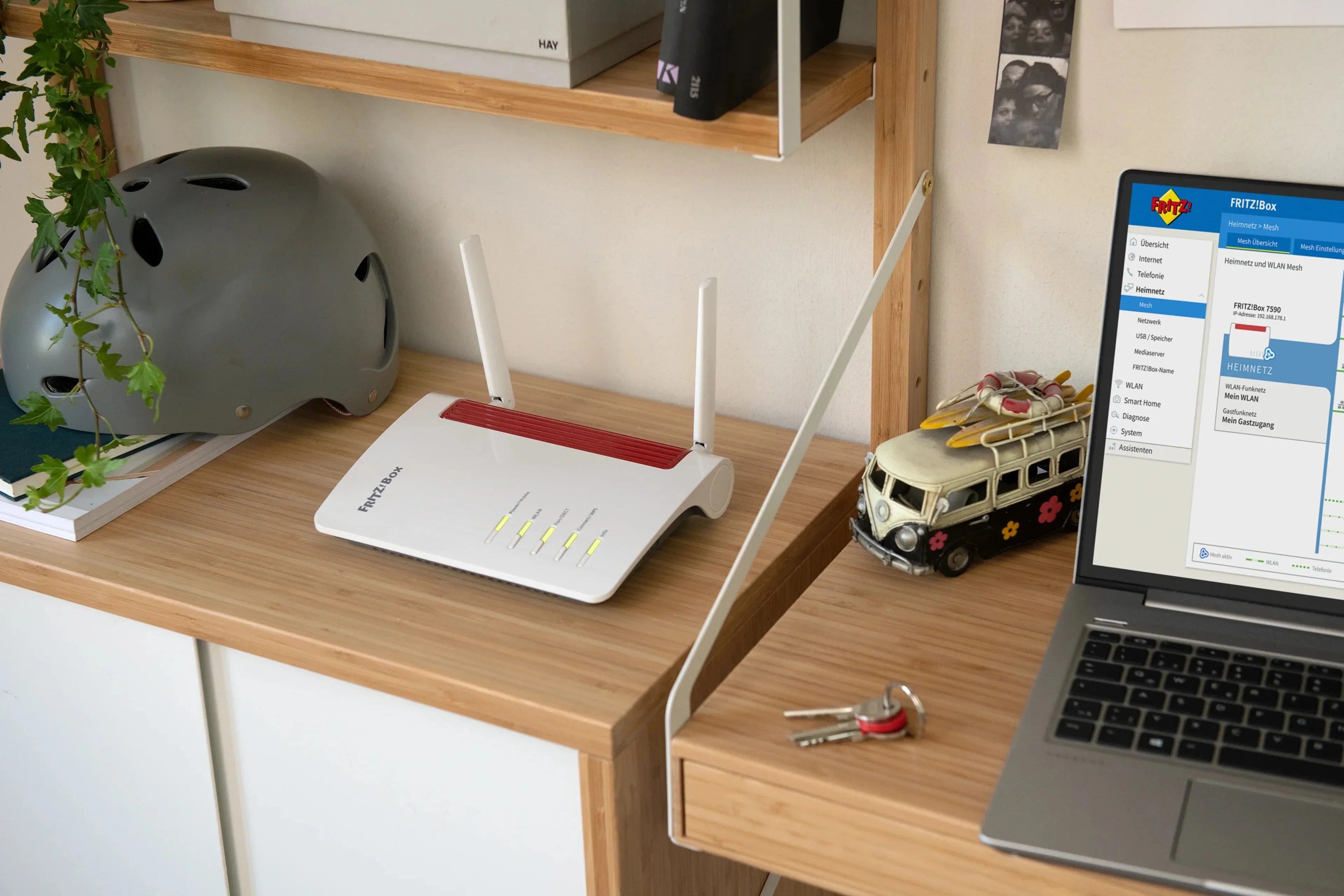
The FRITZ!Box is a true all-rounder! Thanks to the integrated fax function you can do without an additional device. Not only is this practical, it also saves you money.
Forward faxes just like email
Received faxes are saved directly on the FRITZ!Box or on connected USB storage media. Or simply have the faxes forwarded to your email inbox. For this you can even select multiple addresses.

Here's how
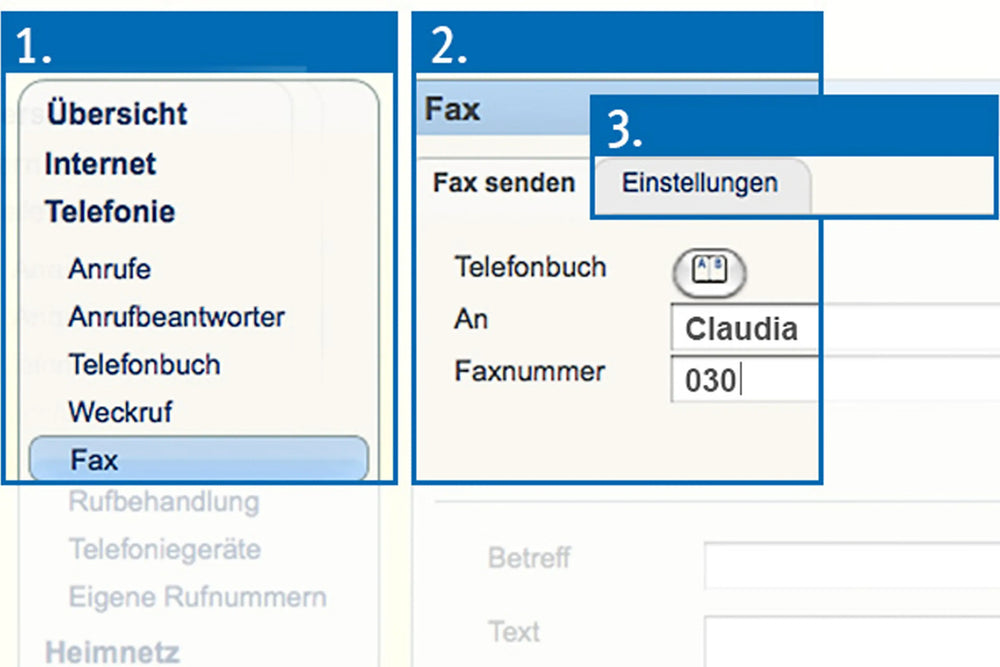
1. Go to ‘Fax’ in the menu
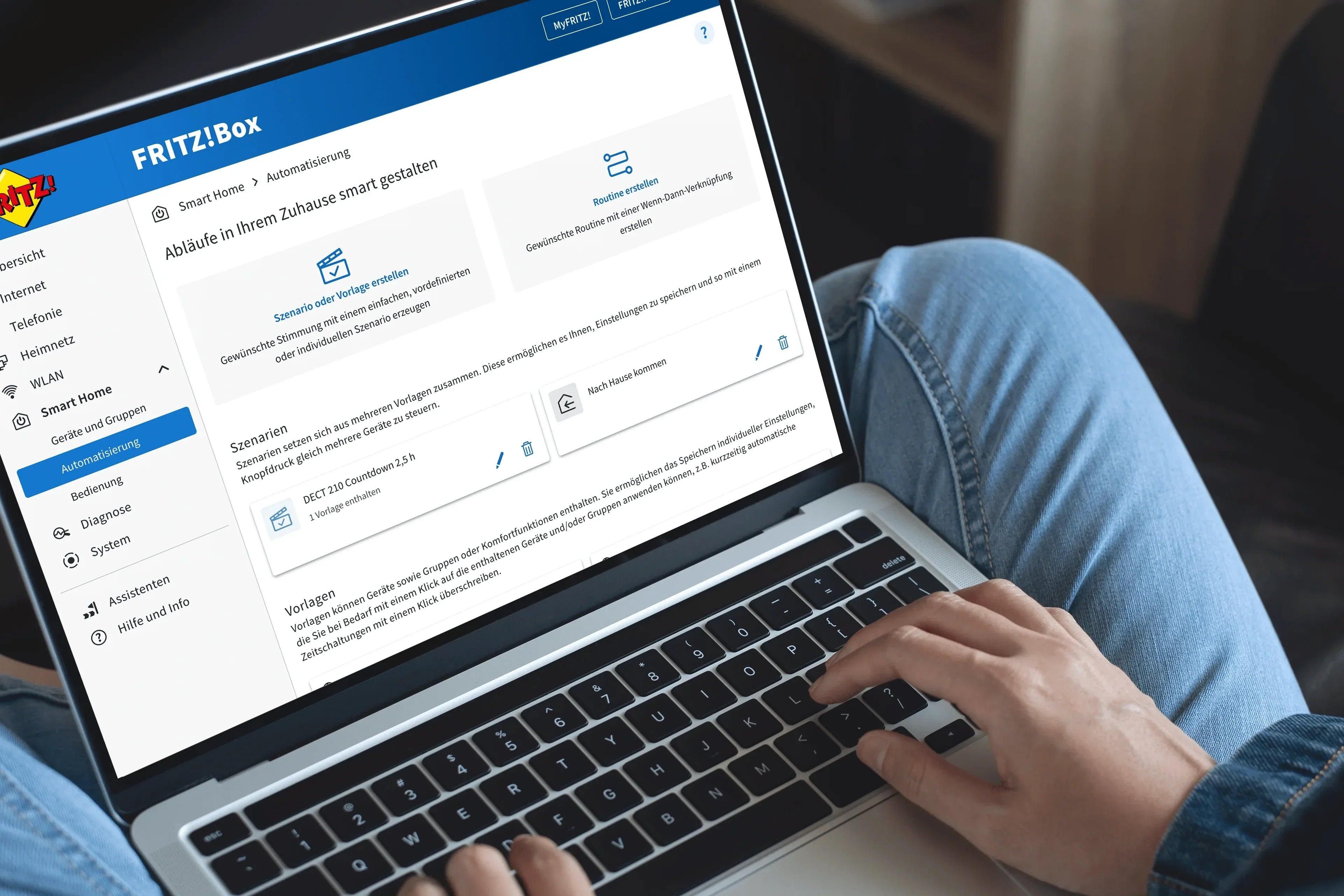
Open the fritz.box user interface and navigate to the ‘Telephony’ menu and then to ‘Fax’.
2. Assign a phone number and sender name
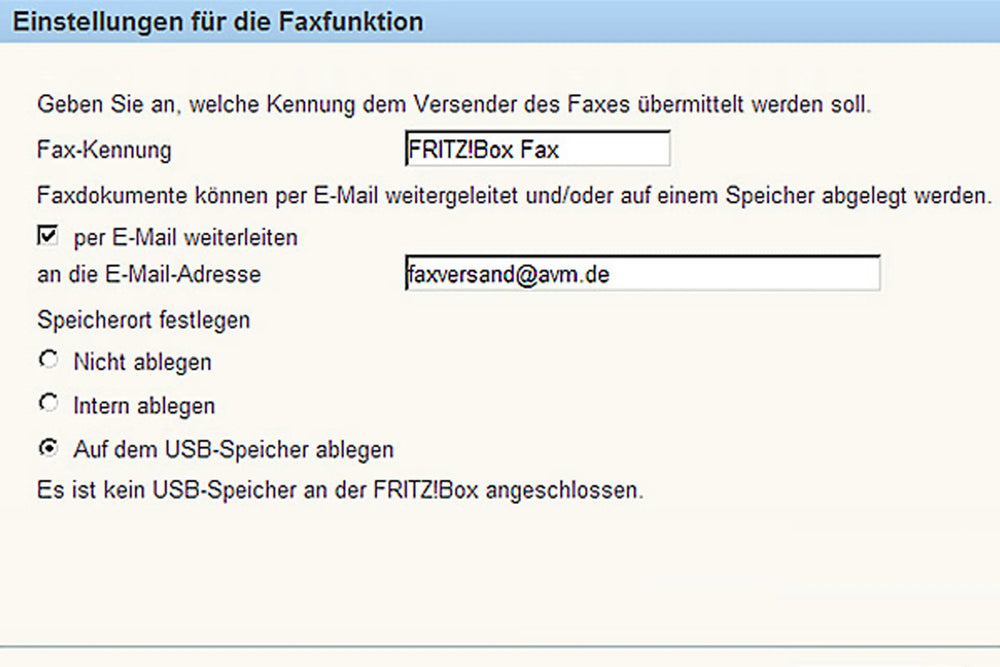
After clicking ‘Configure fax function’, assign a phone number for sending and a name for the sender.
3. Select a location to store faxes
Select the storage location for incoming faxes. They can be saved either on the FRITZ!Box or on USB sticks or hard drives.
Forward faxes to an email address
If faxes are to be automatically forwarded to a particular email address, enable the option ‘Forward by email’ and enter the email address. Once you're finished you can send faxes right away.
Detailed instructions in the Knowledge Base
For more information read our Knowledge Base. In addition to instructions for configuring the fax function, we also explain how to forward incoming faxes and discuss some application examples for your FRITZ!Box.