



Maximum protection from unwanted contents
Protect your entire home network with the new DNS filter. With this you can block advertising, trackers and malware for all devices at the same time – smartphones, smart TV and smart home products. You can rely on established block lists maintained by the community to effectively exclude phishing pages and botnets.
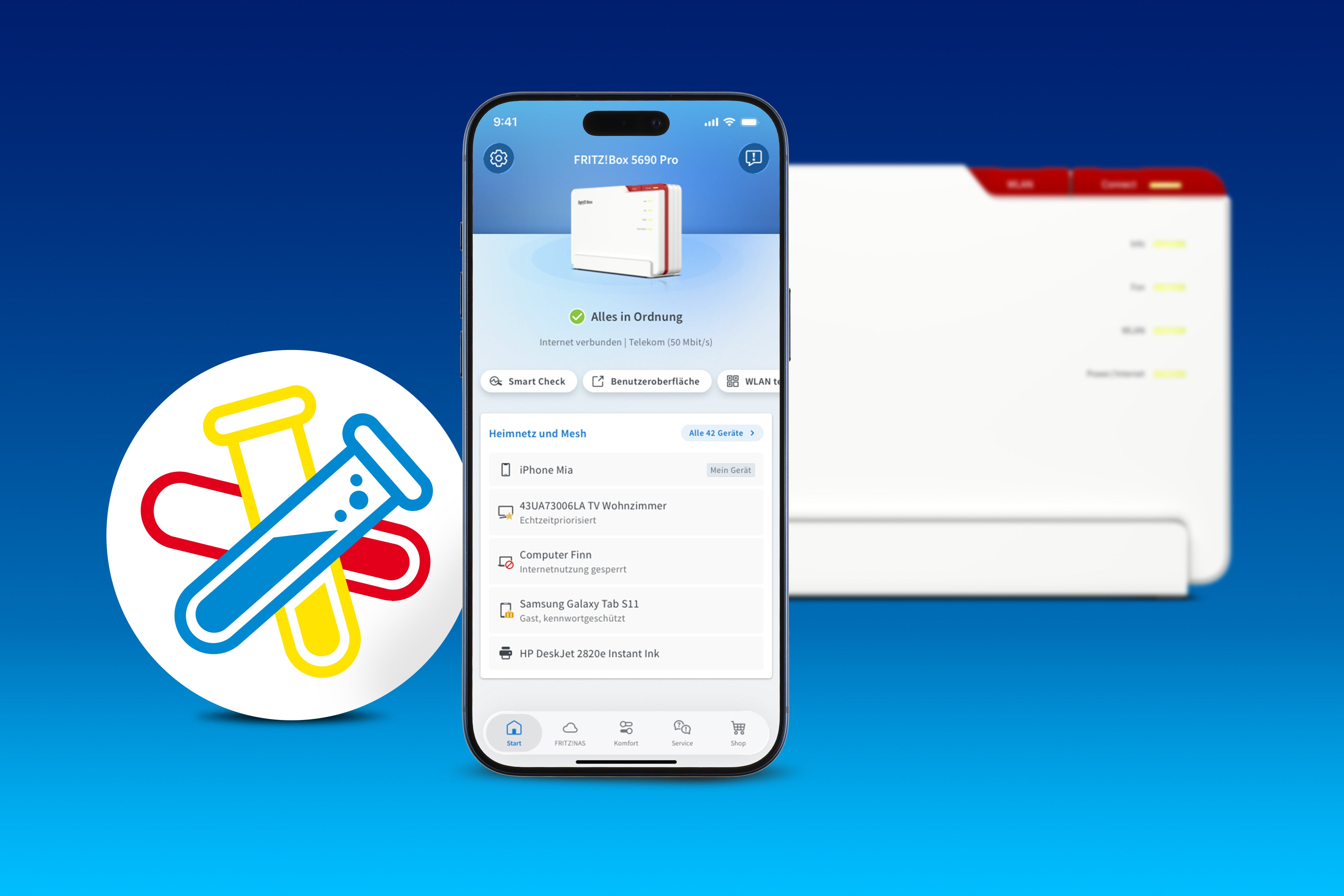
Smart Check: Everything in control with the MyFRITZ!App
The MyFRITZ!App offers even more help for your everyday routines. The new Smart Check shows you the status of your FRITZ!Box directly on the start screen. For the internet, Wi-Fi, telephony or smart home: You immediately receive valuable tips, warnings or recommendations – for instance, when a Mesh connection is missing or you would like to block unwanted calls. And if you ever need help, the integrated Service pages and the chatbot can assist you directly in the app.

More stable connections when it matters
Don't miss any more important video conferences. Thanks to automatic prioritization, applications that need to run in real time like video calls now automatically receive preferential treatment. The system detects the requirements on its own and provides for a smooth data flow.

Always online with FRITZ! Failsafe
With the extension for operation on an external modem via the WAN port, your FRITZ!Box LTE, 4G or 5G is fit for FRITZ! Failsafe. This way you can always stay online, even when your internet connection is disrupted: Should your connection via the external modem fail, your FRITZ!Box automatically switches to mobile broadband. So you're always online when it matters.
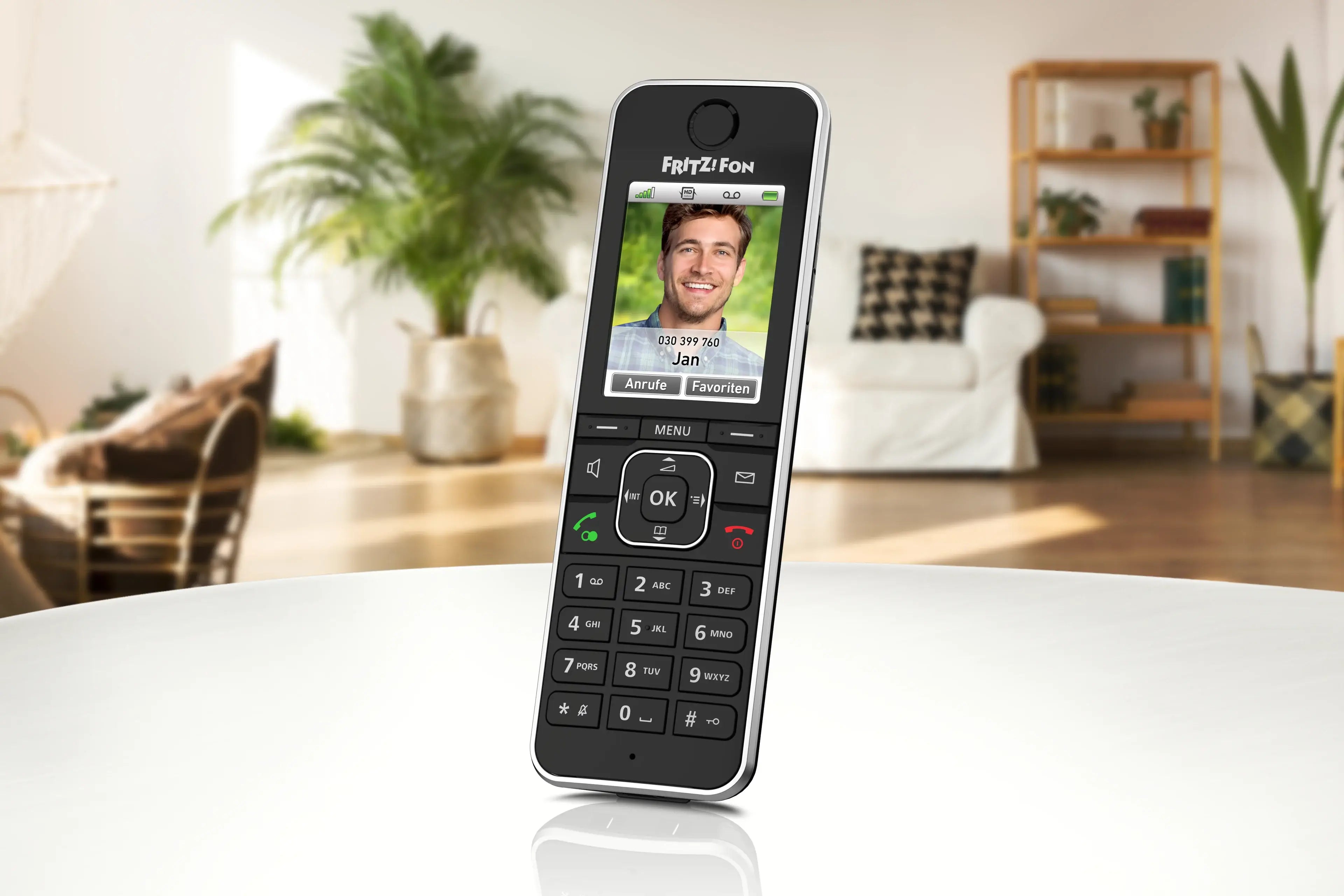
FRITZ!Fon: Simple mode with focus on telephony
The new 'Simple Mode' for the FRITZ!Fon focuses menus and functions on telephony and greatly simplifies operation. Using a quick-dial key, an SOS call can be dialled, which automatically calls up to four contacts in sequence in case of emergency. The duration and repetition of the call sequences can be specified and adjusted, to save valuable time when it matters most.
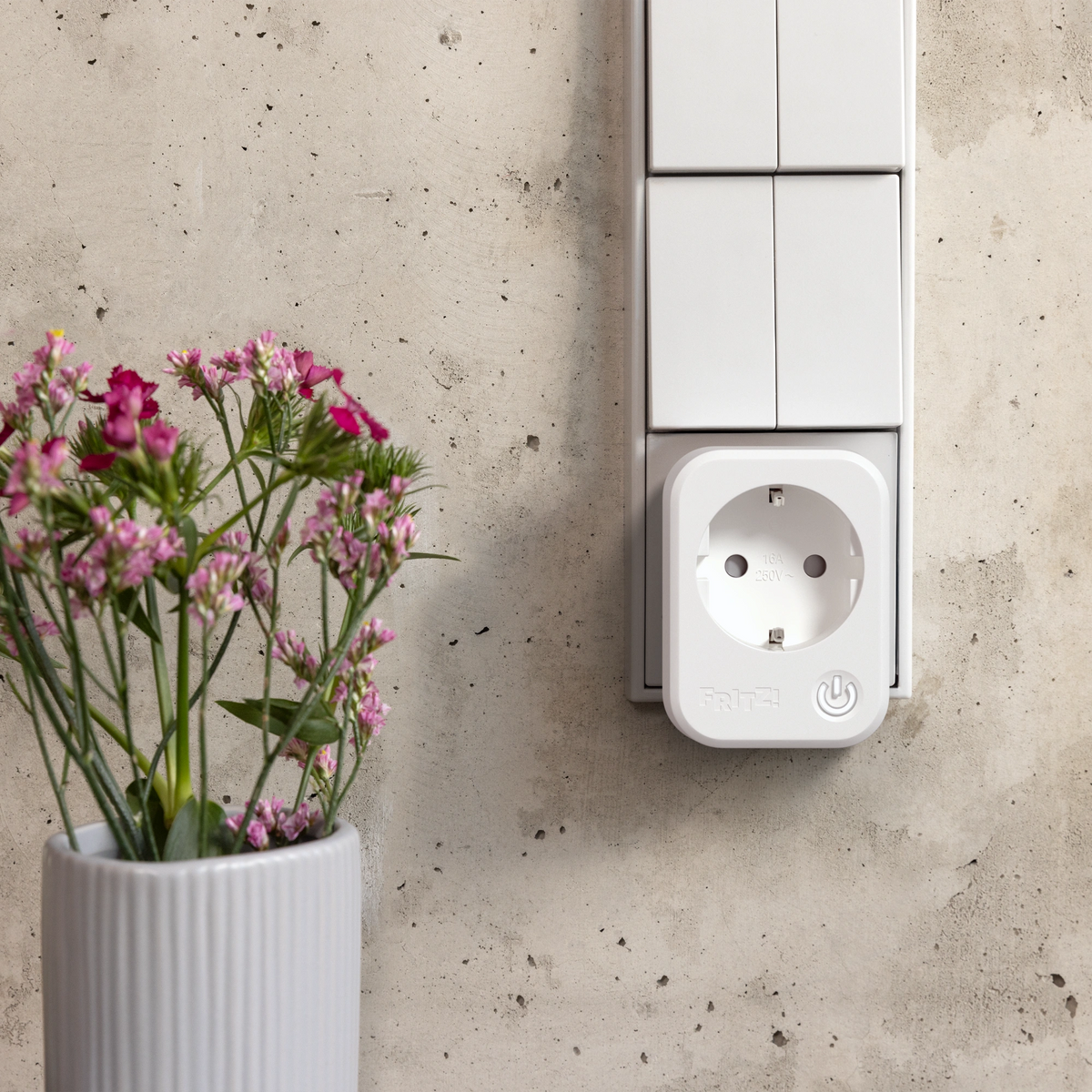
Advanced automations for your smart home
FRITZ!OS 8.50 expands automations for your smart home. Innovations include predefined routines for everyday situations and practical applications - such as leaving the house or coming home, holidays or sending a notification. These routines can be deployed with just a few clicks. In addition, routines can now be started by multiple triggers. Geofencing was also expanded: In combination with the FRITZ!App Smart Home, you can now specify that a routine is activated when the last device leaves the ‘Home’ zone. There is also a new function for the FRITZ! smart plugs: It was already possible to set standby switching so that the plug turned off whenever the connected device fell below a certain power threshold. New starting with FRITZ!OS 8.50 is the alternative to set the socket to turn off when overloaded, so when a certain threshold is exceeded.
Update today!
In addition, FRITZ!OS 8.50 includes a number of detail and stability improvements.
In the FRITZ!Box user interface you can start the search for the update to FRITZ!OS 8.50 (System > Update > Find new FRITZ!OS) or make use of the handy automatic updates.
FRITZ!OS 8.50 is now available for these FRITZ!Box models – other models will follow:
- FRITZ!Box 7690

