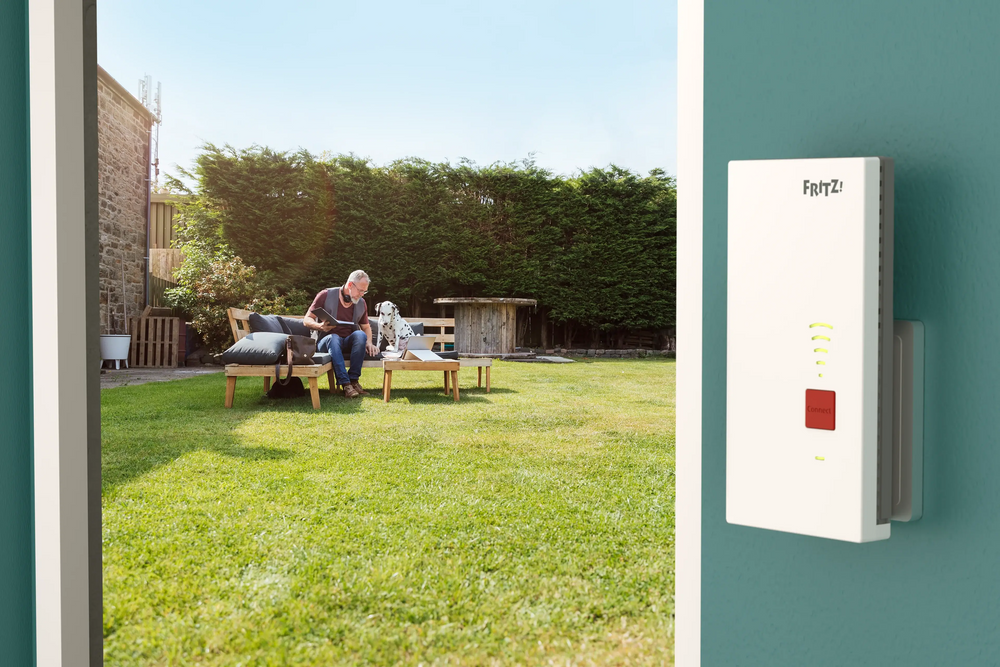
The temperatures are rising and many of us are heading outside to the garden to bask in the sun – while also taking our tablets with us to browse the internet, checking our work emails on our laptops, or streaming music on wireless speakers. In short: wanting to enjoy the stunning weather outdoors doesn't mean you have to go without fast internet. In this guide we explain how you can establish a stable Wi-Fi connection in your garden or on your patio.
1) Place the FRITZ!Repeater 1610 Outdoor in a protected outside area
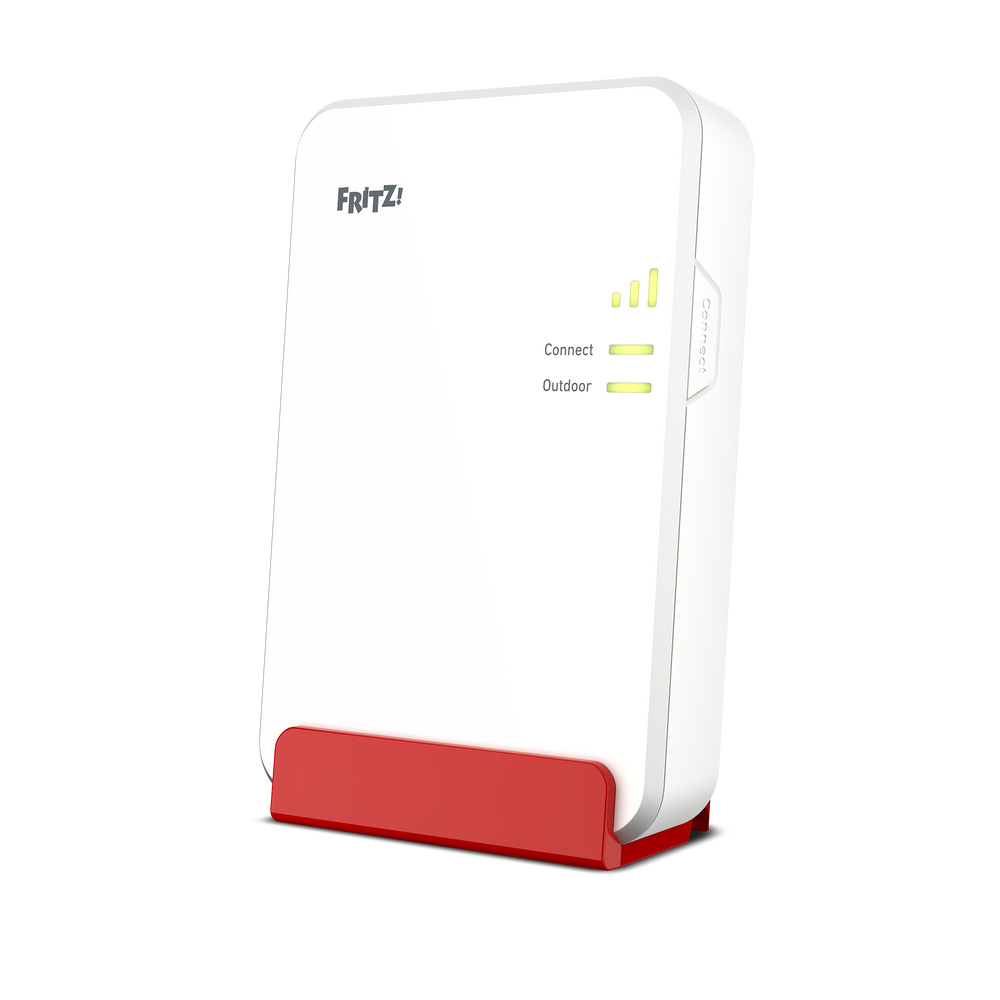
To increase your Wi-Fi range into the garden, we recommend deploying the FRITZ!Repeater 1610 Outdoor in a protected outsider area or at a window close to the garden. The FRITZ!Repeater 1610 Outdoor is particularly well suited for this, as it is not plugged directly into the wall socket, but can be set up relatively freely thanks to the PoE power adapter included with delivery.
2) Extend range with FRITZ!Powerline
Do you have a shed with an electrical socket or is there a garage with an electrical socket near your garden? In this case you can have FRITZ!Powerline turn your socket into a network port and use the mains to extend your home network into the garden. With a FRITZ!Powerline 1260 Wi-Fi Set the Wi-Fi network can be extended directly. This way you create a fast, stable internet connection outdoors, without any complicated installation, so that you can enjoy high-speed internet surfing in your garden as well.

3) Optimize the Wi-Fi network
Your FRITZ!Box and Mesh extenders, such as the FRITZ!Repeater, ensure the best Wi-Fi quality in the home network. Automatically switching over to the best wireless access point is especially important here. However, individual settings and structural conditions can mean that devices and the FRITZ!Box are not perfectly synced with each other.
These two settings help optimize the Wi-Fi:
1. Set Wi-Fi channel settings automatically
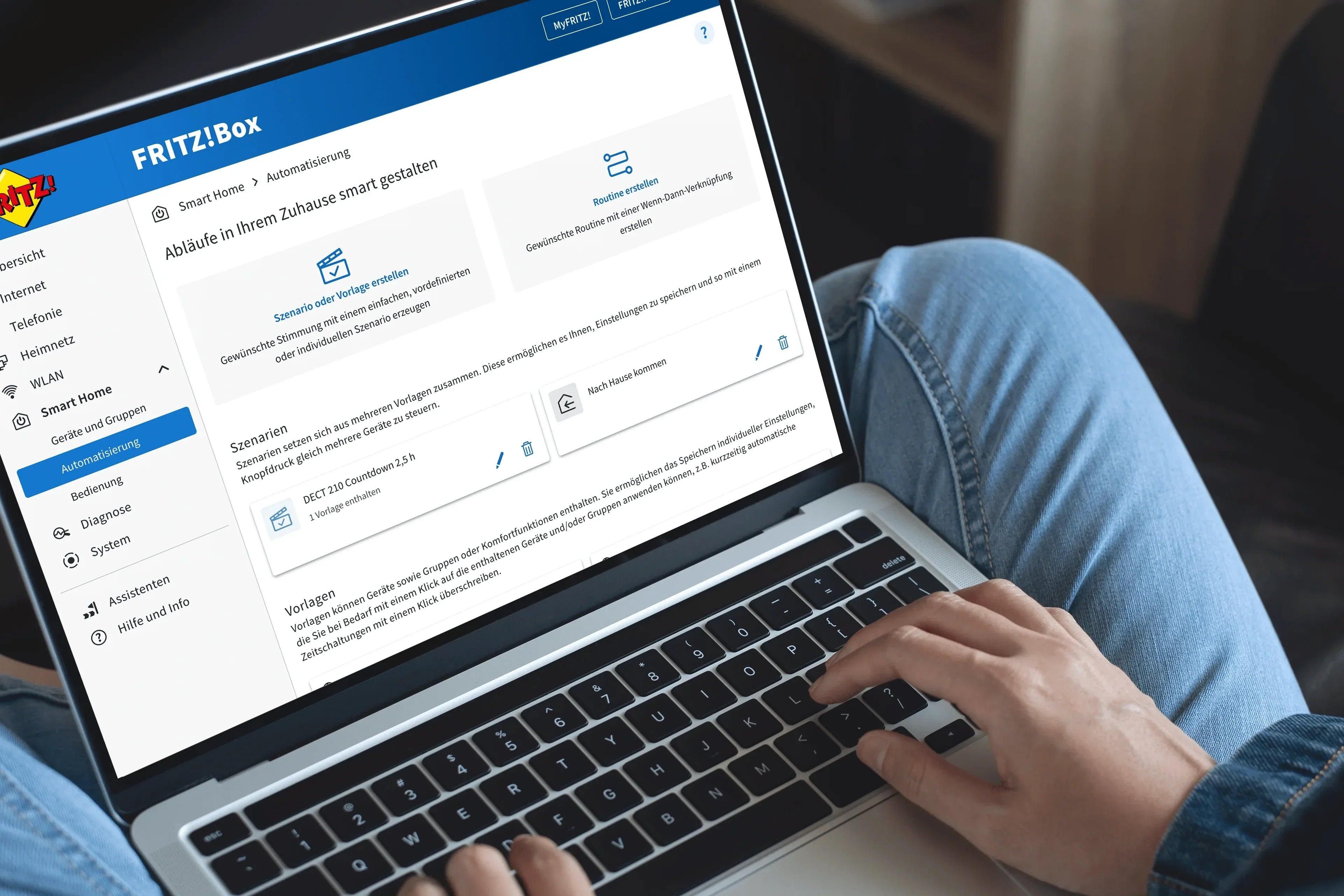
Right out of the box, the FRITZ!Box evaluates the Wi-Fi environment and the quality of the connection of the wireless devices connected to it at regular intervals and automatically selects the best Wi-Fi channel settings. If this feature is deactivated, you can reactivate it by clicking on ‘Wi-Fi’ in the FRITZ!Box user interface. In the ‘Wi-Fi’ menu, click on ‘Wi-Fi channel’, where you can activate the ‘Set Wi-Fi channel settings automatically (recommended)’ option. After clicking ‘Apply’, the settings are saved.
2. Optimize the Mesh settings
If you are using one or more Mesh Repeaters in the home network of your FRITZ!Box, follow these steps:
Check the Mesh connection of the Mesh Repeater
Click on ‘Home Network’ in the FRITZ!Box user interface and on ‘Mesh’ in the ‘Home Network’ menu. If a Mesh Repeater is shown in the overview without a Mesh symbol, you can follow these troubleshooting steps:
1. Additional FRITZ!Box is not marked with Mesh symbol
2. FRITZ!Powerline is not marked with Mesh symbol
3. FRITZ!Repeater is not marked with Mesh symbol
Enabling the adoption of Mesh settings
Click on ‘Access to Home Network’ in the user interface of the Mesh Repeater. If you're using a FRITZ!Box as the Mesh Repeater: Click on ‘Home Network’ and then on ‘Mesh’. Click on the 'Mesh Settings' tab. Enable the 'Adopt settings enabled' option. Finally, click on ‘Apply’ to save the settings.