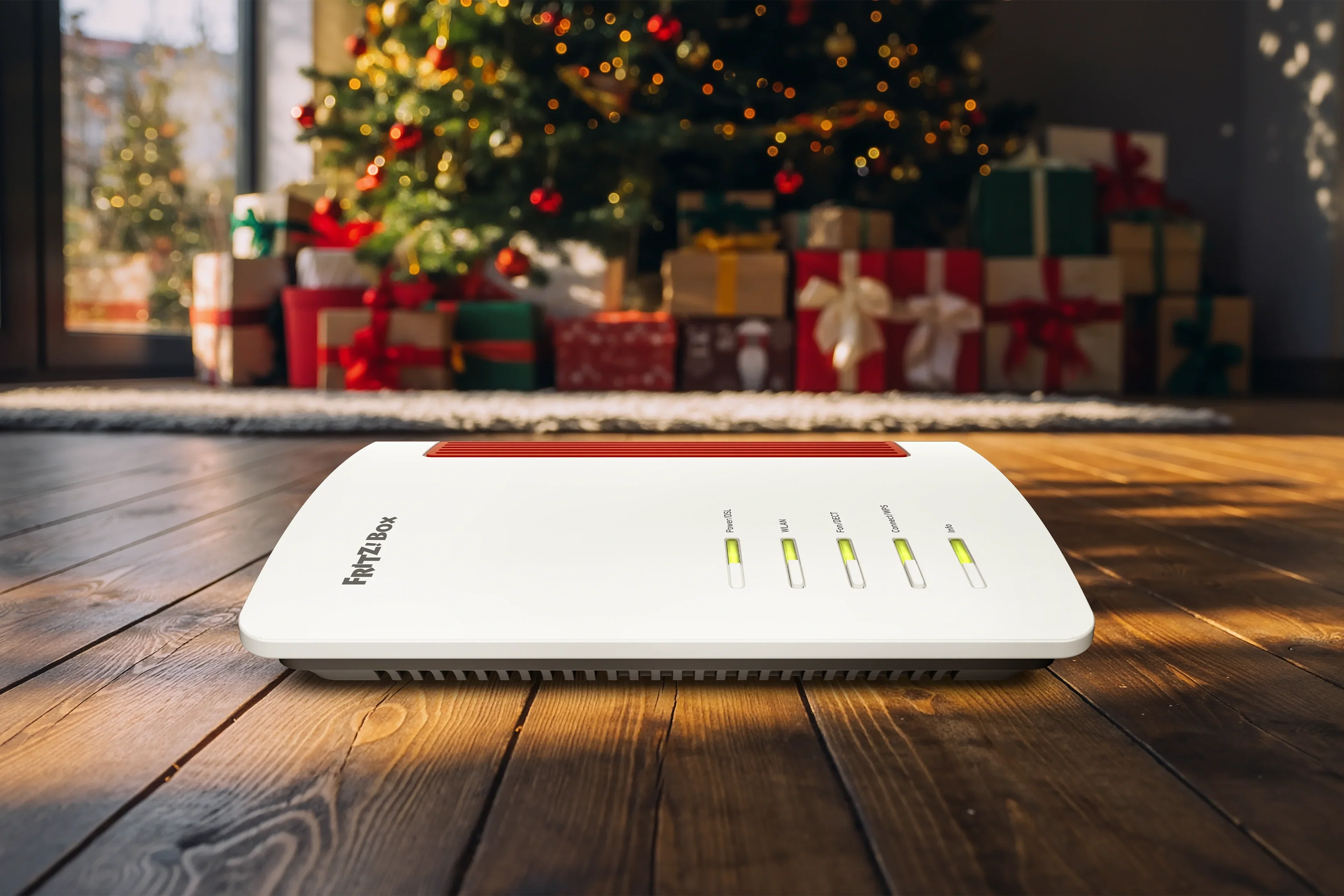
Lag eine neue FRITZ!Box unterm Weihnachtsbaum? Ob allererste FRITZ!Box oder FRITZ!Box-Wechsel inklusive Smart Home und Telefonie – beides ist schnell und komfortabel eingerichtet.
Setting up FRITZ!Box with a smartphone
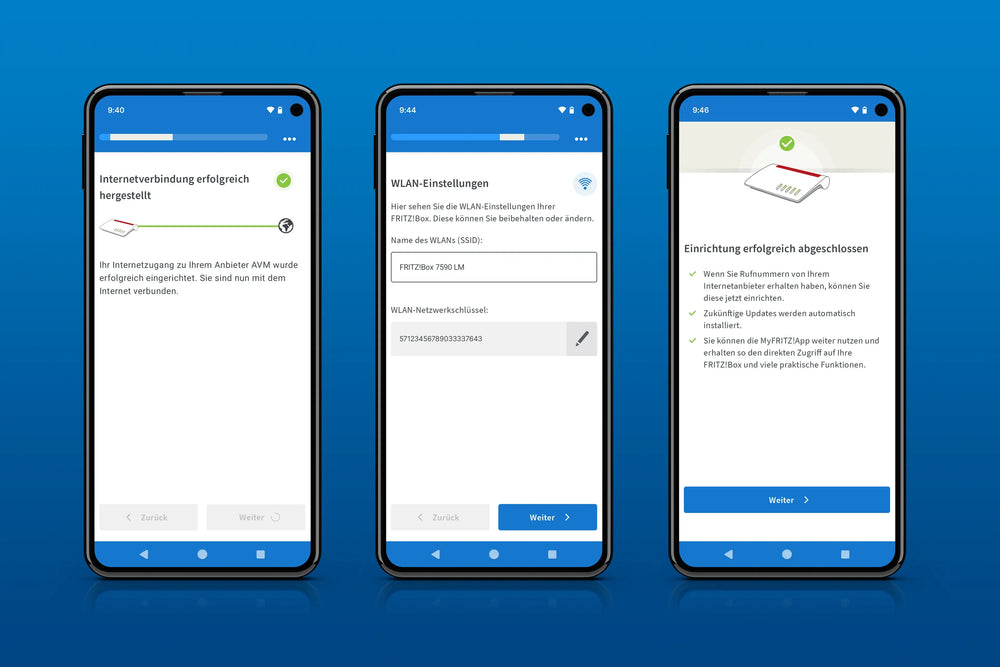
The MyFRITZ!App makes setting up your FRITZ!Box easier, thanks to the mobile configuration wizard (available with FRITZ!OS 7.80 and later). After downloading the app from the Apple App Store or Google Play Store, all you need to do is scan the FRITZ!Box's QR code to automatically recognize the FRITZ!Box and get it set up. In addition to helping you get set up, the app offers access to numerous convenience features such as the home network overview, missed calls, new voice messages and remote access to the FRITZ!Box – both at home and on the go.
In the article Setting up FRITZ!Box with a smartphone, find out how the MyFRITZ!App Configuration Wizard works and how it makes the installation process for your FRITZ!Box that much easier. You will also find the download links for the app there.
Switching FRITZ!Boxes
If you already have a FRITZ!Box and now want to replace it with the new FRITZ!Box, switching FRITZ!Boxes is super easy. The 'Transfer Your Settings to a New FRITZ!Box' wizard transfers all important settings, all devices connected to the old FRITZ!Box, and even your MyFRITZ! account. In short: The new wizard makes it easy to switch to a new FRITZ!Box with everything you need – a seamless transition.
Find out how the wizard helps you switch to your new FRITZ!Box in the following article An easy switch: Transferring your settings to a new FRITZ!Box.
A second life for your FRITZ!Box
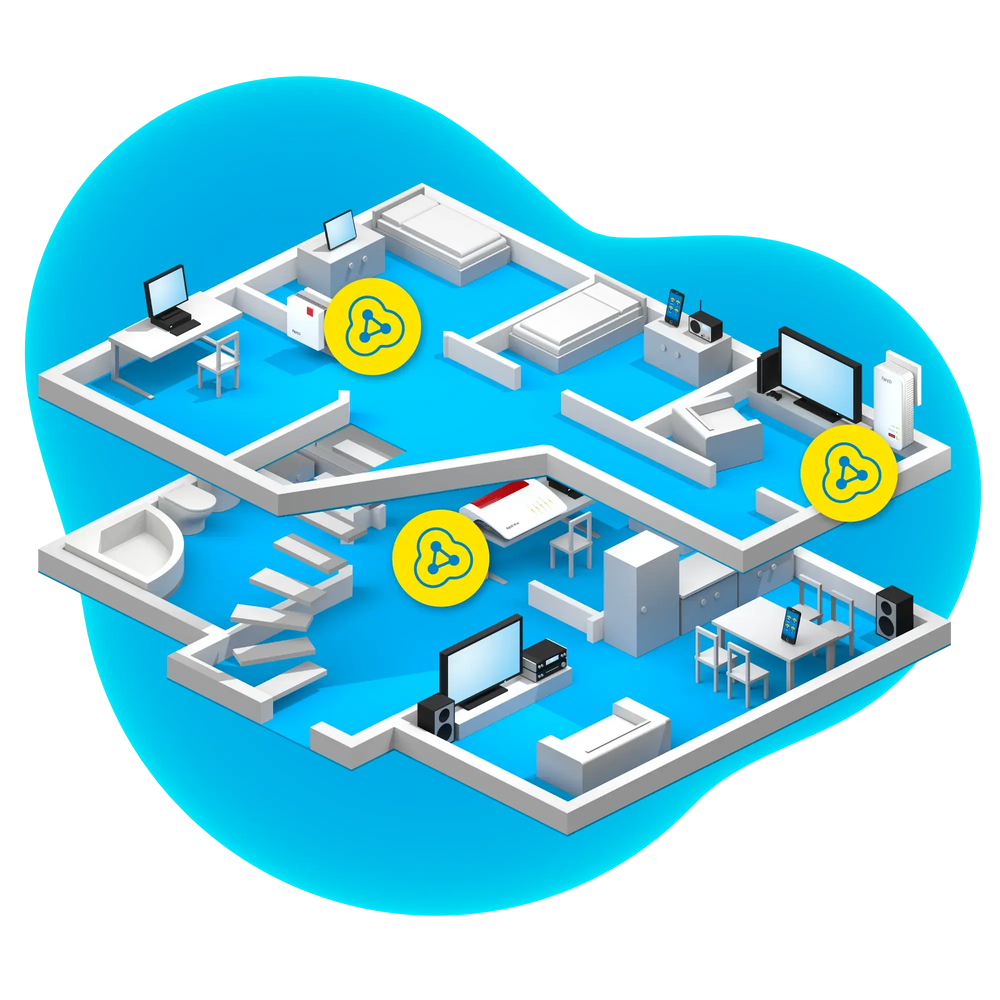
You're now wondering what to do with your old FRITZ!Box? It's simple: Give your FRITZ!Box a second life. Provided that the existing FRITZ!Box is running at least FRITZ!OS 7 (or later), it can be used as a Mesh Repeater to easily and efficiently increase the range of your home network.
The FRITZ!Box can also be used for a smart home Mesh network to connect more smart home devices in the home network. The FRITZ!Box can also function as a NAS (network-attached storage). Files and media can be stored centrally on a NAS so that all network devices have access to them.
You have no further use for your old FRITZ!Box? Then why not make someone else happy and gift the FRITZ!Box to a friend or acquaintance. Of course you can also donate the FRITZ!Box.
Look for organizations/initiatives in your area that accept donations of electronic devices.