A high-end PC or the latest console doesn’t do much good if the home network isn't up to scratch. Anyone who games regularly notices every millisecond of lost advantage and every judder. This guide shows how to optimize your FRITZ!Box, cabling, and settings so that your setup really delivers the best it can.
Why the home network matters for your decision
A game never runs in isolation on a device. Today, even purely single-player games constantly synchronize game progress with servers and automatically load updates. An added issue for multi-player and real-time games: Every second, many data packets synchronize your position with those of all other players. Any delays along the way can make a difference in the game's outcome.
Three values determine how well that works:
- Ping (latency): The time a query needs to get from the device to the server and back, measured in milliseconds (ms).
- Jitter: How strongly the ping fluctuates. A stable ping is more decisive for performance than a lower, but fluctuating ping.
- Packet loss: The share of data packets that get lost in transit. Even just a few percent manifest as shudder or ‘rubber banding’ (a character or object abruptly springing back to its previous position).
All three values depend largely on how the FRITZ!Box, cabling and settings interact in the home network.
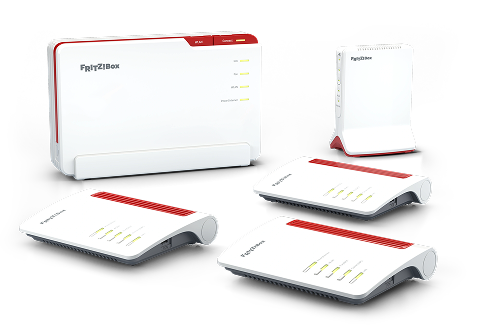
The right FRITZ!Box as the basis
The FRITZ!Box is the control centre of your home network: It manages every connection to every device in the home and routes data to the internet, doing so parallel to smart home devices, streaming boxes and everything else online concurrently. With strong processing power and lots of Wi-Fi bandwidth, the FRITZ!Box is made for precisely these demands: Even when streaming or downloading in the background, it remains stable – a noticeable difference whenever the home network is busy.
Current FRITZ!Box models support the latest Wi-Fi standards like Wi-Fi 7, which provide for low latencies and more stable connections especially when many devices are active at the same time. In addition to this they transmit on the 6-GHz band, which is considerably less busy than 2.4 or 5 GHz in most residential areas – a clear advantage when LAN is not an option.

LAN or Wi-Fi: Which offers the lowest ping?
LAN cable remains the most reliable connection. Neither thick walls nor your neighbours' Wi-Fi can disrupt transmission, and latency to the router is generally well below 1 ms. All FRITZ!Box models have multiple LAN ports, many of them with gigabit or 2.5-gigabit speed.
If cable is not possible, Wi-Fi is a good alternative – with a few minor adjustments for the most stable connections:
- Clear sight lines: Place the FRITZ!Box in as free a position as possible and remove any obstacles (e.g. metal cabinets, aquariums or mirrors) from the signal path.
- Close dead zones: If reception is weak, extend the Wi-Fi with a FRITZ!Repeater. In the intelligent FRITZ! Mesh it automatically adopts the settings of the FRITZ!Box and ensures that devices are always connected with the strongest signal.
- Use the 6-GHz band: Where available, select the 6-GHz band instead of 2.4 or 5 GHz. This ensures fewer disruptions by adjacent networks.
- Restrict the Guest Wi-Fi: Assign only the minimum necessary bandwidth to the guest network to ensure that enough capacity remains available for your gaming session.
- Check the home network: Use the Mesh view in the MyFRITZ!App to keep an eye on the connection quality and data rates of each device.
Under ideal conditions, the ping to your own FRITZ!Box in the Wi-Fi network is low enough for the vast majority of games, even though LAN is still lower.
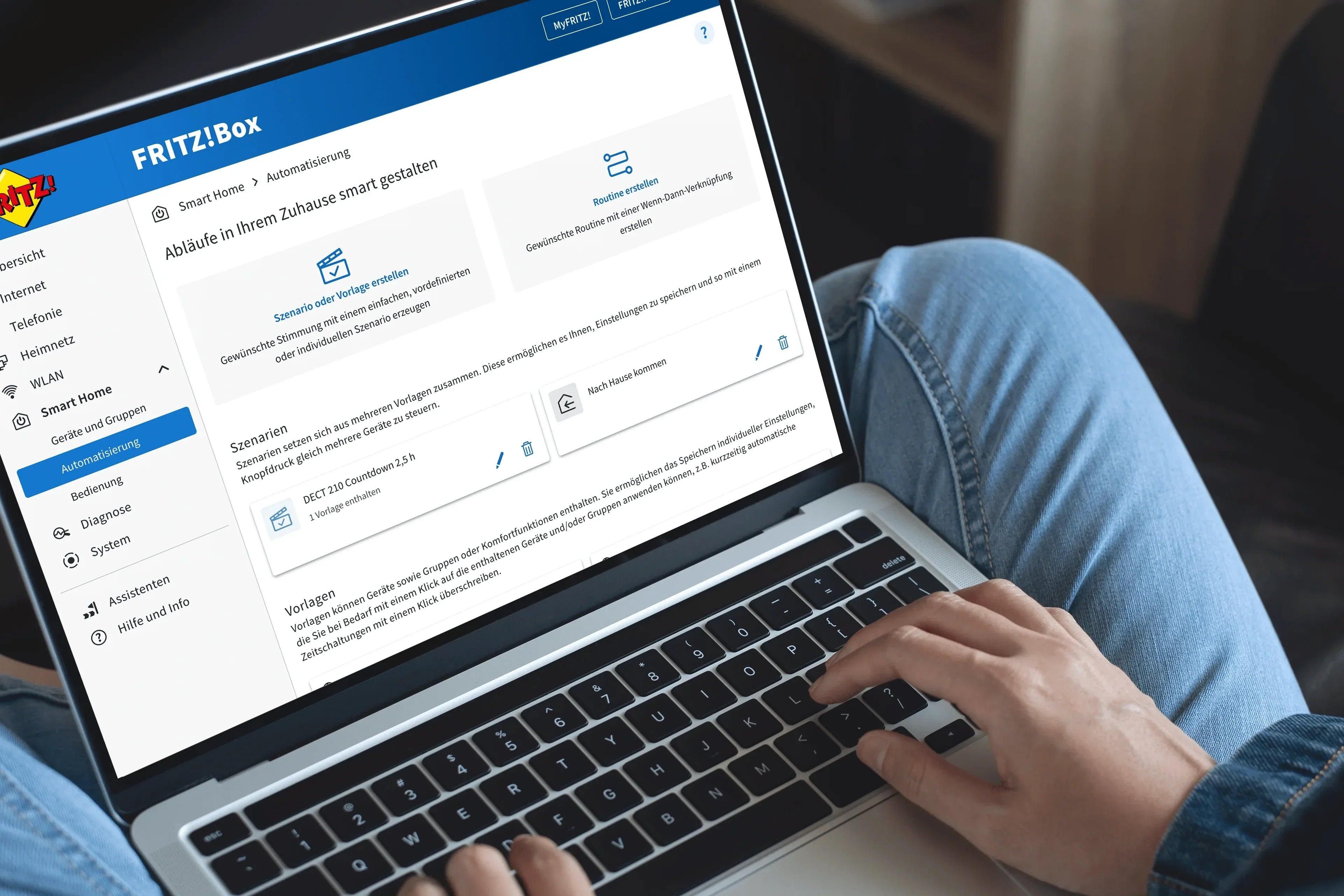
FRITZ!OS: Fine-tuning for hard-core gamers
- Use prioritization: Gaming PCs or consoles can be marked as prioritized devices in the FRITZ!Box interface and receive preferential treatment in the home network – noticeable when other devices in the household are demanding bandwidth concurrently.
- Check port sharing and NAT type: For the complete range of online service functions, consoles require an open NAT type. If the standard configuration is not sufficient, the given console allows itself to share needed ports independently.
- Check the public IPv4 address: To always be reachable from the internet, the FRITZ!Box requires a public IPv4 address – if the connection is routed via a shared address instead, it is not possible to fully open all ports.
Connecting consoles to the network
For consoles like the Xbox, PlayStation and Nintendo Switch, the NAT type determines whether you can use all online services:
- Xbox (all models): ‘Open’
- PlayStation (all models): ‘2’
- Nintendo Switch: ‘A’
If the type is not the one displayed, it generally works if you allow independent port sharing for the console in the FRITZ!Box user interface. Often one more thing is needed for the Xbox: Microsoft uses the Teredo protocol for some online functions, for which the Teredo filter in the FRITZ!Box must be disabled.
Detailed step-by-step instructions for every console are presented in our Knowledge Base: