


Fresh from Development
This FRITZ! Lab contains new functions fresh from the development team and gives a preview of upcoming FRITZ!OS features in the next major update. It also contains the latest developments in the areas of security and energy efficiency.
The FRITZ! Lab launched adds additional control functions to the home network, increases fallback protection for the internet connection, and optimizes the smart home. For the first time, this FRITZ! Lab makes Mesh Repeater mode available for the FRITZ!Box 7590 AX. This allows the FRITZ!Box to be integrated into the home network with even more flexibility and used to improve Wi-Fi coverage.
New Features at a Glance
- New Online Monitor with expanded functions
- FRITZ! Fallback – Always online with the new fallback protection for your FRITZ!Box (more)
- Simplified operation of parental controls
- New upload sharing – Sharing files easier than ever
- More Possibilities in the Smart Home
The ‘New / Improvements’ section has a complete list of all updates, improvements, and changes in this Lab.
Installation on the FRITZ!Box
You're not using the current FRITZ!OS in your FRITZ!Box yet? Then first update FRITZ!OS to the latest release version. Here we tell you how this works.
Once your FRITZ!Box has the latest FRITZ!OS installed you can start installation of the lab version.
- Read and confirm the information displayed.
- Click on ‘Download’ and save the file on your computer.
- Unpack the lab file (*.zip)
- Use the FRITZ!Box user interface to install the update:
- Select the ‘System / Update’ menu.
- Select the ‘FRITZ!OS file’ tab. Back up the settings of your FRITZ!Box.
- Select the lab version that matches your FRITZ!Box model (e.g. C:\Documents and Settings\Username\Desktop\FRITZ!Box-xxxxxx-Lab.image).
- Click on ‘Start Update’.
- Follow the instructions displayed on the screen.
During the update process the ‘Info’ LED on your FRITZ!Box will flash. The LED goes out once the update is complete. Please be patient, as this process may take several minutes. As soon as the update has been completed, the FRITZ!Box restarts and is then ready for operation.
Important
This FRITZ! Lab version is a beta. Please note the terms of use and the data protection statement for our products.
You can switch back to the official FRITZ!OS at any time under ‘System > Update > FRITZ!OS Version’.
Please also note the information about the use of lab versions in the infolab.txt. It is contained in the lab file (*.zip).
Here you'll find the download package for starting in the FRITZ! Lab. After the installation you'll receive updates via the automatic update function.
FRITZ!Box Fiber

FRITZ!Box 5690 Pro
Download information:
Version: 8.24-131086
Date: 02/04/2026

FRITZ!Box 5690
Download information:
Version: 8.24-130898
Date: 26/03/2026

FRITZ!Box 5690 XGS
Download information:
Version: 8.24-131092
Date: 02/04/2026
FRITZ!Box 5590 Fiber
Download information:
Version: 8.24-131083
Date: 02/04/2026
FRITZ!Box 5530 Fiber
Download information:
Version: 8.24-131080
Date: 02/04/2026
By downloading and using the FRITZ! Lab, you agree to the terms of use for the FRITZ! Lab.
Please note: The privacy declaration for FRITZ! products and the use of FRITZ! Lab can be found here.
FRITZ!Box DSL
FRITZ!Box 7690
Download information:
Version: 8.24-131011
Date: 01/04/2026
FRITZ!Box 7530 AX
Download information:
Version: 8.24-130876
Datum: 26/03/2026
FRITZ!Box 7530
Download information:
Version: 8.24-131149
Date: 02/04/2026
FRITZ!Box 7510
Download information:
Version: 8.24-130291
Date: 13/03/2026
By downloading and using the FRITZ! Lab, you agree to the terms of use for the FRITZ! Lab.
Please note: The privacy declaration for FRITZ! products and the use of FRITZ! Lab can be found here.
The FRITZ!Box 7520 is available in two versions with identical features: If you find 'Type B' on the label on the bottom of the device, please use the corresponding download in the FRITZ! Lab.
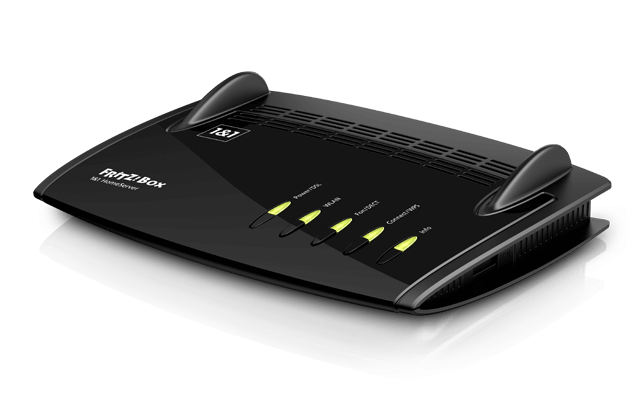
FRITZ!Box 7520
Download information:
Version: 8.24-130232
Date: 13/03/2026
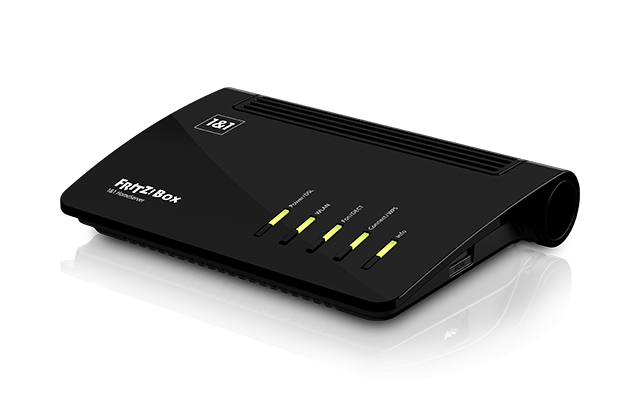
FRITZ!Box 7520 (Type B)
Download information:
Version: 8.24-130235
Date: 13/03/2026
By downloading and using the FRITZ! Lab, you agree to the terms of use for the FRITZ! Lab.
Please note: The privacy declaration for FRITZ! products and the use of FRITZ! Lab can be found here.
FRITZ!Box Cable
FRITZ!Box 6690 Cable
Download information:
Version: 8.24-131055
Date: 02/04/2026
FRITZ!Box 6670 Cable
Download information:
Version: 8.24-131052
Date: 02/04/2026
FRITZ!Box for modem/network
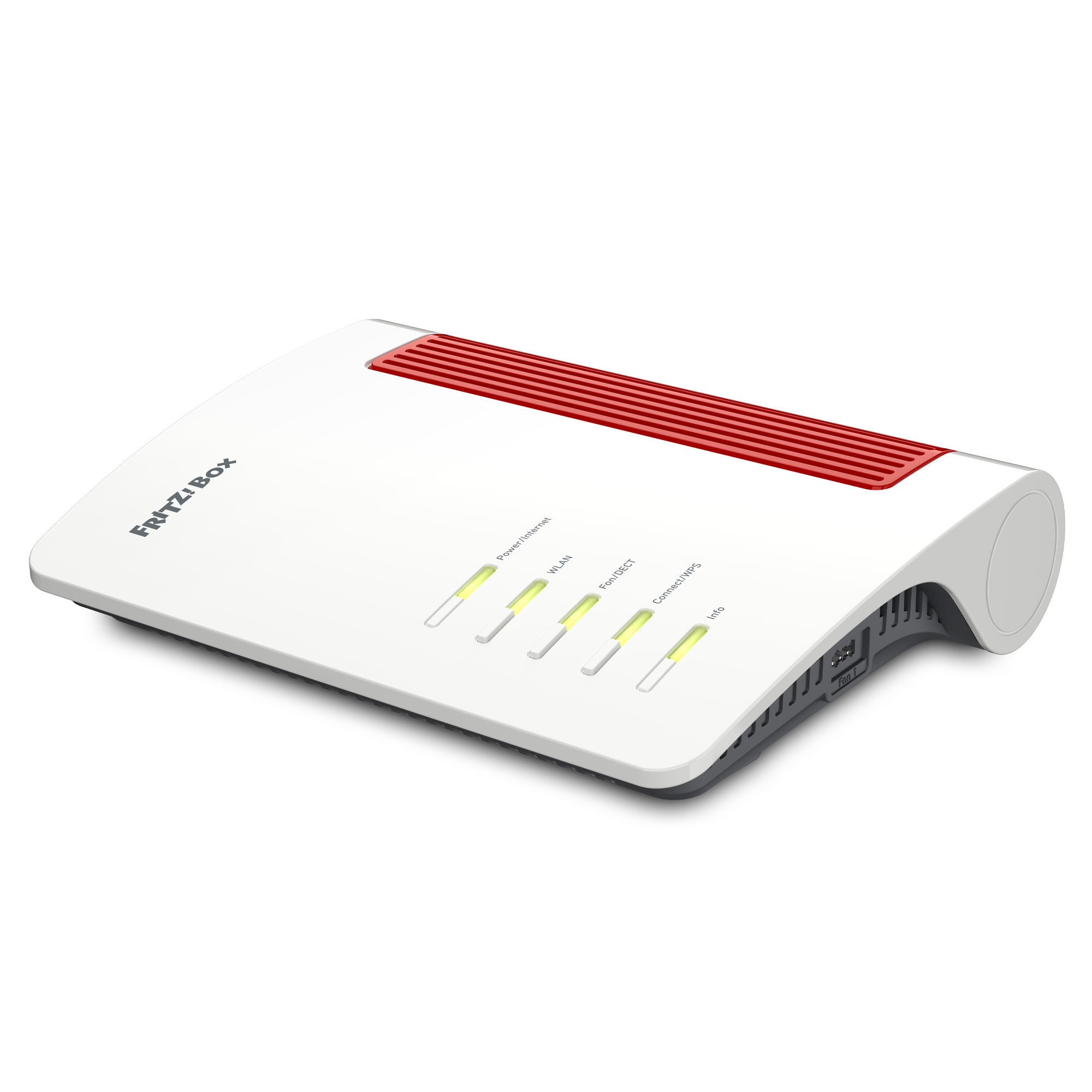
FRITZ!Box 4690
Download information:
Version: 8.24-131000
Date: 011/04/2026
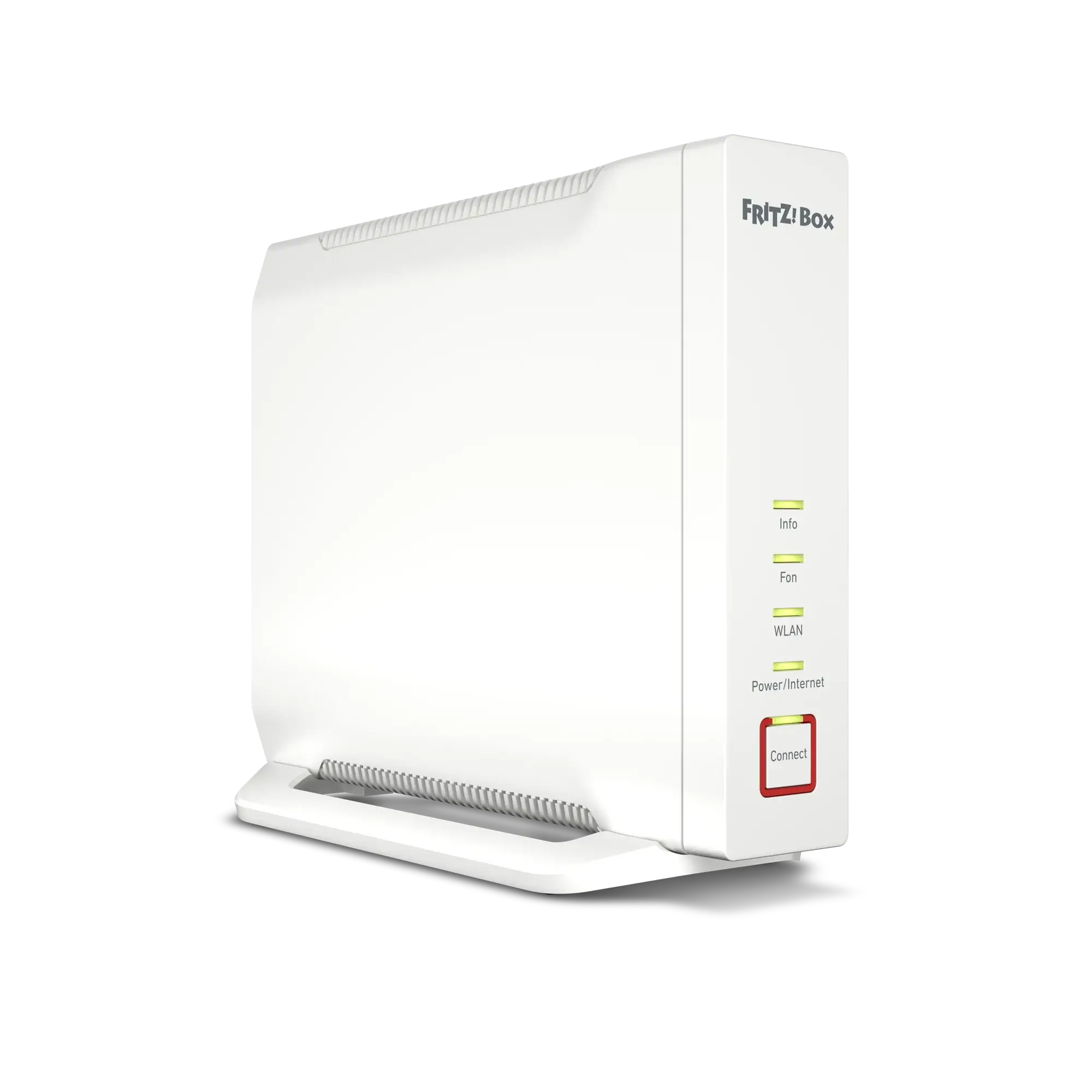
FRITZ!Box 4060
Download information:
Version: 8.24-130995
Date: 01/04/2026
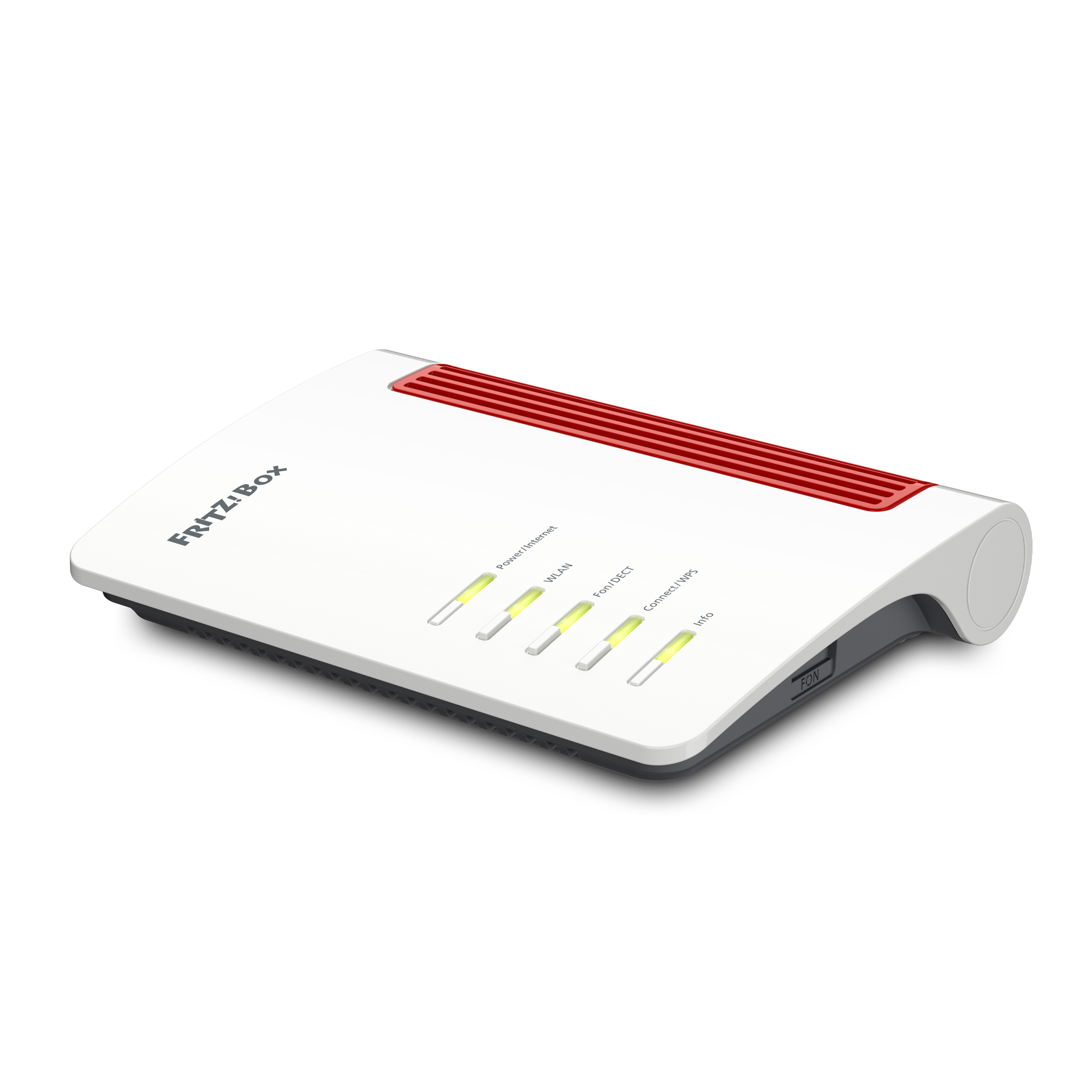
FRITZ!Box 4050
Download information:
Version: 8.24-130992
Date: 01/04/2026
By downloading and using the FRITZ! Lab, you agree to the terms of use for the FRITZ! Lab.
Please note: The privacy declaration for FRITZ! products and the use of FRITZ! Lab can be found here.
FRITZ!Box 5G/LTE

FRITZ!Box 6860 5G
Download information:
Version: 8.24-130264
Date: 13/03/2026

FRITZ!Box 6850 5G
Download information:
Version: 8.24-130256
Date: 13/03/2026

FRITZ!Box 6850 LTE
Download information:
Version: 8.24-130261
Date: 13/03/2026
By downloading and using the FRITZ! Lab, you agree to the terms of use for the FRITZ! Lab.
Please note: The privacy declaration for FRITZ! products and the use of FRITZ! Lab can be found here.
FRITZ!Repeater
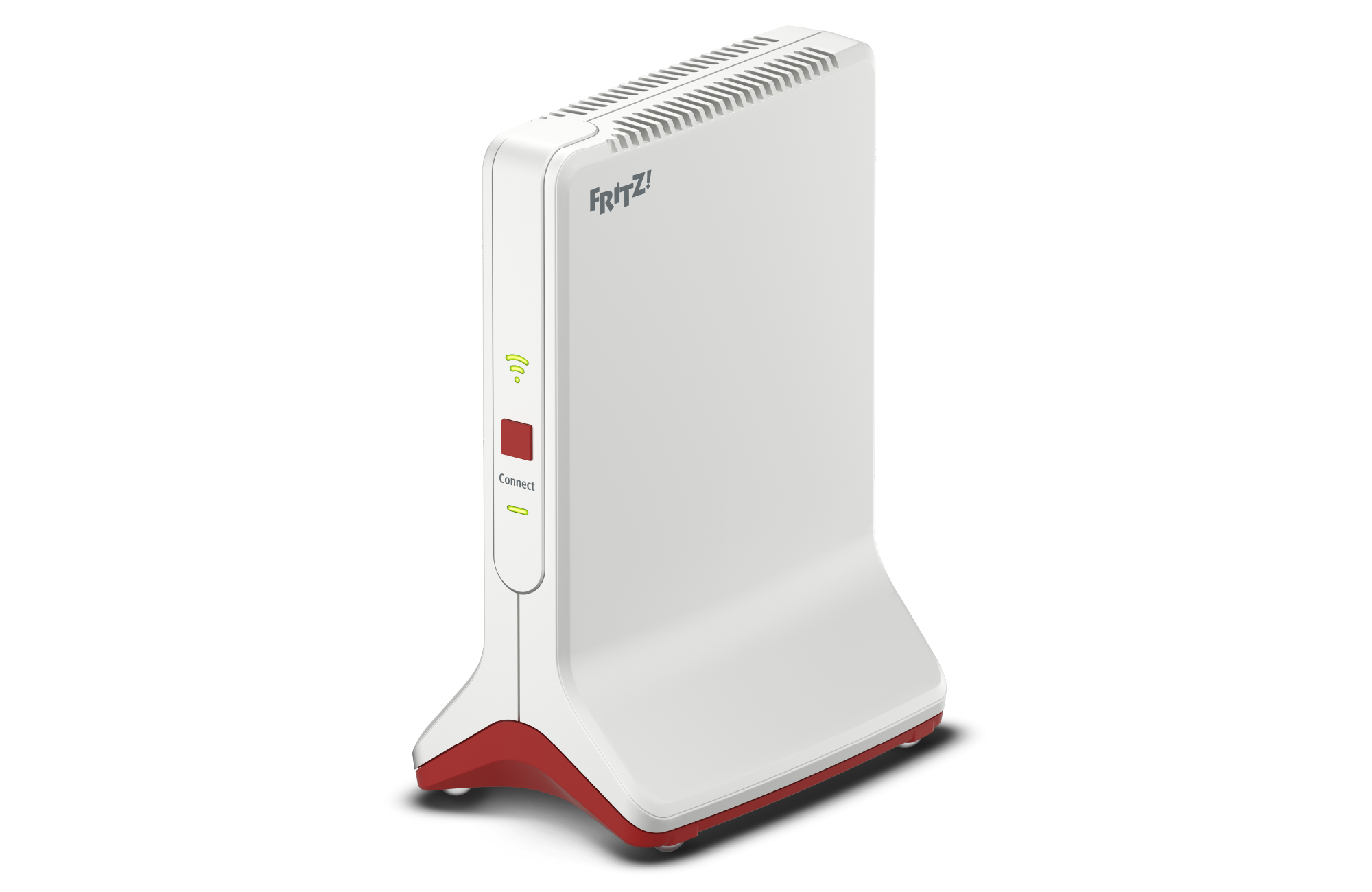
FRITZ!Repeater 6000
Download information:
Version: 8.24-130931
Date: 27/03/2026
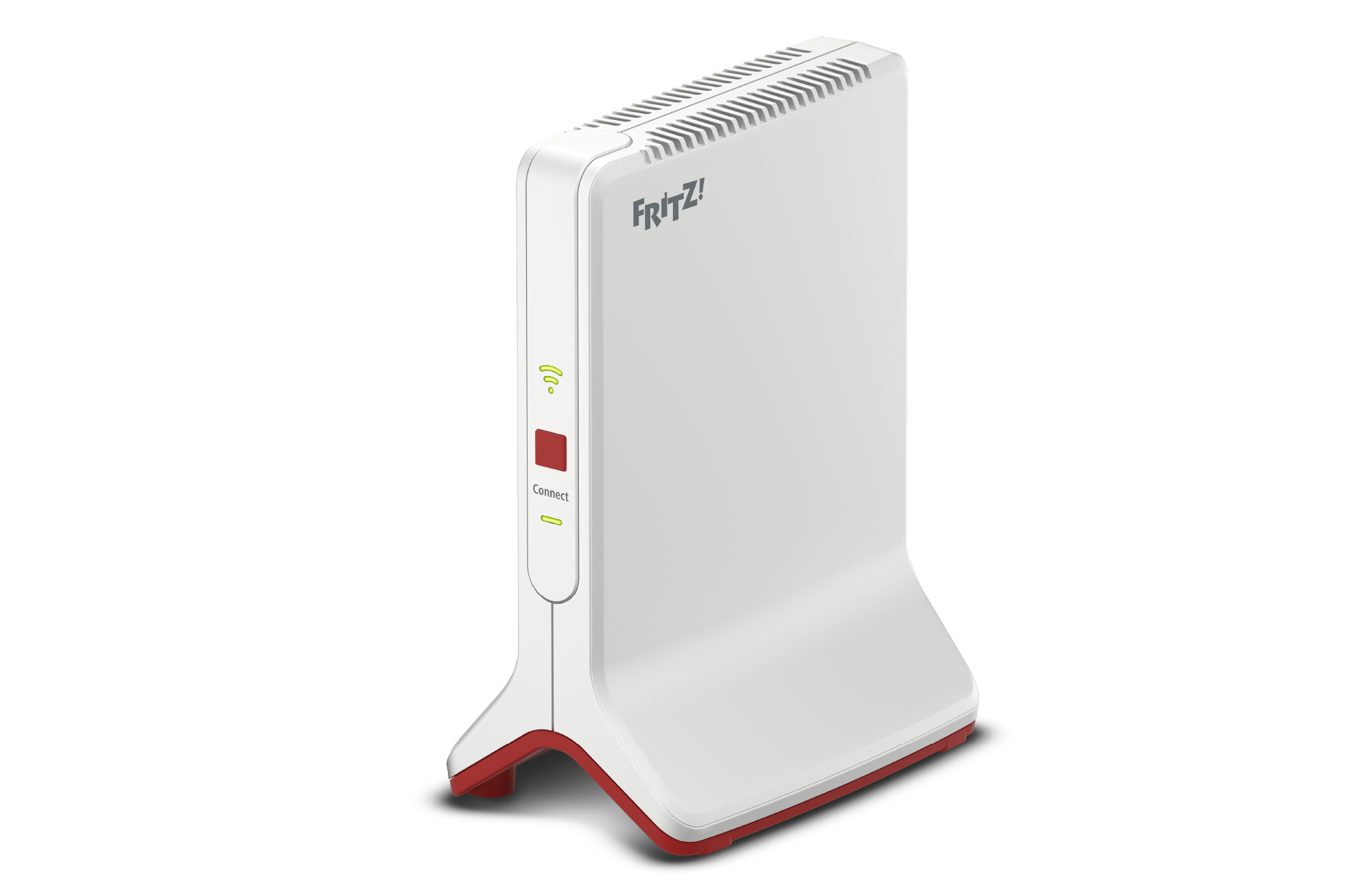
FRITZ!Repeater 3000 AX
Download information:
Version: 8.24-130933
Date: 27/03/2026
FRITZ!Repeater 3000
Download information:
Version: 8.24-130930
Date: 27/03/2026
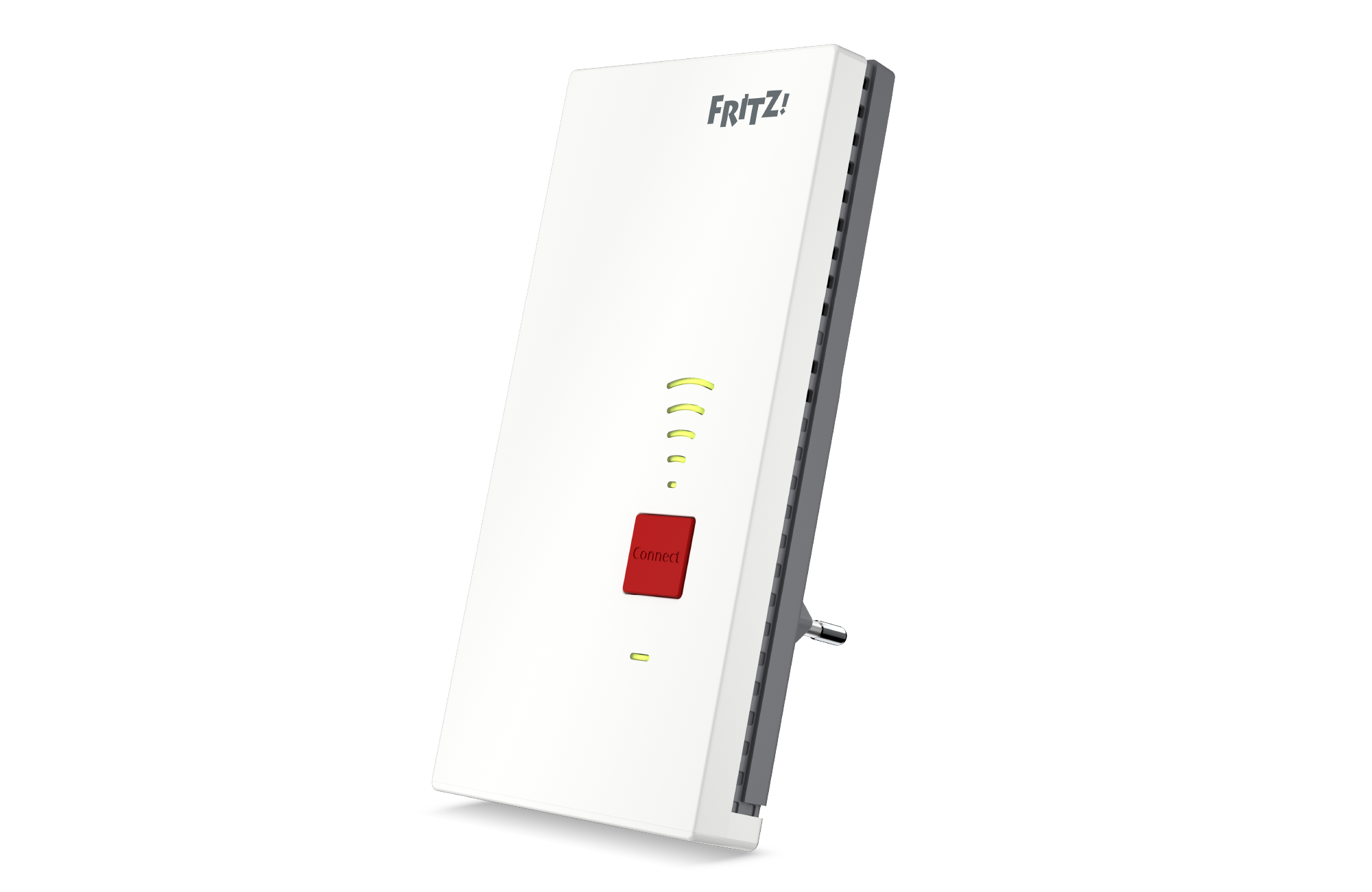
FRITZ!Repeater 2700
Download information:
Version: 8.24-131103
Date: 02/04/2026

FRITZ!Repeater 2400
Download information:
Version: 8.24-130928
Date: 27/03/2026
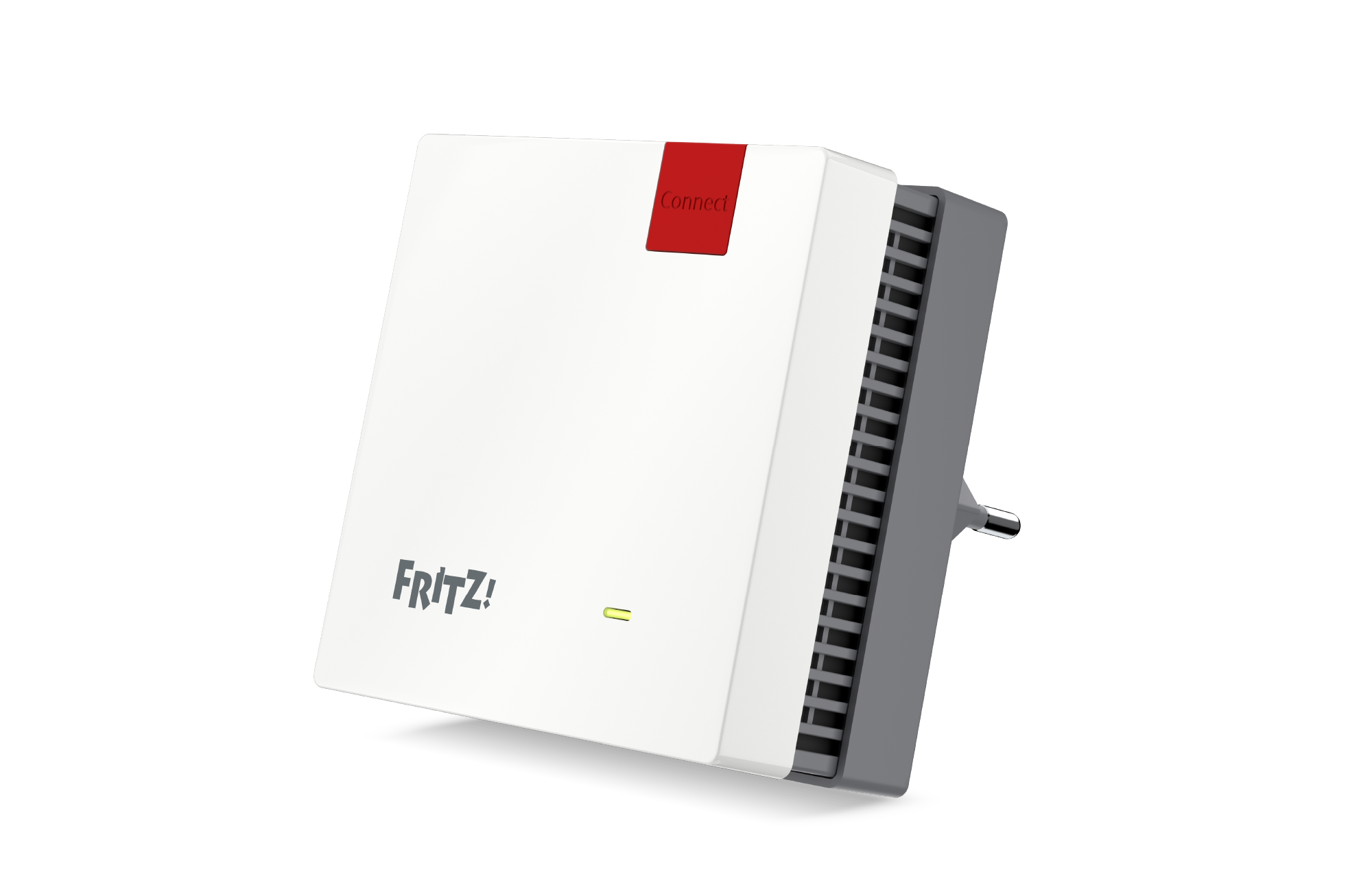
FRITZ!Repeater 1700
Download information:
Version: 8.24-131100
Date: 02/04/2026

FRITZ!Repeater 1610 Outdoor
Download information:
Version: 8.24-130935
Date: 27/03/2026
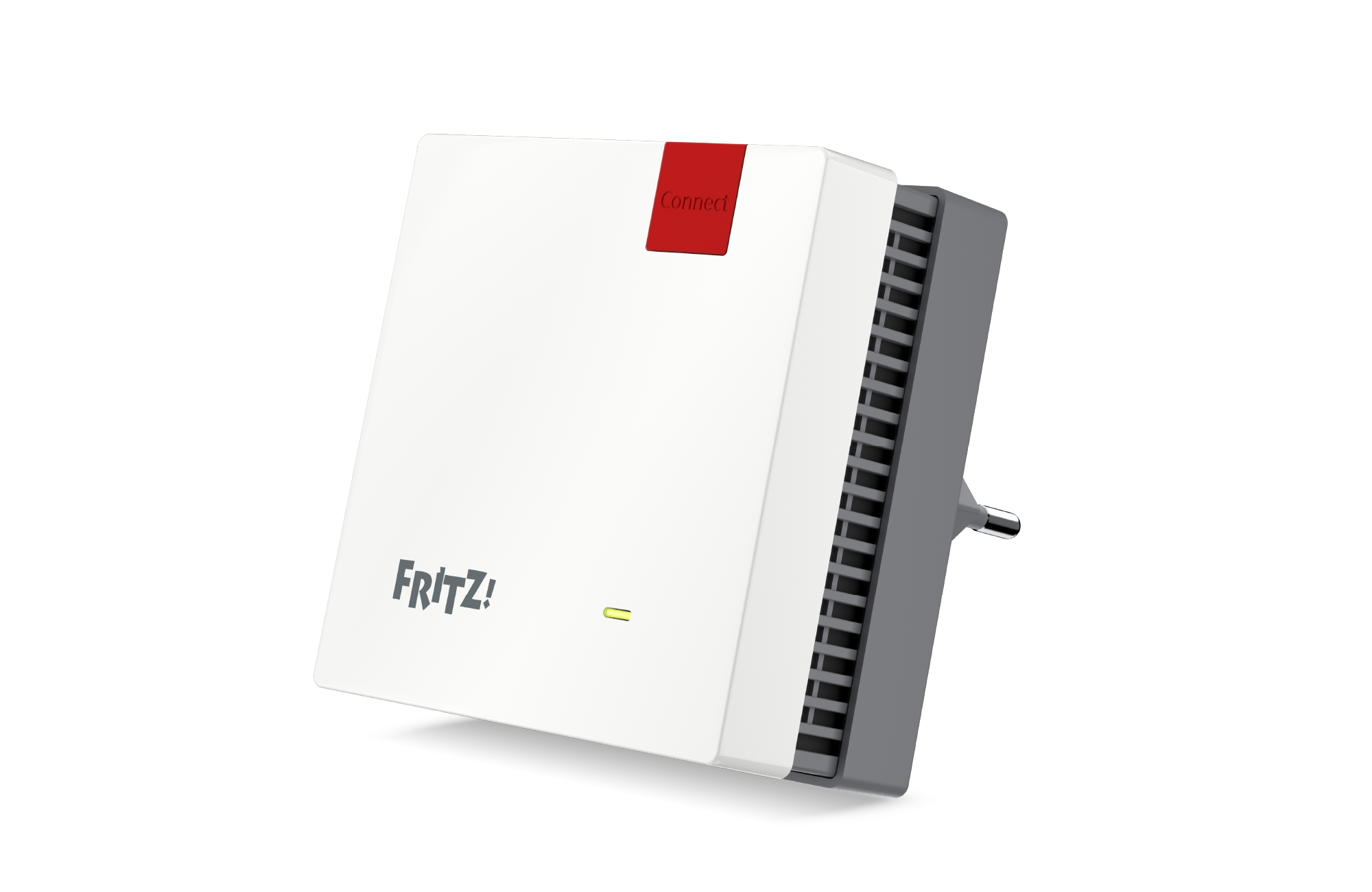
FRITZ!Repeater 1200 AX
Download information:
Version: 8.24-130932
Date: 27/03/2026

FRITZ!Repeater 1200
Download information:
Version: 8.24-130929
Date: 27/03/2026
By downloading and using the FRITZ! Lab, you agree to the terms of use for the FRITZ! Lab.
Please note: The privacy declaration for FRITZ! products and the use of FRITZ! Lab can be found here.
FRITZ!Mesh Set

FRITZ!Mesh Set 1600
Download information:
Version: 8.24-130934
Date: 27/03/2026
By downloading and using the FRITZ! Lab, you agree to the terms of use for the FRITZ! Lab.
Please note: The privacy declaration for FRITZ! products and the use of FRITZ! Lab can be found here.

