


Fresh from Development
This FRITZ! Lab contains new functions from our development department and offers a sneak preview of the upcoming FRITZ!OS 8.50: It serves as the basis for new functions in the MyFRITZ! App and prepares the FRITZ!Box for this app. The security architecture of FRITZ! products has also been further optimized. Switching to a new FRITZ!Box is easier, and there are new features for telephony.
In coming months the FRITZ! Lab will add additional features and improvements in many areas and be made available for additional FRITZ!Box models.
New features at a glance
- Overload switching for smart plugs: The FRITZ!Smart Energy 200 and 210 smart plugs can now be automatically turned off if a specified current limit is exceeded for a defined amount of time
- Routines with multiple triggers: Users can configure an if-this-then-that statement with multiple triggers for routines, allowing the routine to be initiated by various smart home devices
Telephony: Simple mode: SOS call for the configuration of up to four emergency contacts - Important contacts can now be assigned to quick-dial keys
- DNS queries from the home and guest network can be filtered using specified filter lists [more]
- New prioritization feature automatically ensures the best possible connection [more]
The ‘New / Improvements’ section has a complete list of all updates, improvements, and changes in this Lab.
Installation on the FRITZ!Box
You're not using the current FRITZ!OS in your FRITZ!Box yet? Then first update FRITZ!OS to the latest release version. Here we tell you how this works.
Once your FRITZ!Box has the latest FRITZ!OS installed you can start installation of the lab version.
- Read and confirm the information displayed.
- Click on ‘Download’ and save the file on your computer.
- Unpack the lab file (*.zip)
- Use the FRITZ!Box user interface to install the update:
- Select the ‘System / Update’ menu.
- Select the ‘FRITZ!OS file’ tab. Back up the settings of your FRITZ!Box.
- Select the lab version that matches your FRITZ!Box model (e.g. C:\Documents and Settings\Username\Desktop\FRITZ!Box-xxxxxx-Lab.image).
- Click on ‘Start Update’.
- Follow the instructions displayed on the screen.
During the update process the ‘Info’ LED on your FRITZ!Box will flash. The LED goes out once the update is complete. Please be patient, as this process may take several minutes. As soon as the update has been completed, the FRITZ!Box restarts and is then ready for operation.
Important
This FRITZ! Lab version is a beta. Please note the terms of use and the data protection statement for our products.
You can switch back to the official FRITZ!OS at any time under ‘System > Update > FRITZ!OS Version’.
Please also note the information about the use of lab versions in the infolab.txt. It is contained in the lab file (*.zip).
Here you'll find the download package for starting in the FRITZ! Lab. After the installation you'll receive updates via the automatic update function.
FRITZ!Box Fiber

FRITZ!Box 5690 Pro
Download information:
Version: 8.40-135019
Date: 31/07/2026

FRITZ!Box 5690 GPON
Download information:
Version: 8.40-135020
Date: 30/07/2026
With the download and use of the FRITZ! Lab you consent to the Terms of Use for the FRITZ! Lab.
Information: Here is the Data Protection Statement for FRITZ! Products and the use of the FRITZ! Lab.
FRITZ!Box DSL

FRITZ!Box 7690
Download information:
Version: 8.40-134972
Date: 30/07/2026
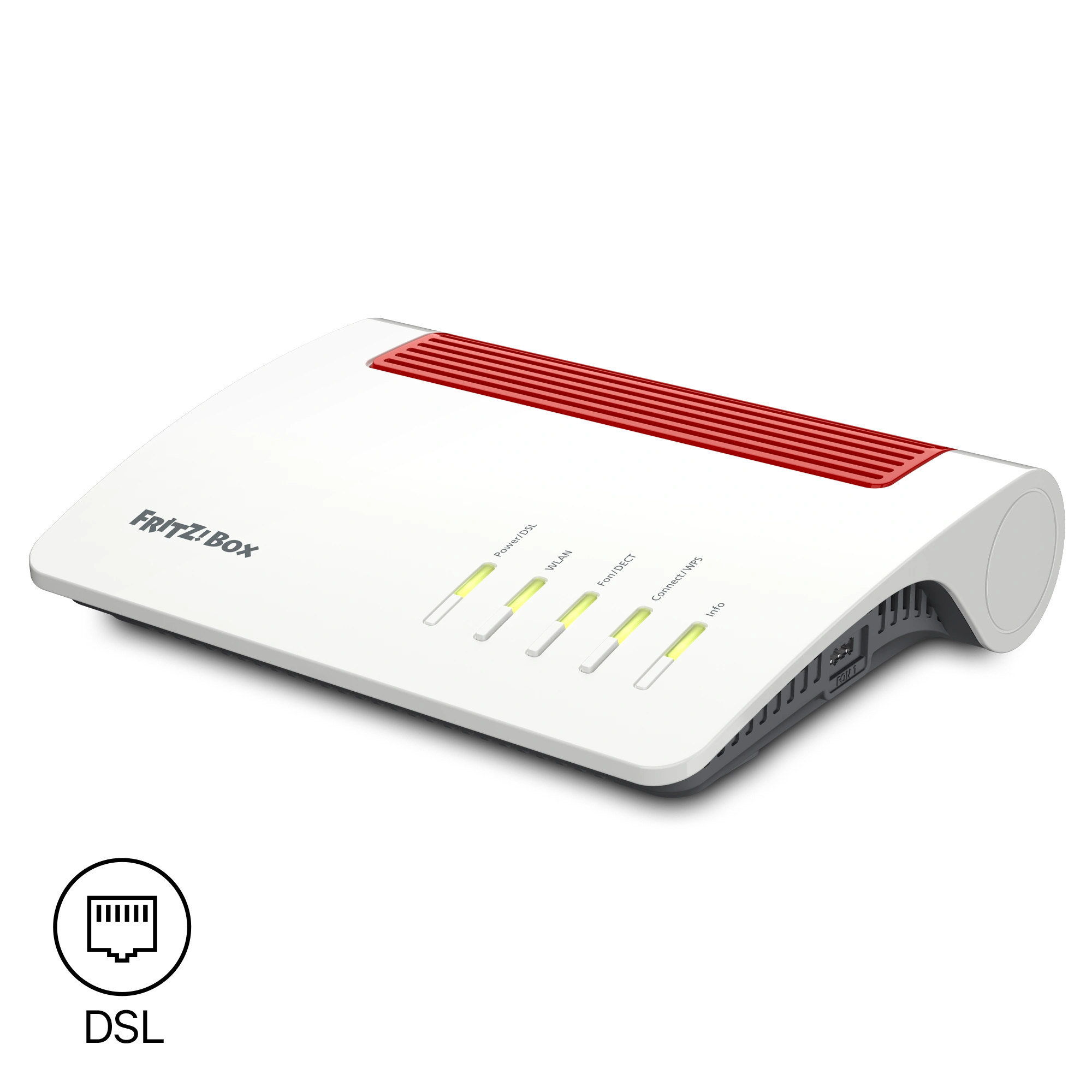
FRITZ!Box 7590 AX
Download information:
Version: 8.40-134899
Date: 30/07/2026
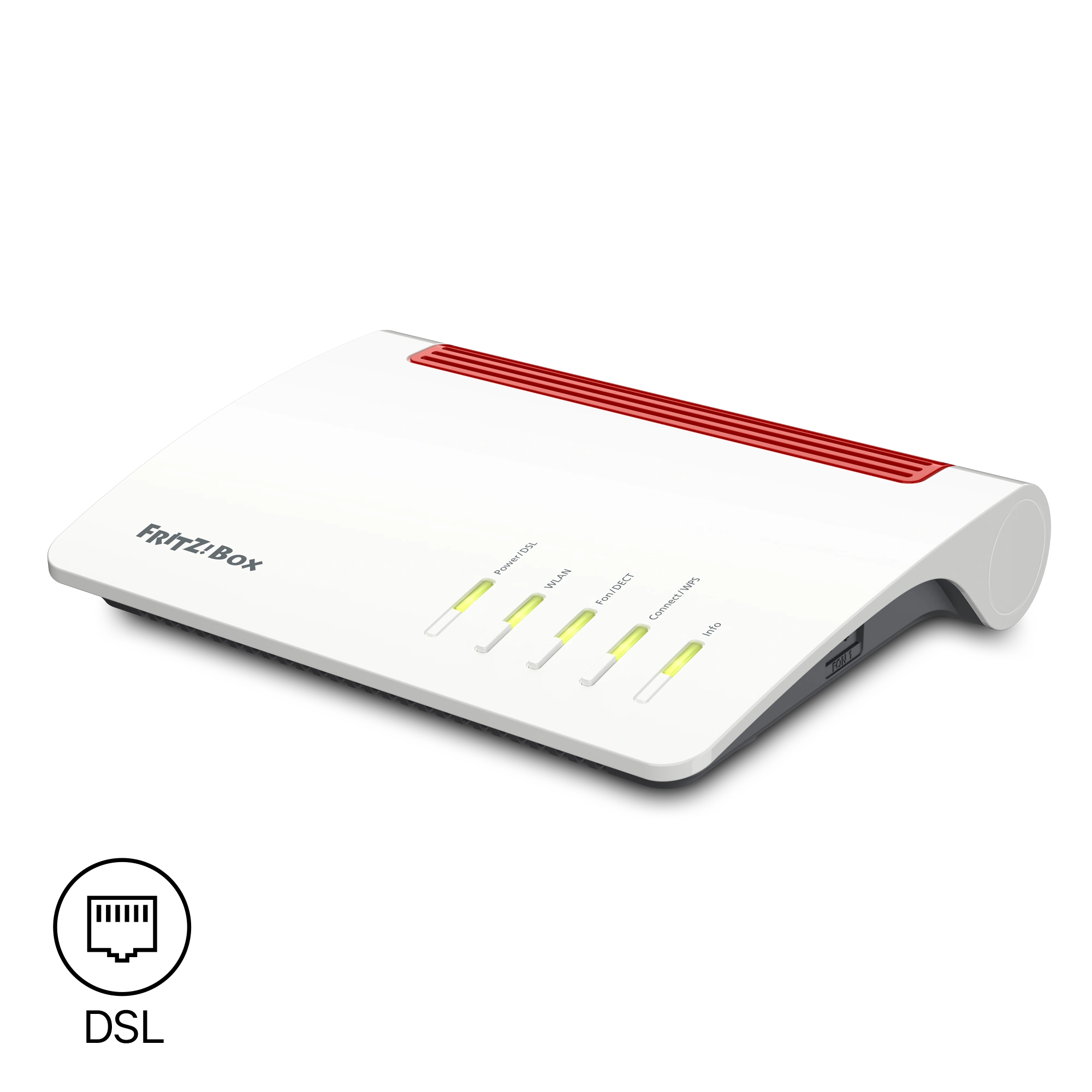
FRITZ!Box 7590
Download information:
Version: 8.40-134926
Date: 30/07/2026

FRITZ!Box 7530 AX
Download information:
Version: 8.40-134928
Date: 30/07/2026
With the download and use of the FRITZ! Lab you consent to the Terms of Use for the FRITZ! Lab.
Information: Here is the Data Protection Statement for FRITZ! Products and the use of the FRITZ! Lab.
FRITZ!Box Cable

FRITZ!Box 6690 Cable
Download information:
Version: 8.40-134929
Date: 29/07/2026
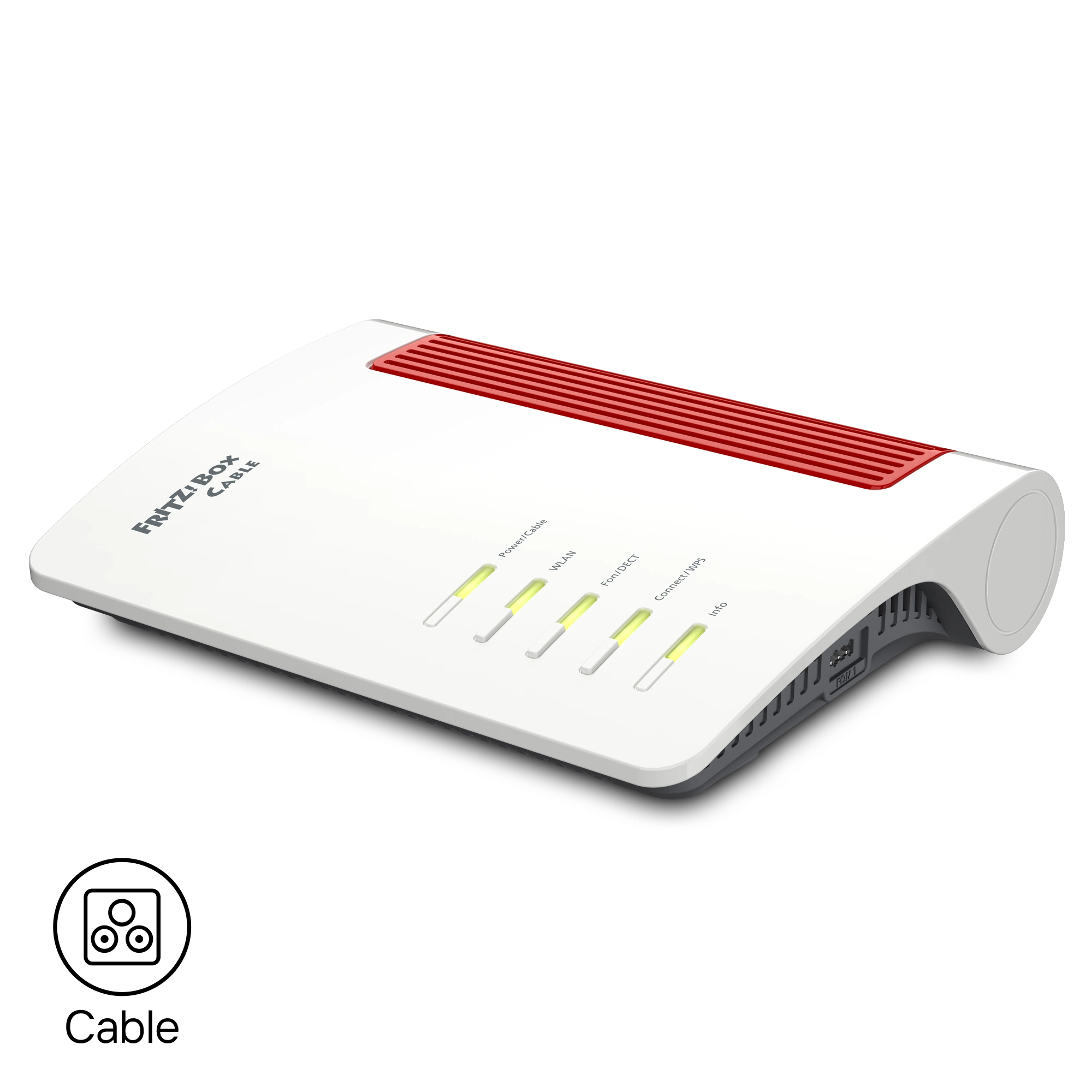
FRITZ!Box 6670 Cable
Download information:
Version: 8.40-134930
Date: 29/07/2026
Mit dem Download und der Verwendung des FRITZ! Labors stimmen Sie den Nutzungsbedingungen für das FRITZ! Labor zu.
Information: Hier finden Sie die Datenschutzerklärung für die FRITZ!-Produkte und die Verwendung des FRITZ! Labors.

