


Fresh from Development
This FRITZ! Lab contains new functions fresh from the Development team and gives a preview of upcoming FRITZ!OS features in the next major update. It also contains the latest developments in the areas of security and energy efficiency.
The FRITZ! Lab adds advanced control options to the home network, increases fallback protection for the internet connection, and optimizes the smart home.
New features at a glance
- New Online Monitor with expanded functions
- FRITZ! Fallback – Always online with the new fallback protection for your FRITZ!Box (more)
- Simplified operation of parental controls
- New upload sharing – Sharing files easier than ever
- More possibilities in the smart home
A complete list of all updates, improvements, and changes to the individual products appears at the end of this page.
Installation on the FRITZ!Box
You're not using the current FRITZ!OS in your FRITZ!Box yet? Then first update FRITZ!OS to the latest release version. Here we tell you how this works.
Once your FRITZ!Box has the latest FRITZ!OS installed you can start installation of the lab version.
- Read and confirm the information displayed.
- Click on ‘Download’ and save the file on your computer.
- Unpack the lab file (*.zip)
- Use the FRITZ!Box user interface to install the update:
- Select the ‘System / Update’ menu.
- Select the ‘FRITZ!OS file’ tab. Back up the settings of your FRITZ!Box.
- Select the lab version that matches your FRITZ!Box model (e.g. C:\Documents and Settings\Username\Desktop\FRITZ!Box-xxxxxx-Lab.image).
- Click on ‘Start Update’.
- Follow the instructions displayed on the screen.
During the update process the ‘Info’ LED on your FRITZ!Box will flash. The LED goes out once the update is complete. Please be patient, as this process may take several minutes. As soon as the update has been completed, the FRITZ!Box restarts and is then ready for operation.
Important
This FRITZ! Lab version is a beta. Please note the terms of use and the data protection statement for our products.
You can switch back to the official FRITZ!OS at any time under ‘System > Update > FRITZ!OS Version’.
Please also note the information about the use of lab versions in the infolab.txt. It is contained in the lab file (*.zip).
Your feedback
How do you rate the new functions?
Your opinion is important to us. Give us brief feedback on the FRITZ! Lab.
We hope you appreciate that we cannot respond to your feedback individually.
FRITZ!OS 8.24: Download for FRITZ! Lab
Here you'll find the download package for starting in the FRITZ! Lab. After the installation you'll receive updates via the automatic update function.
FRITZ!Repeater
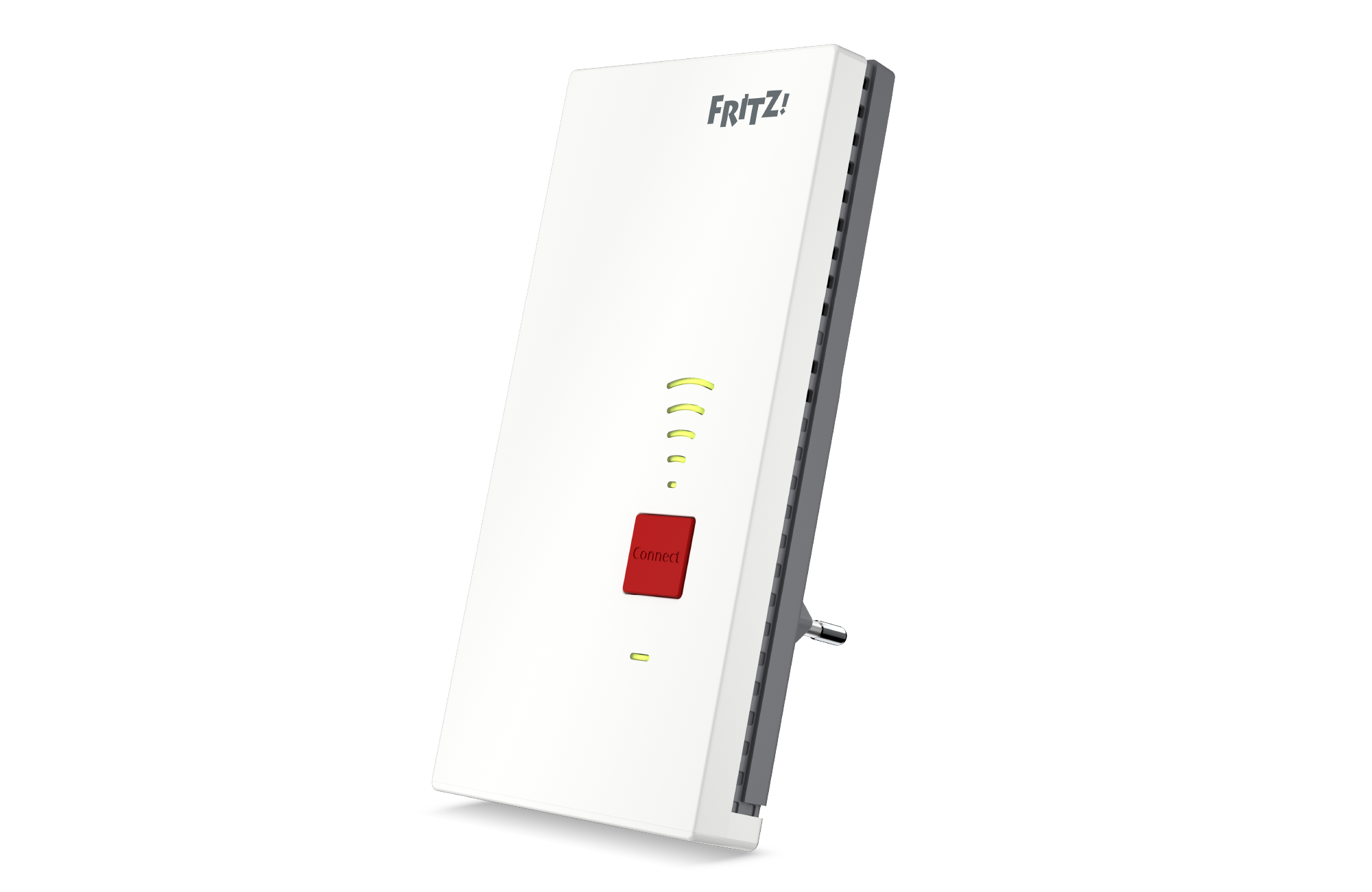
FRITZ!Repeater 2700
Download information:
Version: 8.24-135213
Date: 06/08/2026
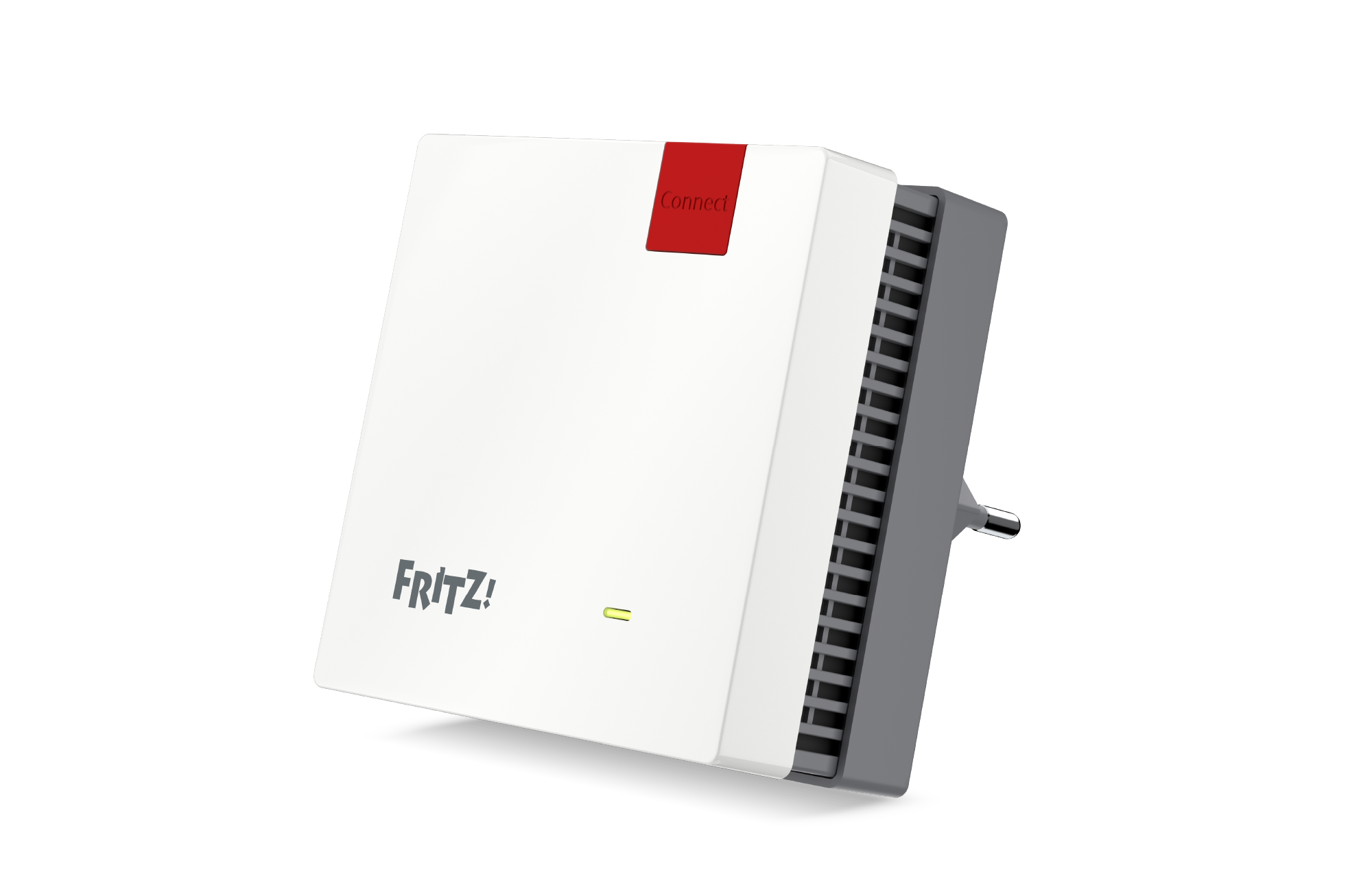
FRITZ!Repeater 1700
Download information:
Version: 8.24-135212
Date: 06/08/2026
With the download and use of the FRITZ! Lab you consent to the Terms of Use for the FRITZ! Lab.
Information: Here is the Data Protection Statement for FRITZ! Products and the use of the FRITZ! Lab.
Known issues
Issue:
The FRITZ!OS update fails with the message ‘An unspecified error occurred during the update. (5)“.
Solution:
The specified file is not an update file, but rather the fritzbox-*-lab*.zip file, for instance, which also contains the lab update file.
Unzip the downloaded ZIP archive before starting the update and select the update file for the lab from the unzipped files (FRITZ!Box-Labor-xxxx.image).
Detailed instructions for the lab update are presented under ‘Installation on the FRITZ!Box’ on the page from which you downloaded the lab package.
Issue:
Under some circumstances the use of MLO clients can make the Wi-Fi network unstable.
Solution:
To prevent this error, the option 'Optimize the security settings for Wi-Fi access for increased compatibility with older wireless devices' must be enabled in FRITZ!OS.
Issue:
In some cases the user interface may display an empty page. A fix will be available soon.
Solution:
Reload the page with CTRL + F5.
Innovations and improvements in FRITZ!OS 8.24
Detailed information on individual products in the FRITZ! Lab
Product:

