DSL, mobile, cable and fibre optics: FRITZ!Box runs on every connection. But what are the differences between the individual connection types? Check out this guide article for a general overview of fibre optic connections.
Fiber optics: what is it and how does it work?
Fiber optic cables transmit data using short pulses of infrared light. Optical data transmission is thus robust against electrical and magnetic interference. This ensures great range and high speeds in the gigabit range. A DSL connection, on the other hand, uses conventional phone cables, with transmission occurring electronically. Nowadays, the phone cable is mostly used only for the last few metres between the provider's network and the customer. However, it's worth keeping in mind that the maximum achievable speeds decrease with every metre of copper cable.
Gigabit speeds? Broadband connections like cable and G.Fast can achieve these as well. Something to think about: The next generation of speed levels will be easier to achieve with fiber optics – even without extensive changes to infrastructure or to the user's fiber optic socket at home.
Fiber optic speed: Gigabit and more
What fiber optic speeds can be achieved? A typical fiber optic connection reaches up to 1 Gbit/s. 10 Gbit/s are already technically possible – optionally symmetrical in both directions.
The landline future for high-speed internet therefore belongs to fiber optics.
FTT what? The final stretch for fiber optics
Did you know that fiber optic cables are also used in the background for DSL connections? The data reaches the grey cabinet on the side of the road via fiber optics. Three abbreviations are used to describe how the signal proceeds from there to the individual connections.
FTTC
Fiber to the Curb:
The fiber optic cable extends from the internet provider's data centre to the roadside cabinet. From here a standard phone line is used to deliver the connectivity.
FTTB
Fiber to the Building:
The fiber optic cable reaches the building. The final connection to the individual living space is made via existing phone or network cables.
FTTH
Fiber to the Home:
Transmission takes place completely via fiber – all the way to the connection socket in the home.
It only counts as a full fiber optic connection if the fiber optic cable extends directly into the home. The FTTH expansion stage is therefore the goal.
Fiber optic expansion: Cost-effective together
Fibre optic expansion is taking place step by step; in many cases construction work is necessary, as the fibre optic cables need to be routed into the home. This can lead to high costs. Network operators therefore usually connect several houses or streets to the fibre optic network at once to keep costs as low as possible.
Good to know: demand is often bundled before the actual expansion work starts. Taking part can be worthwhile, with the high-speed internet connection of the future available at special rates.
Not all types of fiber optic are the same.
What does the fibre optic connection in the home look like? The short answer: On a wall in the flat or in the basement there is a small phone jack where the fibre optic internet arrives. This is where you can connect your fibre optic FRITZ!Box and get your internet set up.
In practice, however, the answer is somewhat more extensive, as behind the socket there are different standards for fibre optic connections; for example active and passive. There are also various fibre termination units and sockets for fibre optic cables. Some fibre optic connections use the home's network or phone cabling without direct access to fibre optics. In this case a FRITZ!Box with WAN functionality can be used, for instance the FRITZ!Box 7690. In practice it's not always clear which connection type is hidden behind the socket. In these cases it helps to ask the provider for more detailed information.
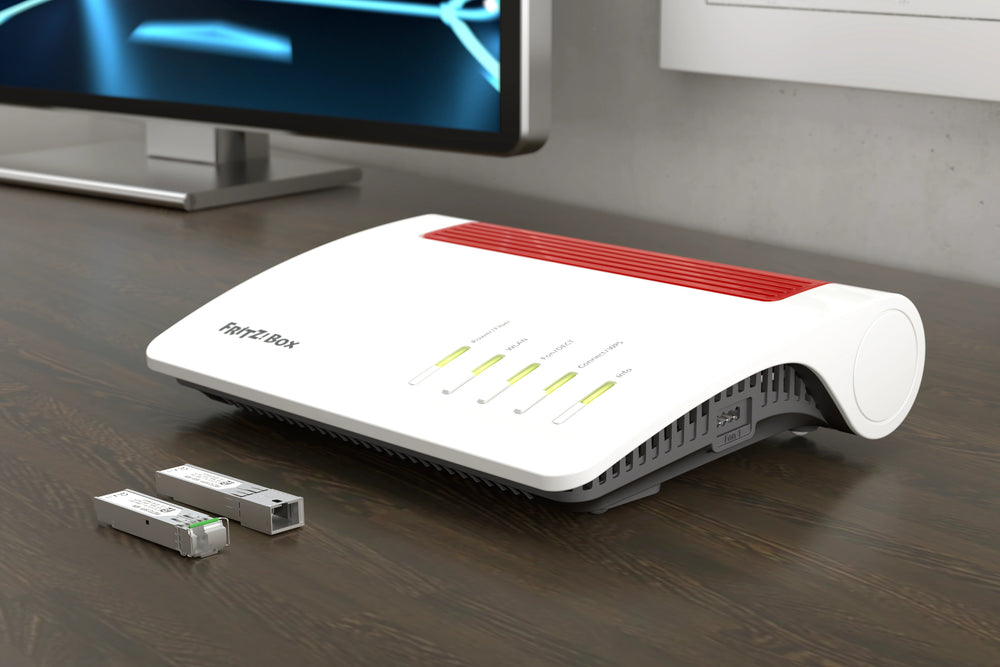
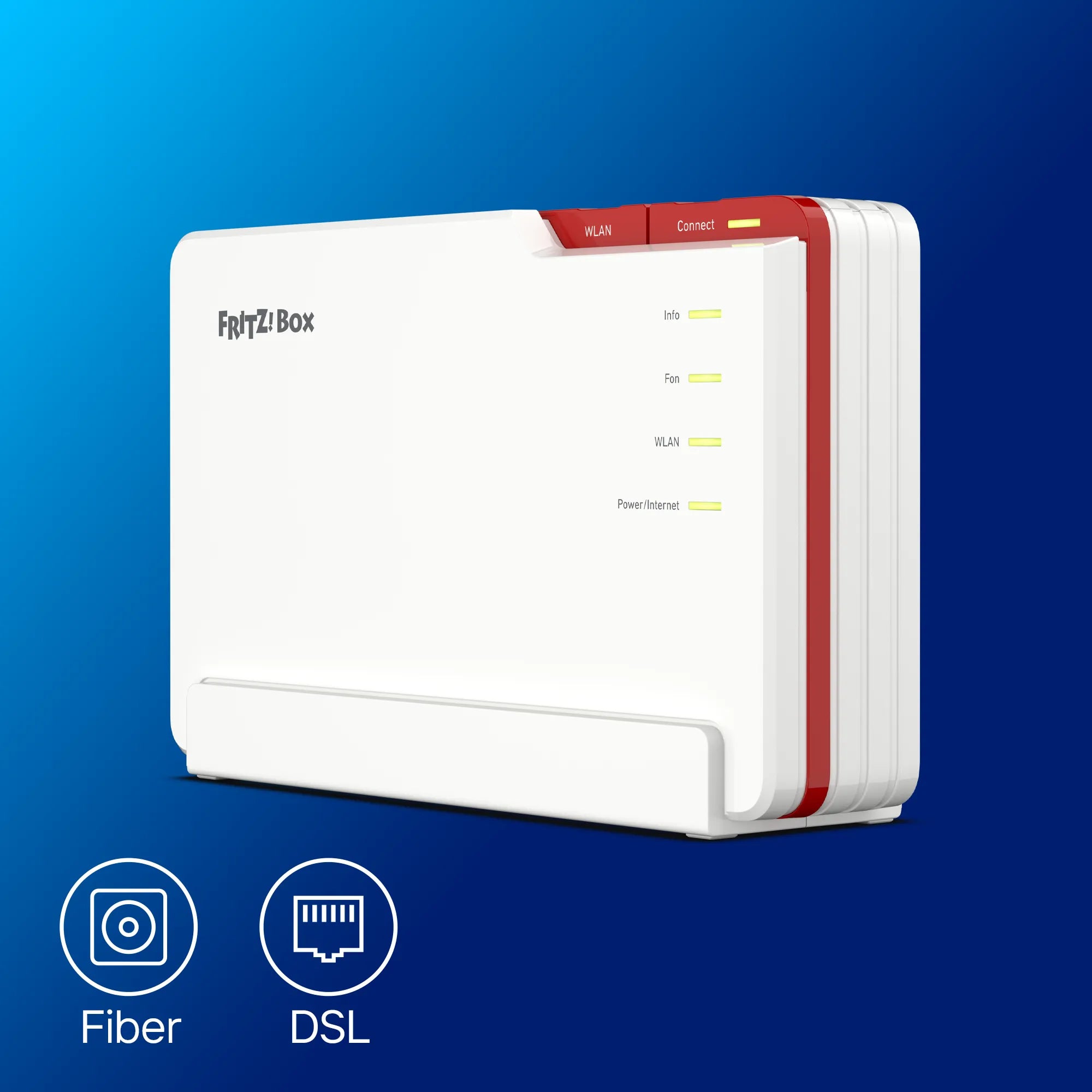
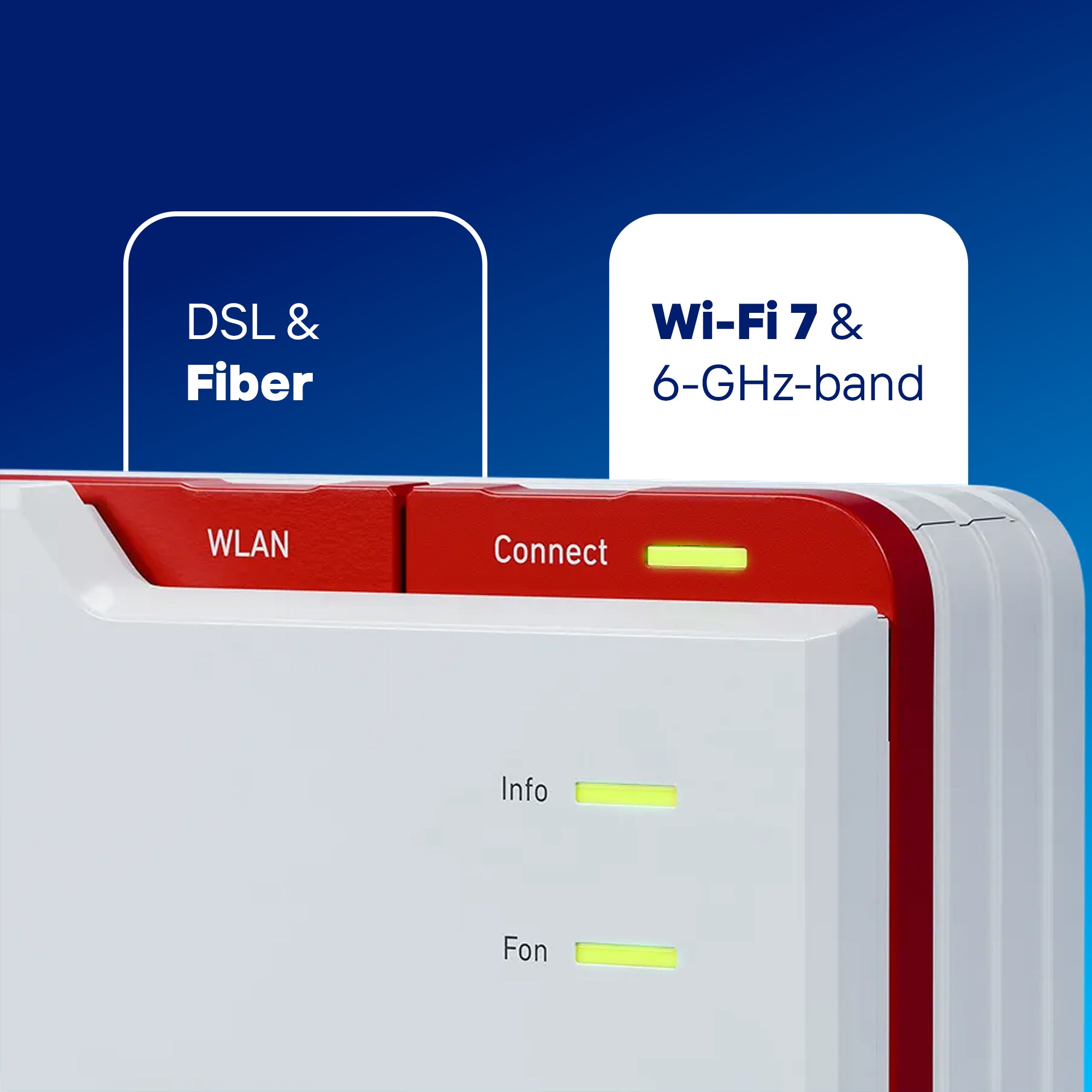
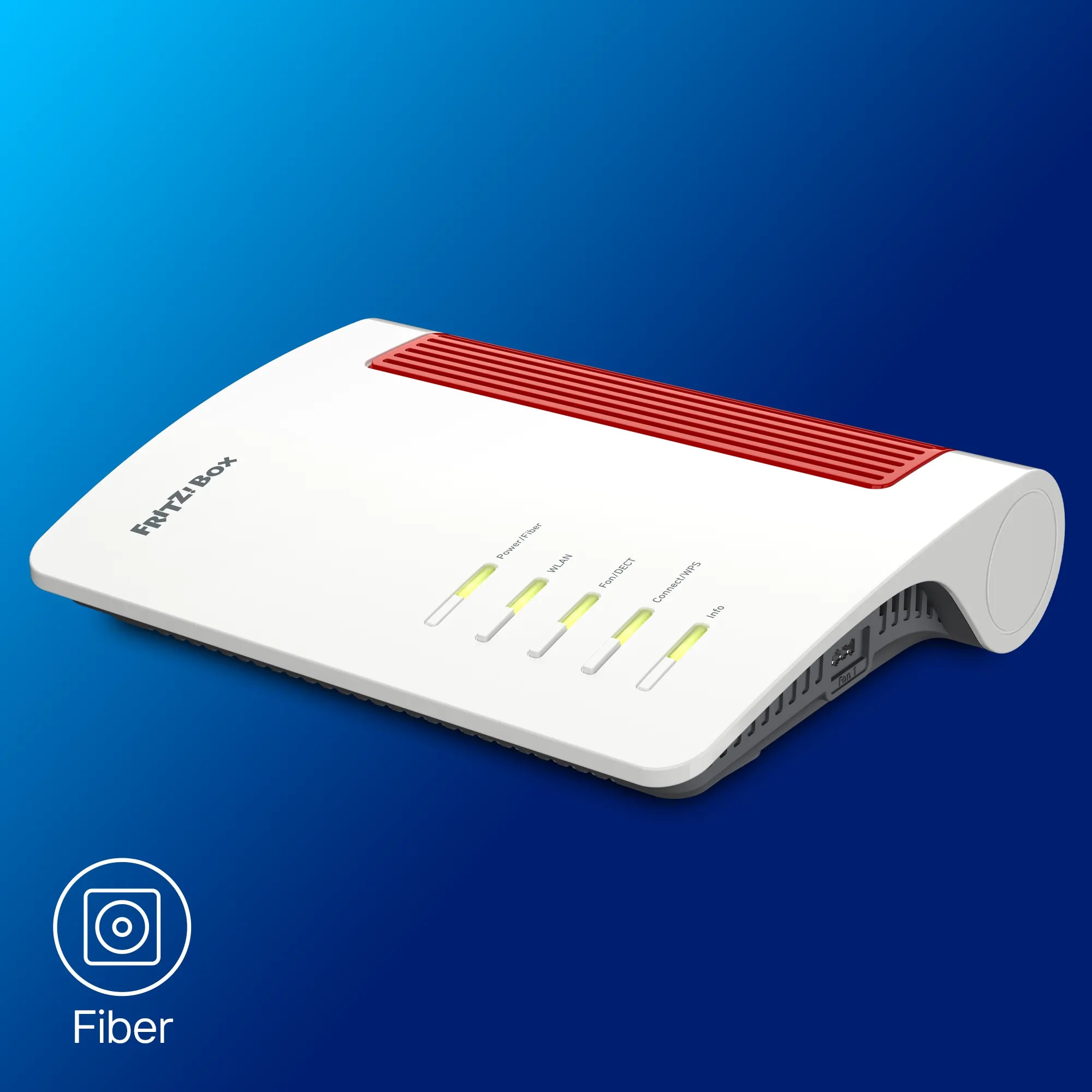
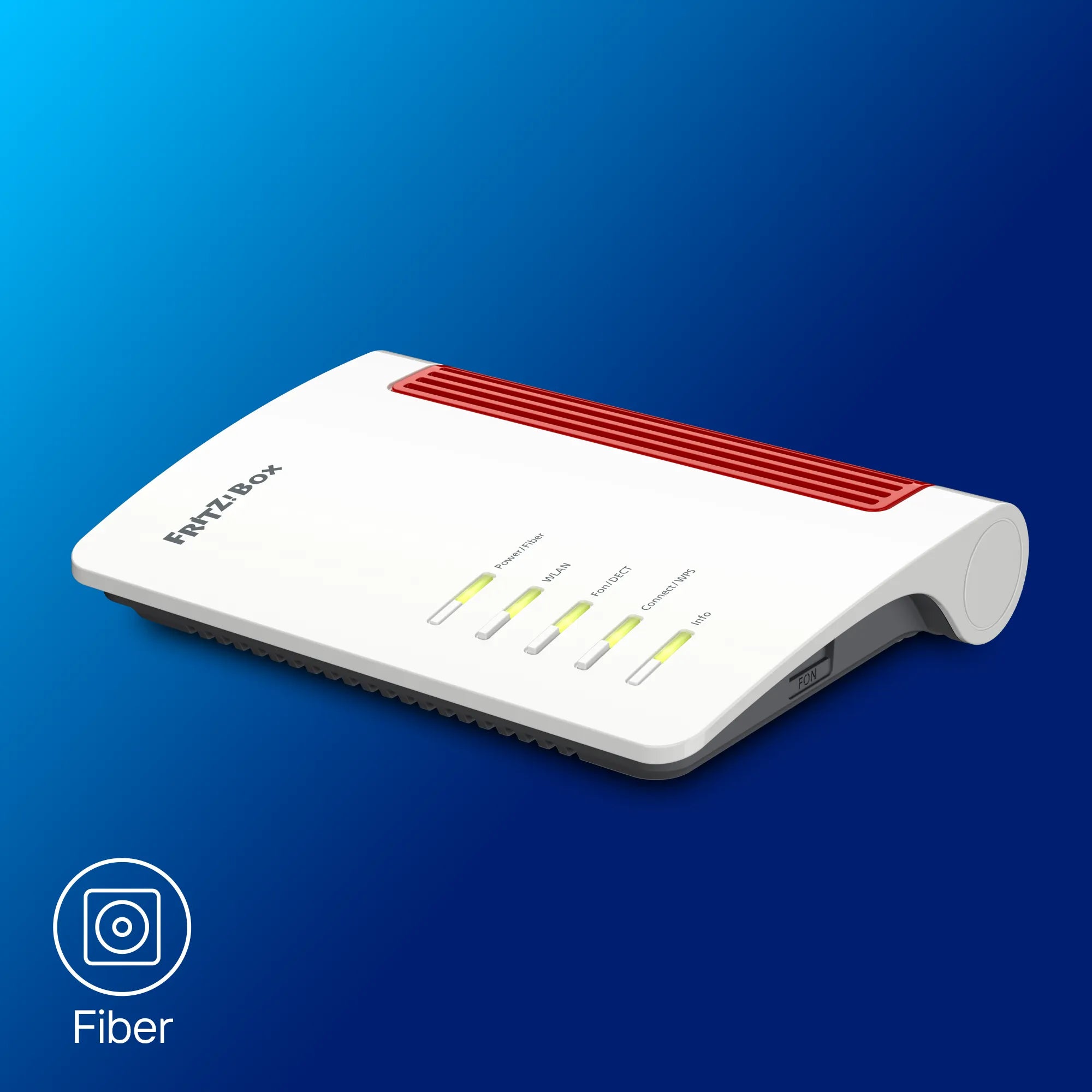
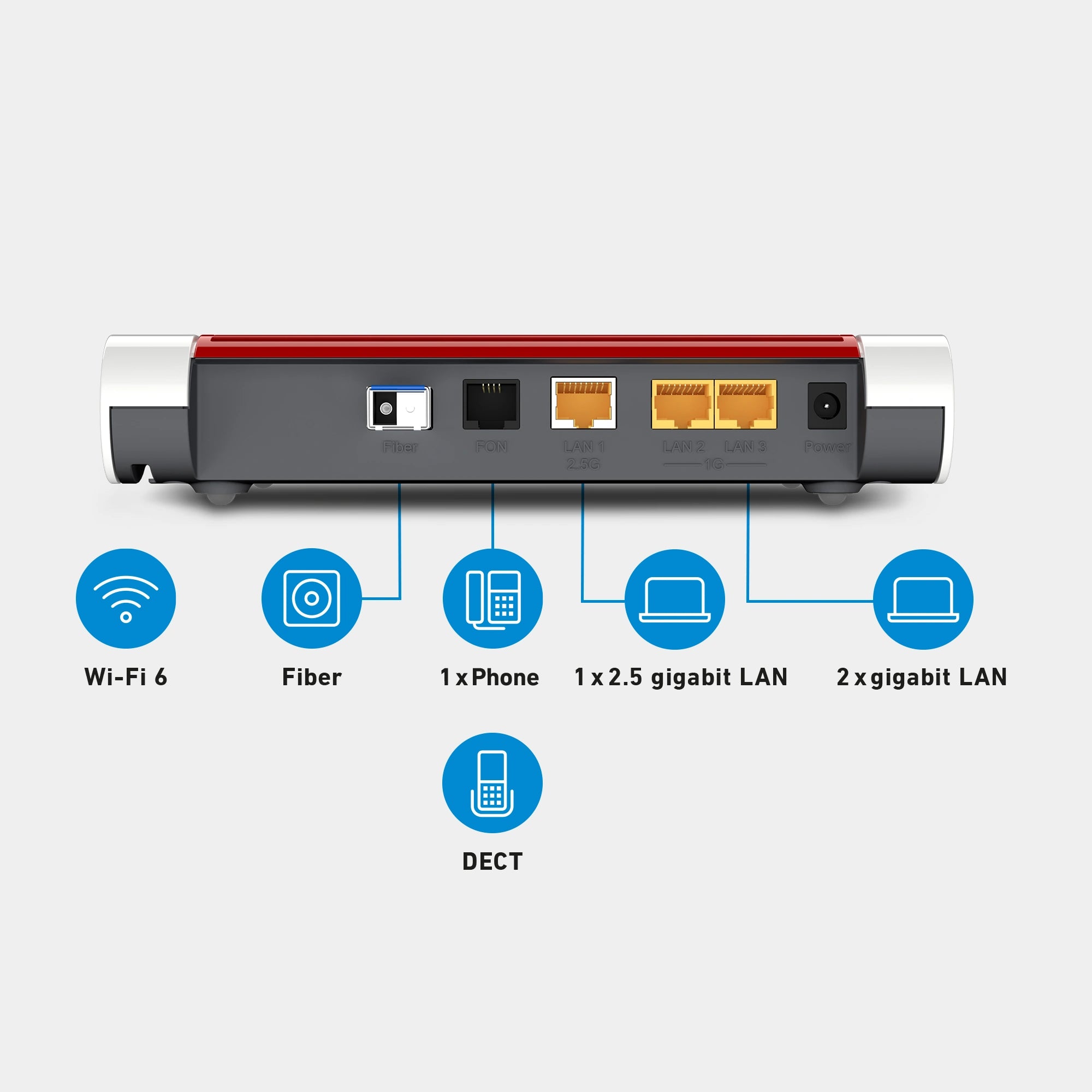
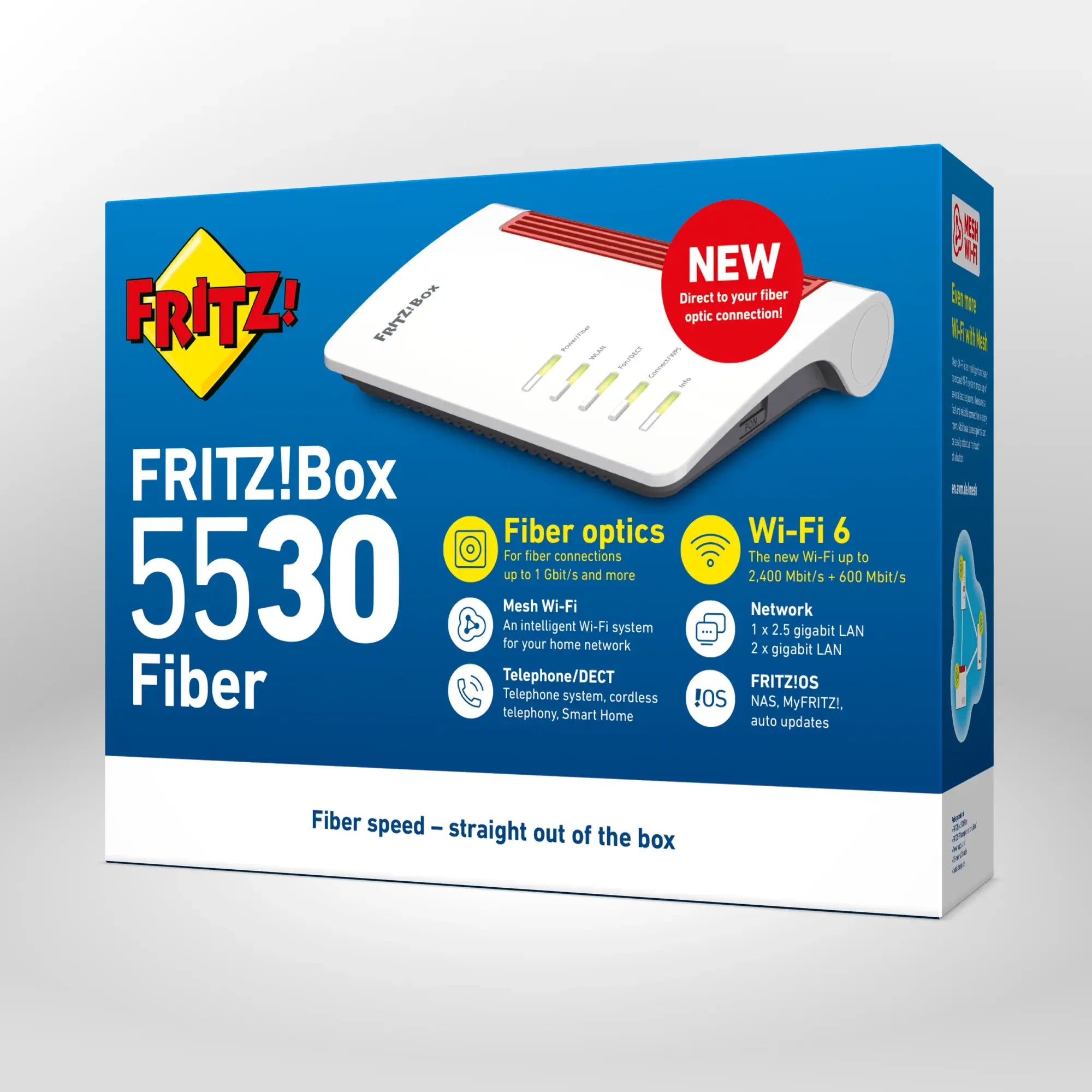
Developed exclusively for fibre optics, the FRITZ!Box 5590 Fiber and FRITZ!Box 5530 Fiber support all important fibre optic standards and connections. This is ensured by two Small Form-Factor Pluggable (SFP) modules, which are designed for the different connection types. If you connect your FRITZ!Box at home, it will automatically recognize whether the correct module is inserted. The FRITZ!Box 5690 Pro is perfect for switching to fibre optics: Surf with DSL now and change to high-speed fibre optics later – the FRITZ!Box 5690 Pro can do both.
Important standards for fiber optic connections at a glance
AON:
The abbreviation AON (Active Optical Network) refers to active fiber-optic connections in which each connection receives its own fiber optic link to the internet provider's network.
Devices for this kind of connection: FRITZ!Box 5690 Pro, 5590 and 5530 Fiber
GPON:
In the case of GPON (Gigabit Passive Optical Network) connections, multiple connections share one fiber optic connection – thanks to the high fiber optic speeds, high bandwidths are still available for each individual connection.
Devices for this kind of connection: FRITZ!Box 5690 Pro, 5590 and 5530 Fiber
XGS-PON:
XGS-PON (10 Gigabit Symmetric Passive Optical Network) accelerates data transmission in GPON infrastructures to speeds of up to 10 Gbit/s, optionally in both the send and receive directions.
Devices for this kind of connection: FRITZ!Box 5590 and 5530 Fiber
In a separate guide article we explain the technical differences between AON and PON fiber optic connections in more detail.
FRITZ!Box: the right choice for fiber optic connections
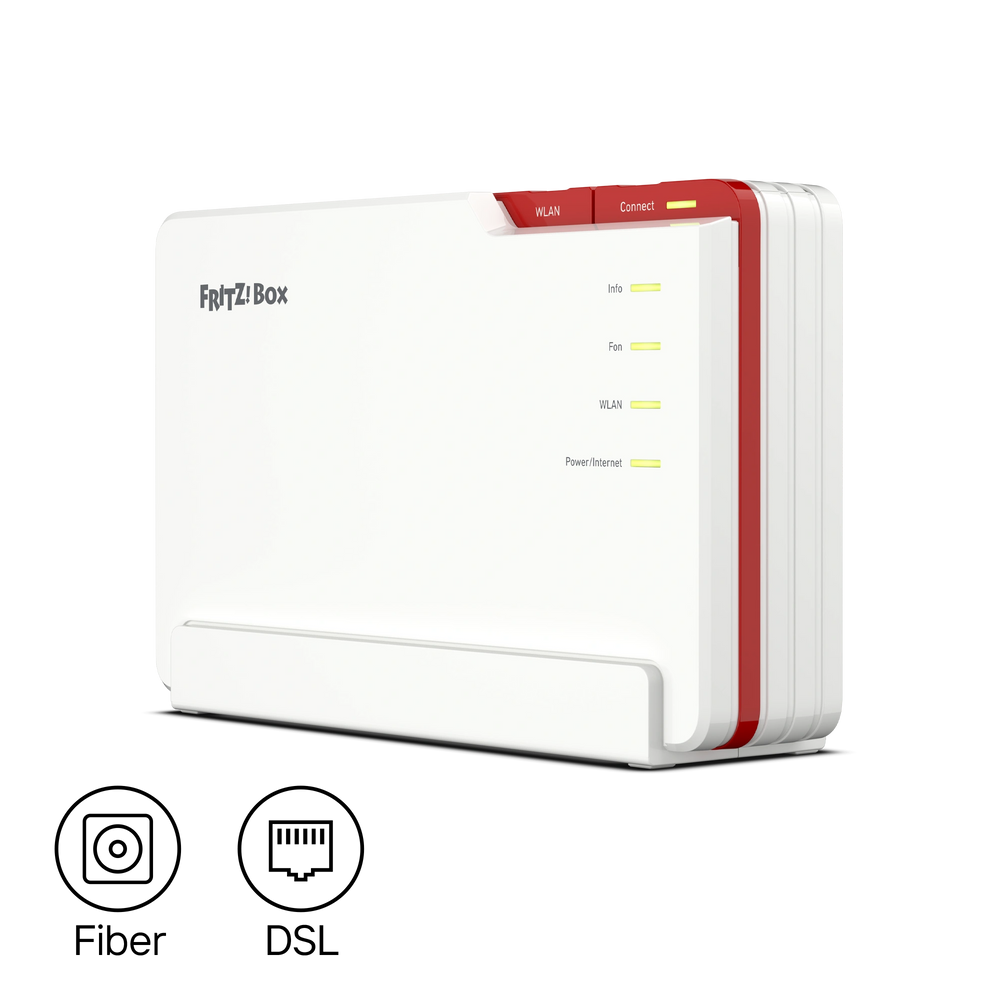
The FRITZ!Box 5690 Pro, FRITZ!Box 5590 Fiber, and FRITZ!Box 5530 Fiber are ideal for your fiber optic connection. Direct fiber access is perfect for smooth operation: standards and open interfaces guarantee that a fiber optic router such as the FRITZ!Box 5590 Fiber knows all the parameters of the connection and delivers optimum performance.


FRITZ!Box für Glasfaser

334.99€

280.99€

215.99€