


Fresh from Development
This FRITZ! Lab offers a first look at the upcoming FRITZ!OS 8.50 and invites you to test new functions and provide feedback before its release. This Lab version lays the foundation for new MyFRITZ!App functions and optimizes the security architecture of FRITZ! devices, which is already the best in the industry. In addition, switching to a new FRITZ!Box will be easier, and there are innovations for smart home, parental controls, and telephony features as well as improved everyday convenience. Additional FRITZ!Box models will be included in the coming months, and additional functions added – among them the FRITZ!Box 5690 Pro with Matter Bridge functionality for more smart home options.
New features at a glance
- Overload switching for the FRITZ!Smart Energy 200 and 210 smart plugs.
- Smart home routines now support multiple triggers
- New ‘Simple Mode’ for the FRITZ!Fon brings simplified operation and an SOS call
- DNS queries from the home and guest networks can be filtered using specified filter lists [more]
- New prioritization feature automatically ensures the best possible connection [more]
- Smart Check shows the current status of the FRITZ!Box in the MyFRITZ!App and outputs notifications and recommendations [more]
The ‘New / Improvements’ section has a complete list of all updates, improvements, and changes in this Lab.
Installation on the FRITZ!Box
You're not using the current FRITZ!OS in your FRITZ!Box yet? Then first update FRITZ!OS to the latest release version. Here we tell you how this works.
Once your FRITZ!Box has the latest FRITZ!OS installed you can start installation of the lab version.
- Read and confirm the information displayed.
- Click on ‘Download’ and save the file on your computer.
- Unpack the lab file (*.zip)
- Use the FRITZ!Box user interface to install the update:
- Select the ‘System / Update’ menu.
- Select the ‘FRITZ!OS file’ tab. Back up the settings of your FRITZ!Box.
- Select the lab version that matches your FRITZ!Box model (e.g. C:\Documents and Settings\Username\Desktop\FRITZ!Box-xxxxxx-Lab.image).
- Click on ‘Start Update’.
- Follow the instructions displayed on the screen.
During the update process the ‘Info’ LED on your FRITZ!Box will flash. The LED goes out once the update is complete. Please be patient, as this process may take several minutes. As soon as the update has been completed, the FRITZ!Box restarts and is then ready for operation.
Important
This FRITZ! Lab version is a beta. Please note the terms of use and the data protection statement for our products.
You can switch back to the official FRITZ!OS at any time under ‘System > Update > FRITZ!OS Version’.
Please also note the information about the use of lab versions in the infolab.txt. It is contained in the lab file (*.zip).
Here you'll find the download package for starting in the FRITZ! Lab. After the installation you'll receive updates via the automatic update function.
FRITZ!Box Fiber

FRITZ!Box 5690 Pro
8.40-137567
2026-10-15

FRITZ!Box 5690 XGS
8.40-137432
2026-10-15

FRITZ!Box 5590 Fiber
8.40-137427
2026-10-15
With the download and use of the FRITZ! Lab you consent to the Terms of Use for the FRITZ! Lab.
Information: Here is the Data Protection Statement for FRITZ! Products and the use of the FRITZ! Lab.
FRITZ!Box DSL
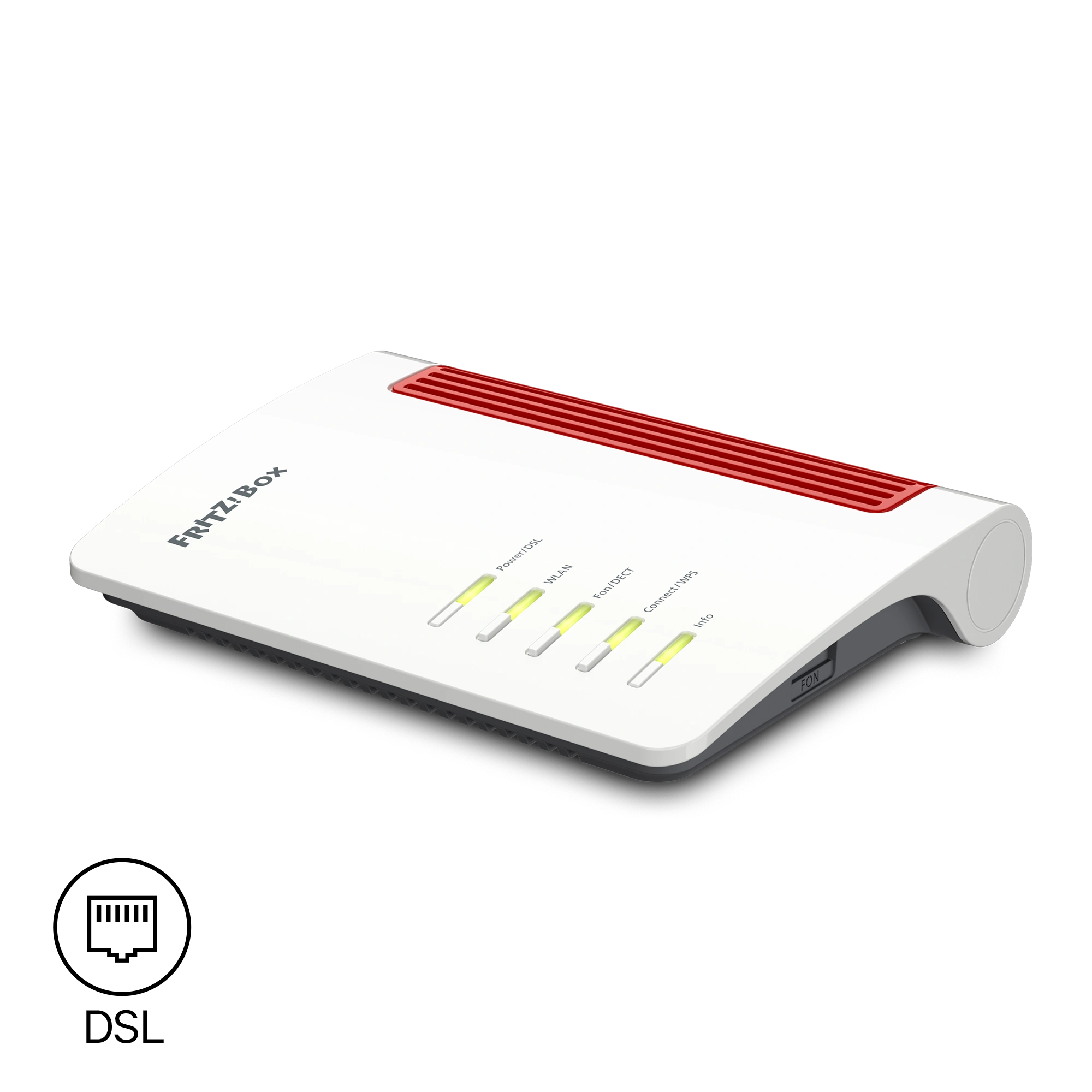
FRITZ!Box 7630
8.40-136804
2026-09-23
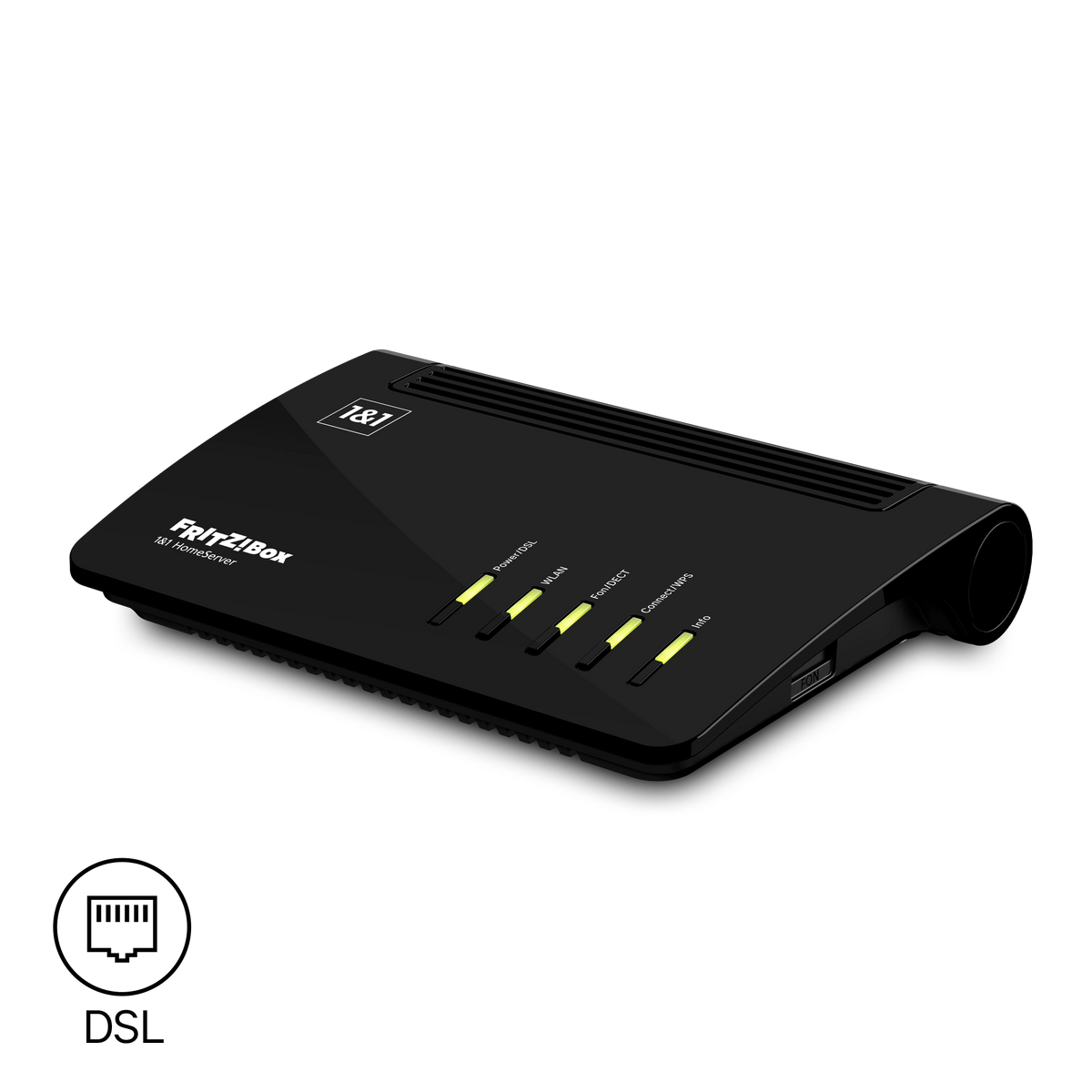
FRITZ!Box 7620
8.40-137569
2026-10-16
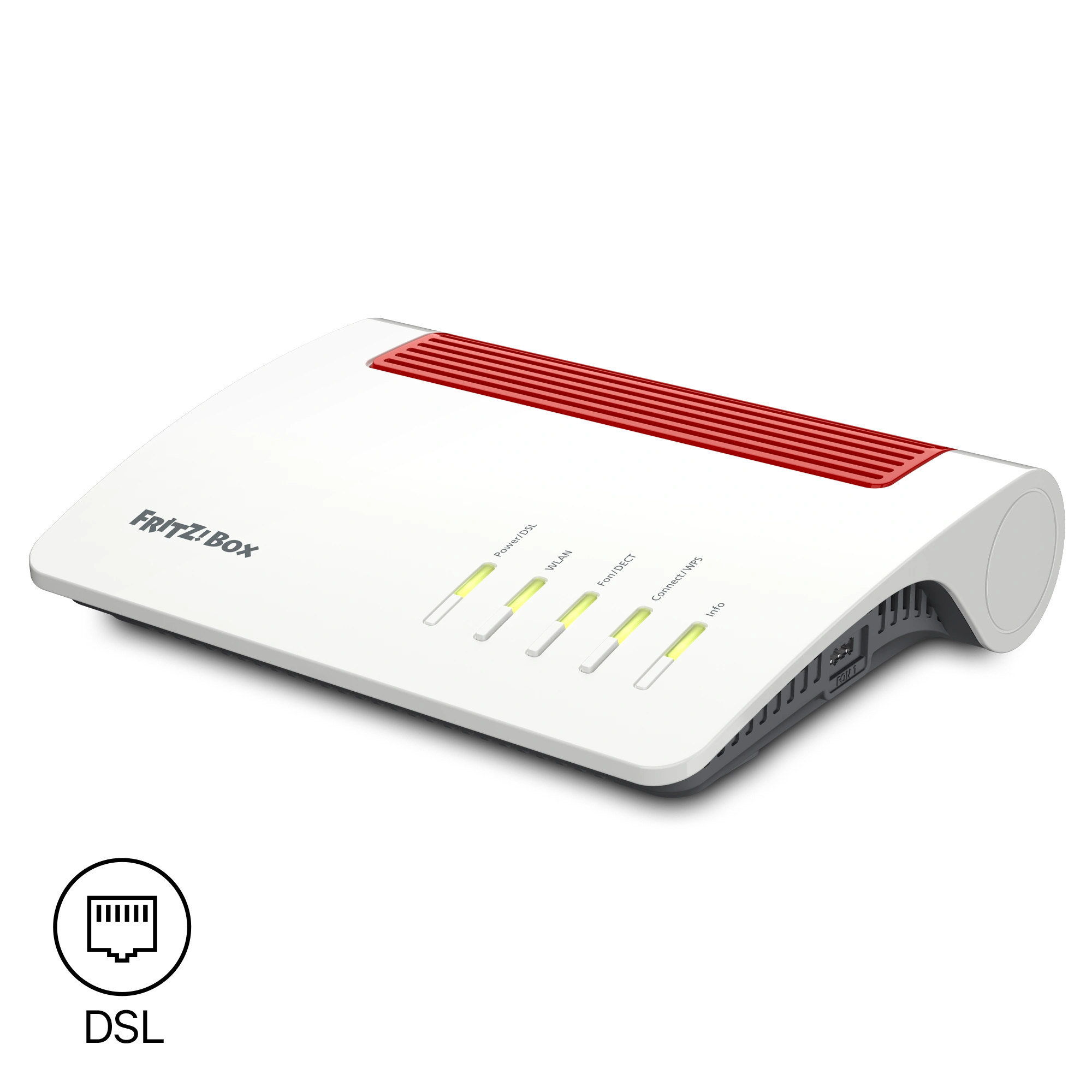
FRITZ!Box 7590 AX
8.40-137468
2026-10-15
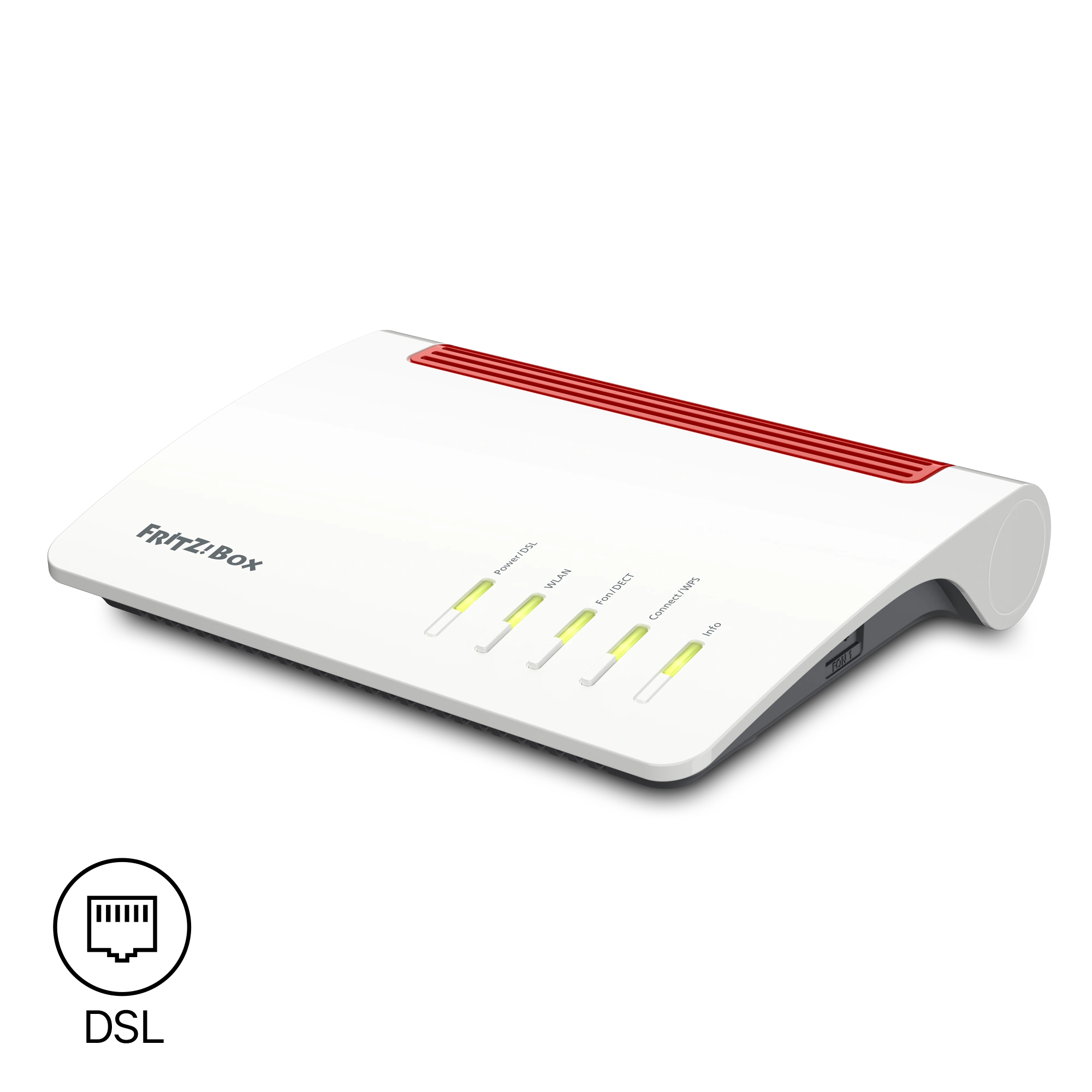
FRITZ!Box 7590
8.40-137465
2026-10-15

FRITZ!Box 7530 AX
8.40-136793
2026-09-24

FRITZ!Box 7510
8.40-137459
2026-10-16
With the download and use of the FRITZ! Lab you consent to the Terms of Use for the FRITZ! Lab.
Information: Here is the Data Protection Statement for FRITZ! Products and the use of the FRITZ! Lab.
FRITZ!Box Cable

FRITZ!Box 6690 Pro
8.40-137207
2026-10-08

FRITZ!Box 6690 Cable
8.40-137204
2026-10-08
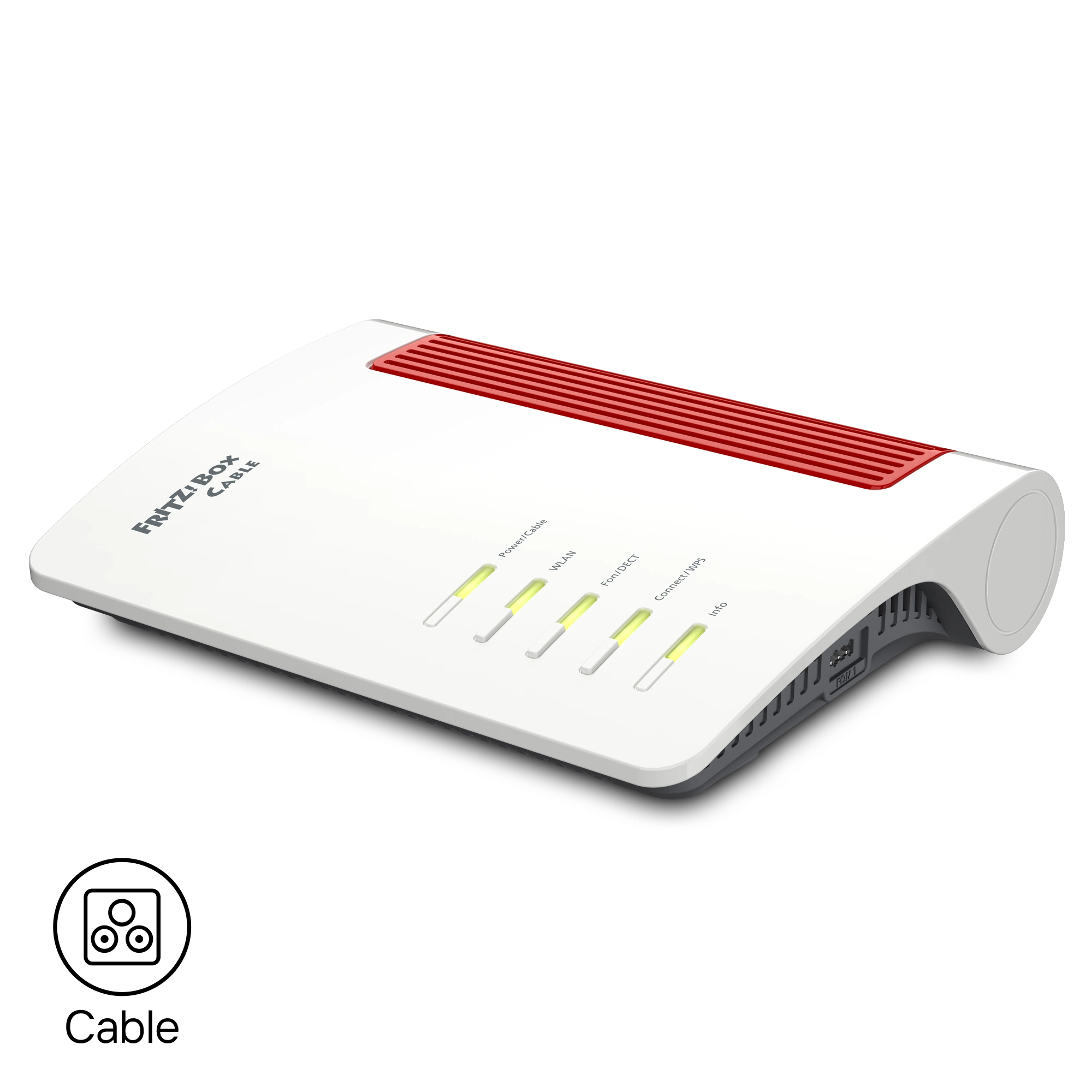
FRITZ!Box 6670 Cable
8.40-137337
2026-10-08
FRITZ!Box 6660 Cable
8.40-137198
2026-10-08
With the download and use of the FRITZ! Lab you consent to the Terms of Use for the FRITZ! Lab.
Information: Here is the Data Protection Statement for FRITZ! Products and the use of the FRITZ! Lab.
FRITZ!Box for Modem/Network
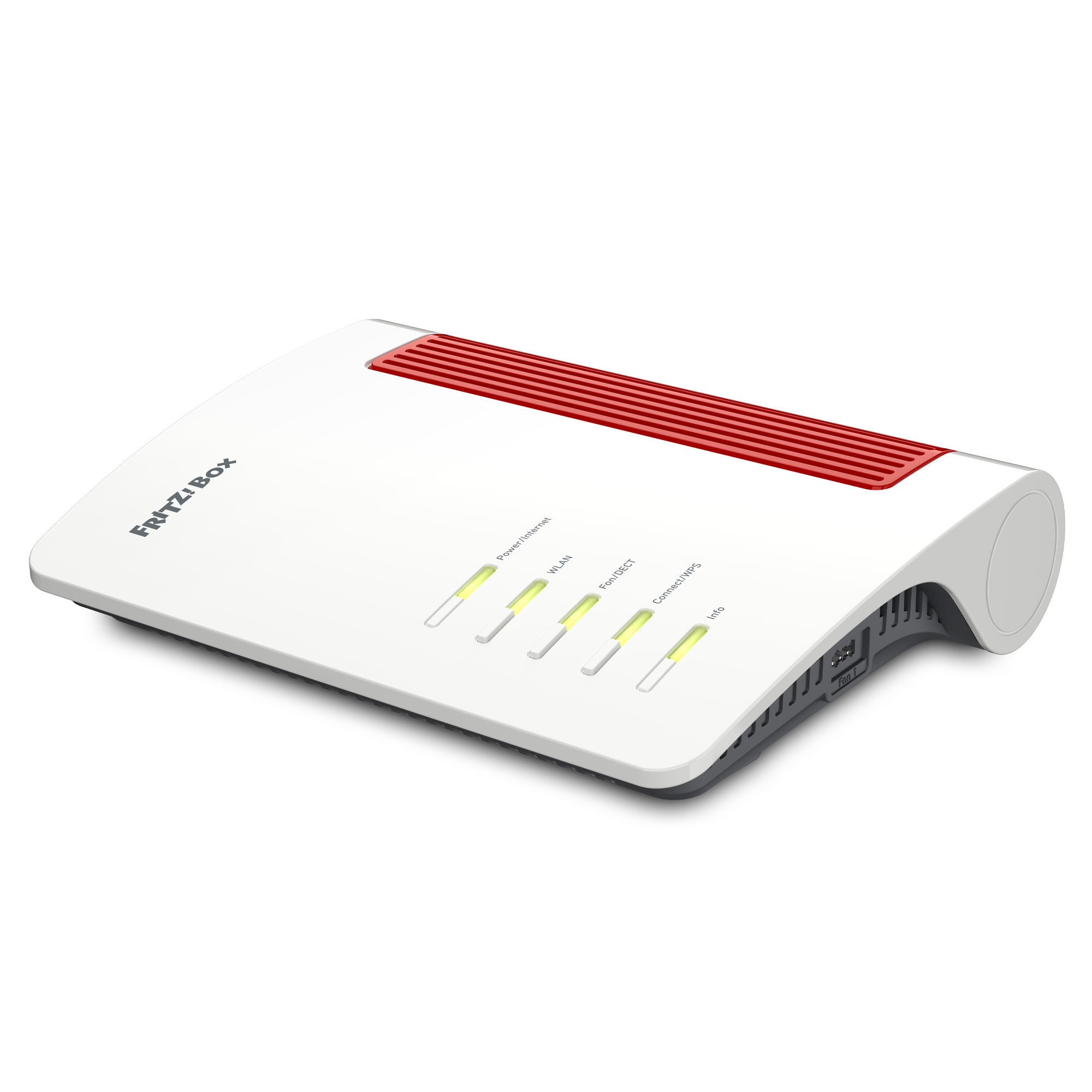
FRITZ!Box 4690
8.40-137181
2026-10-07
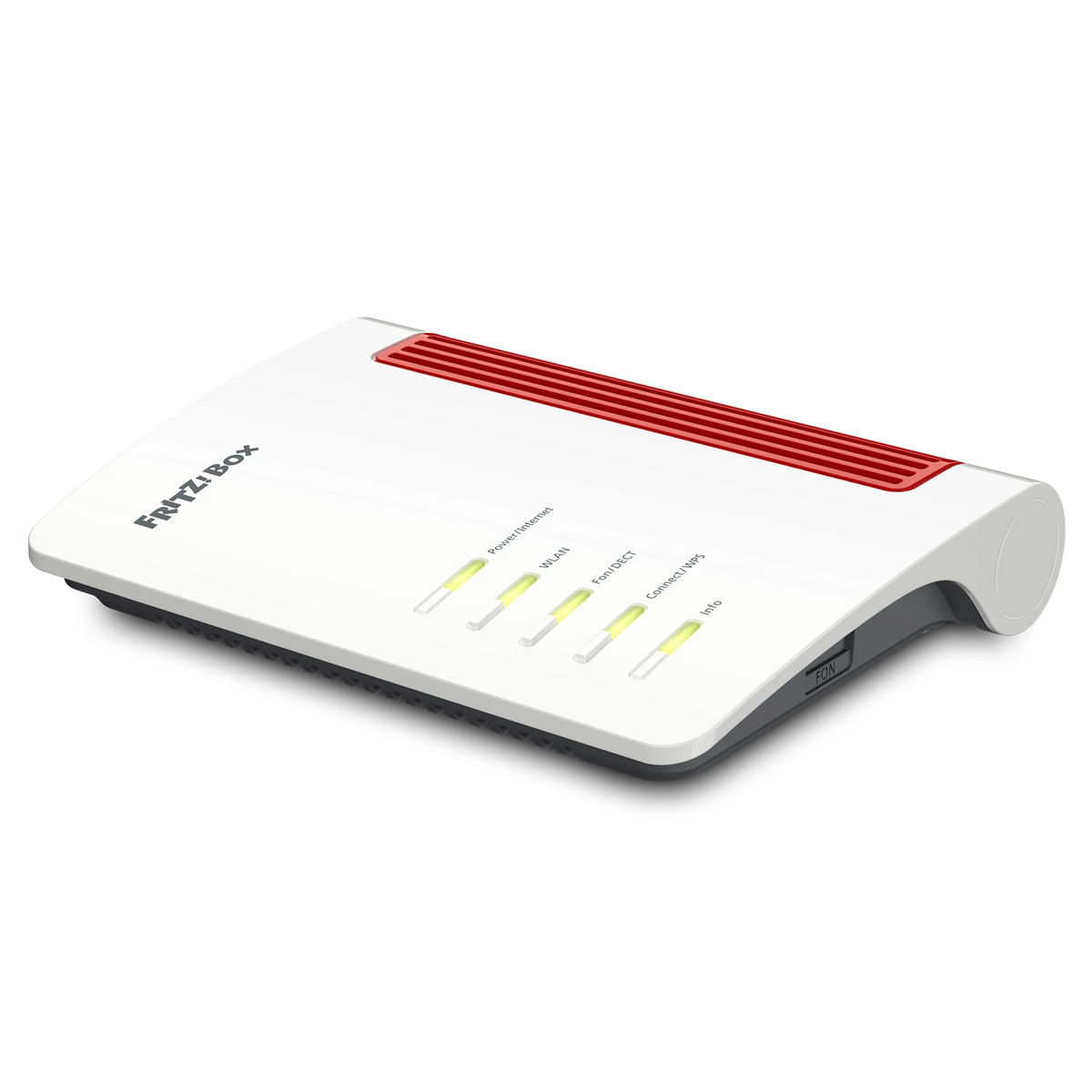
FRITZ!Box 4630
8.40-137178
2026-10-09
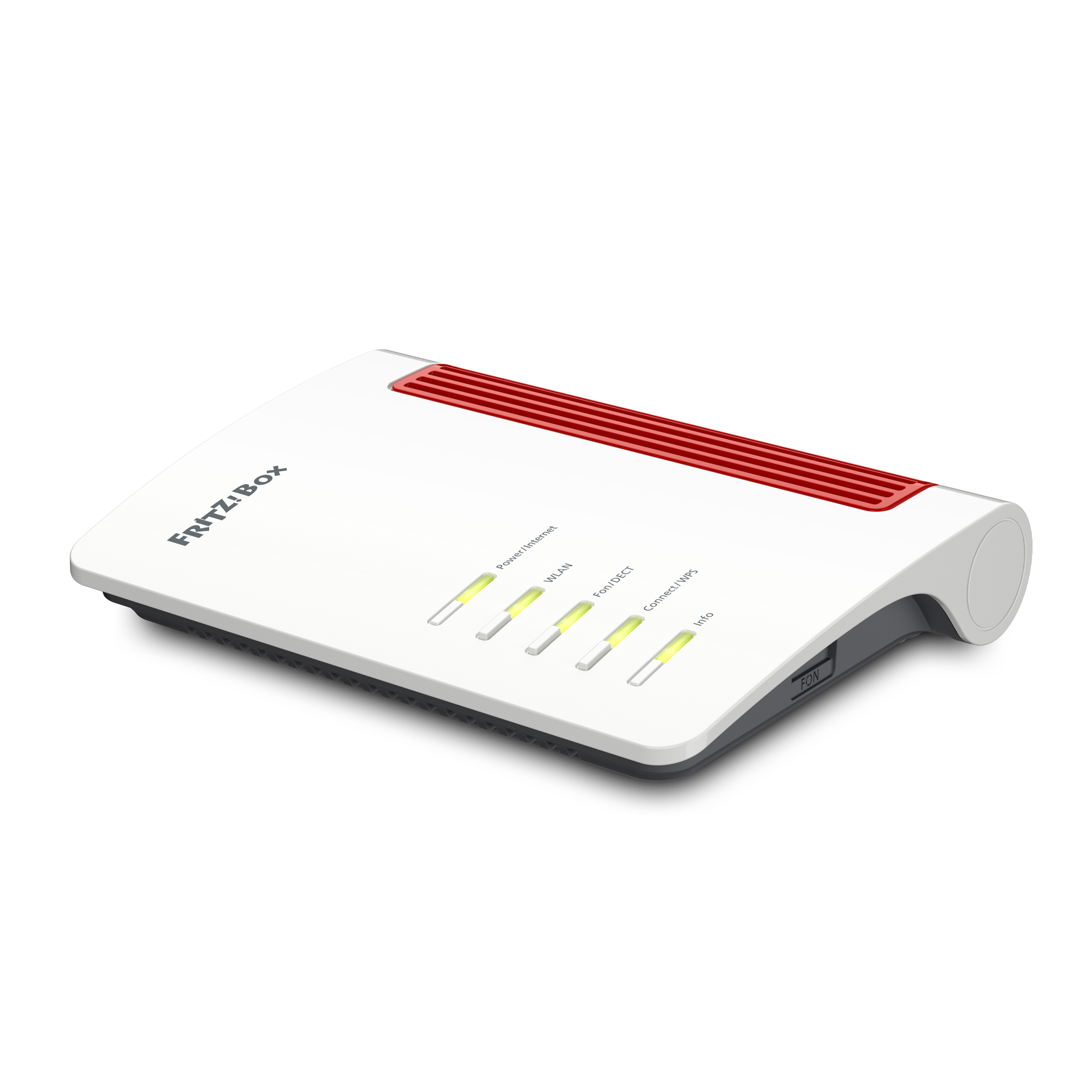
FRITZ!Box 4050
8.40-137175
2026-10-07
With the download and use of the FRITZ! Lab you consent to the Terms of Use for the FRITZ! Lab.
Information: Here is the Data Protection Statement for FRITZ! Products and the use of the FRITZ! Lab.
FRITZ!Box 5G/LTE

FRITZ!Box 6860 5G
8.40-136992
2026-10-02
FRITZ!Box 6860 5G v2
8.40-136995
2026-10-02

FRITZ!Box 6850 5G
8.40-137444
2026-10-16
FRITZ!Box 6850 5G v2
8.40-137447
2026-10-16

FRITZ!Box 6850 4G
8.40-137441
2026-10-16
FRITZ!Box 6850 LTE
8.24-137450
2026-10-16
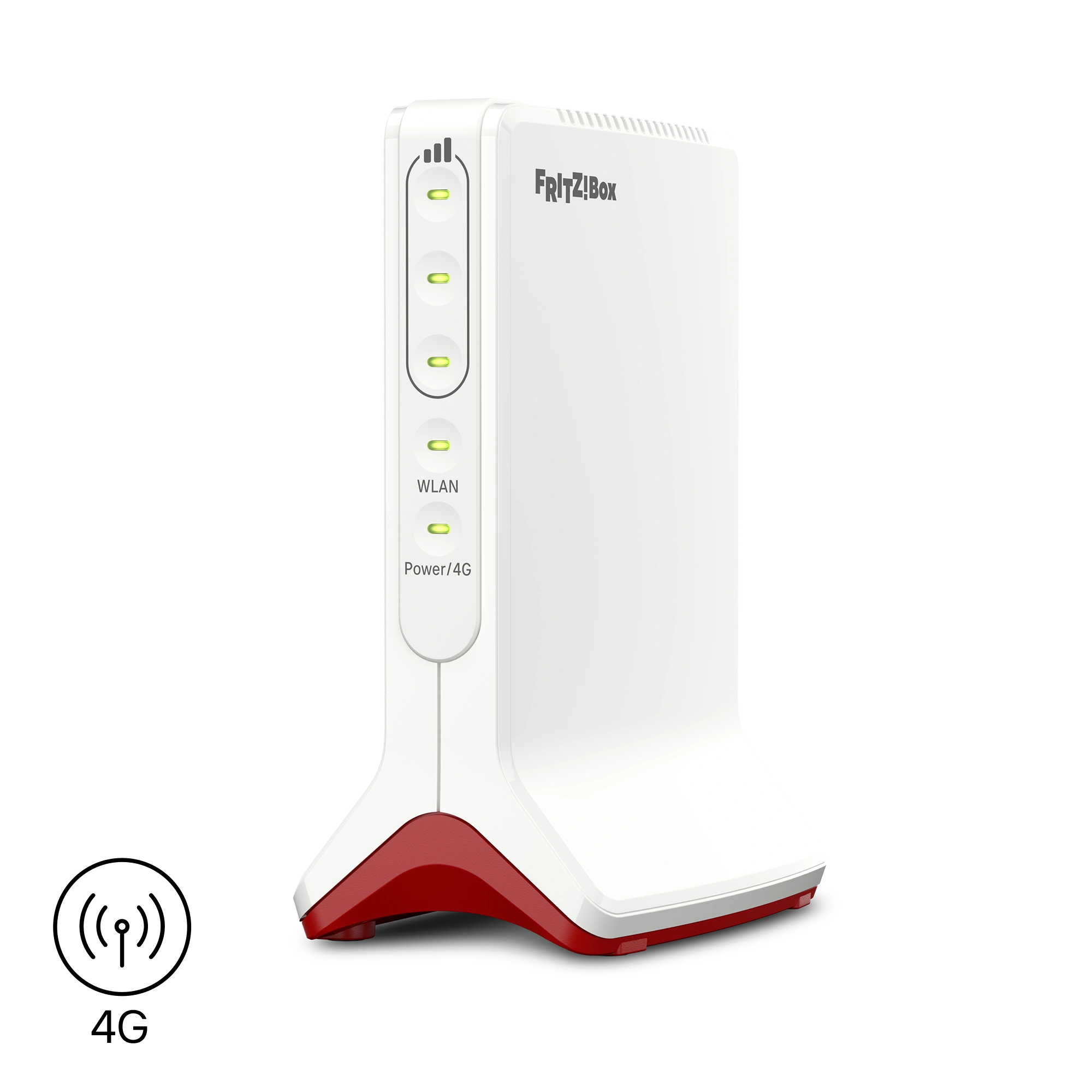
FRITZ!Box 6825 4G
8.40-137210
2026-10-09
With the download and use of the FRITZ! Lab you consent to the Terms of Use for the FRITZ! Lab.
Information: Here is the Data Protection Statement for FRITZ! Products and the use of the FRITZ! Lab.
FRITZ!Repeater
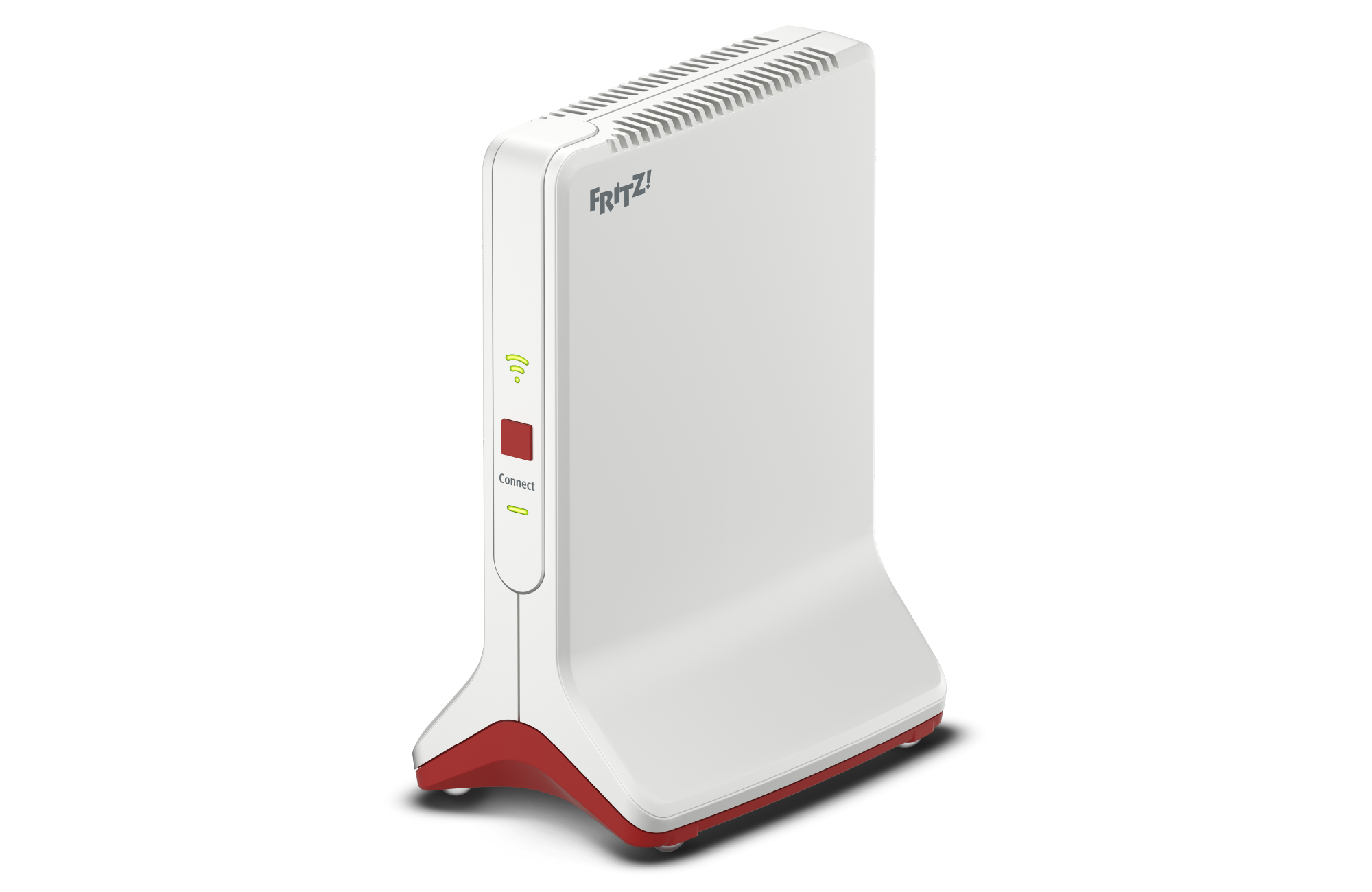
FRITZ!Repeater 6000
8.40-137511
2026-10-16
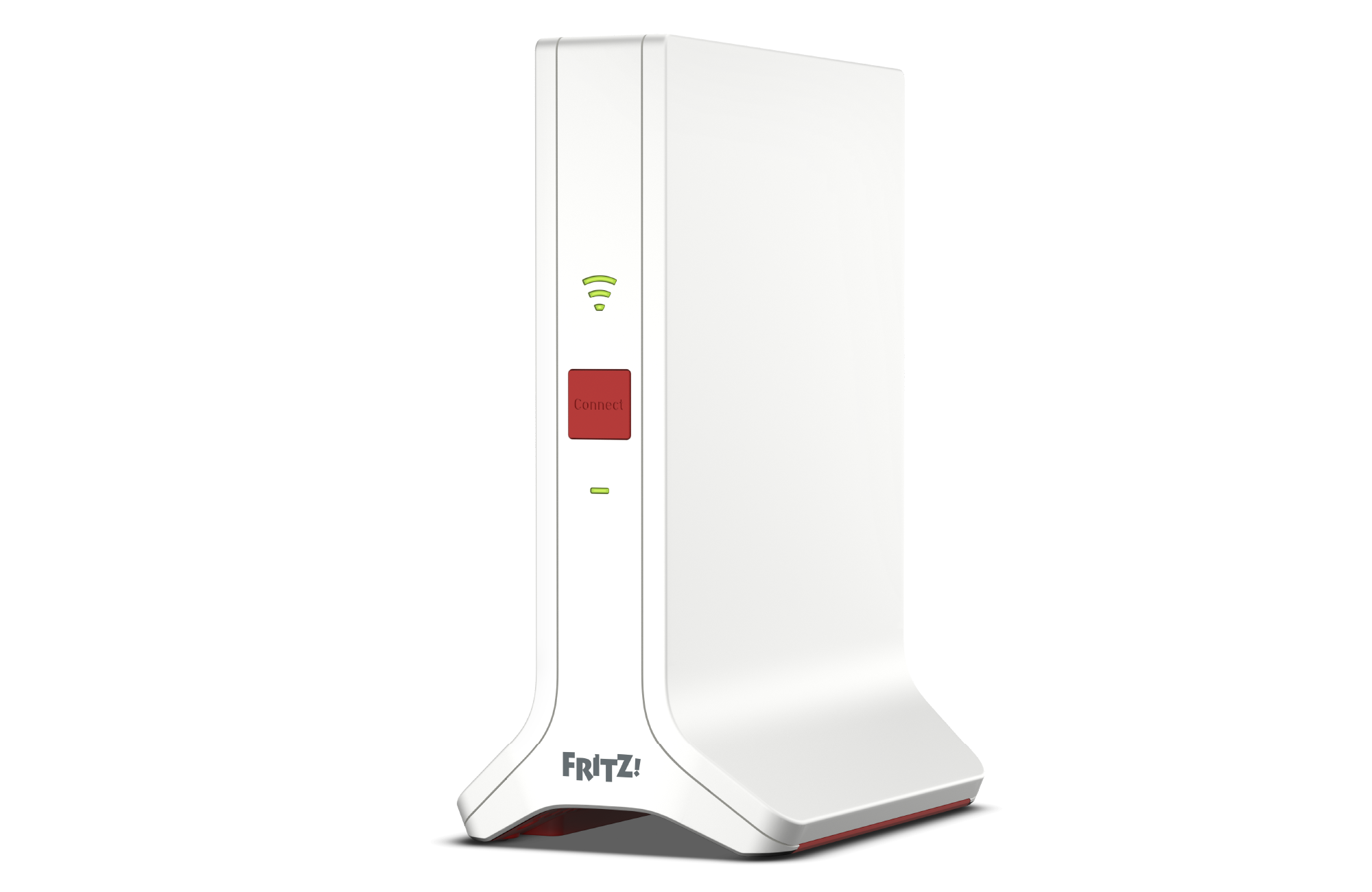
FRITZ!Repeater 3000 AX
8.40-137504
2026-10-16
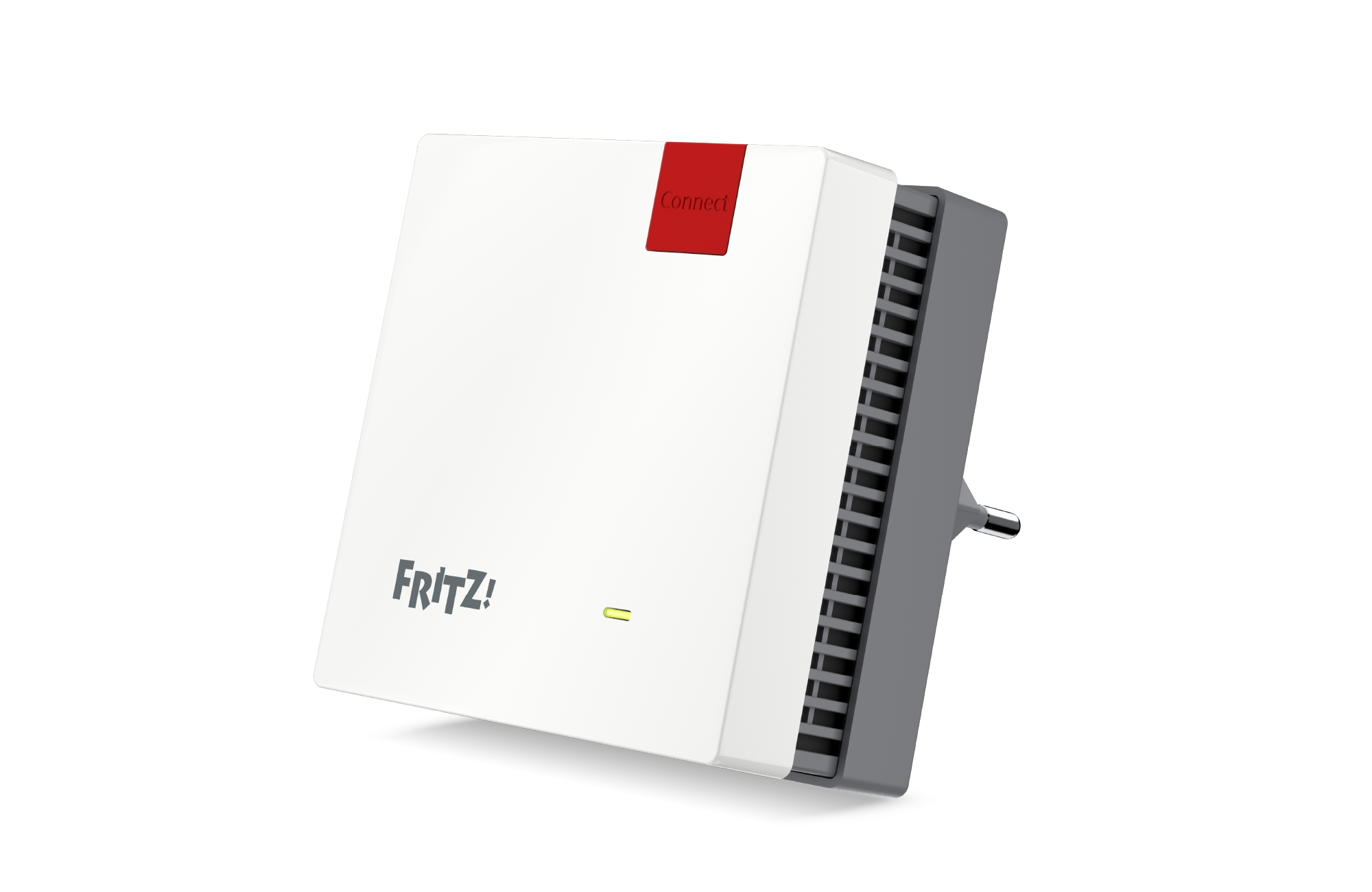
FRITZ!Repeater 1200 AX
8.40-137489
2026-10-16
With the download and use of the FRITZ! Lab you consent to the Terms of Use for the FRITZ! Lab.
Information: Here is the Data Protection Statement for FRITZ! Products and the use of the FRITZ! Lab.
FRITZ!Mesh Set

FRITZ!Mesh Set 1600
This FRITZ! Lab download is exclusively designed for FRITZ!Repeaters from a FRITZ!Mesh Set (2-pack or +3-pack).
8.40-136427
2026-09-10
With the download and use of the FRITZ! Lab you consent to the Terms of Use for the FRITZ! Lab.
Information: Here is the Data Protection Statement for FRITZ! Products and the use of the FRITZ! Lab.

