


 Fiber optic
 DSL
DSL Cable
Cable Mobile
 Modem / Network
Fiber optic: The internet connection of the future
Prepare your home network for the future and exploit the maximum speed of your connection. The FRITZ!Box is operated directly on the fiber optic connection and distributes your data to all terminal devices at lightning speed.


DSL: Reliable, stable internet via the phone line
Get the most out of your existing line. The integrated DSL modem converts your phone line’s signal directly into fast internet and supplies it to your entire home network.


Cable: High-speed internet over the TV network
Install the FRITZ!Box directly on the cable connection and enjoy fast Wi-Fi throughout the home. The FRITZ!Box combines a cable modem and wireless router in a single device for easy, space-saving setup.


Mobile broadband: For the best Wi-Fi everywhere – no matter the location
Go online everywhere with the LTE and 5G routers from FRITZ!. Simply use a SIM card to transform the mobile broadband network directly into high-performance internet for the entire home network.


Modem/network: Everything for a strong home network
Bring more power into your existing setup. These models are the ideal solution to add high-performance Wi-Fi and smart functions to your existing fiber optic or cable modem.


More possibilities for your digital home
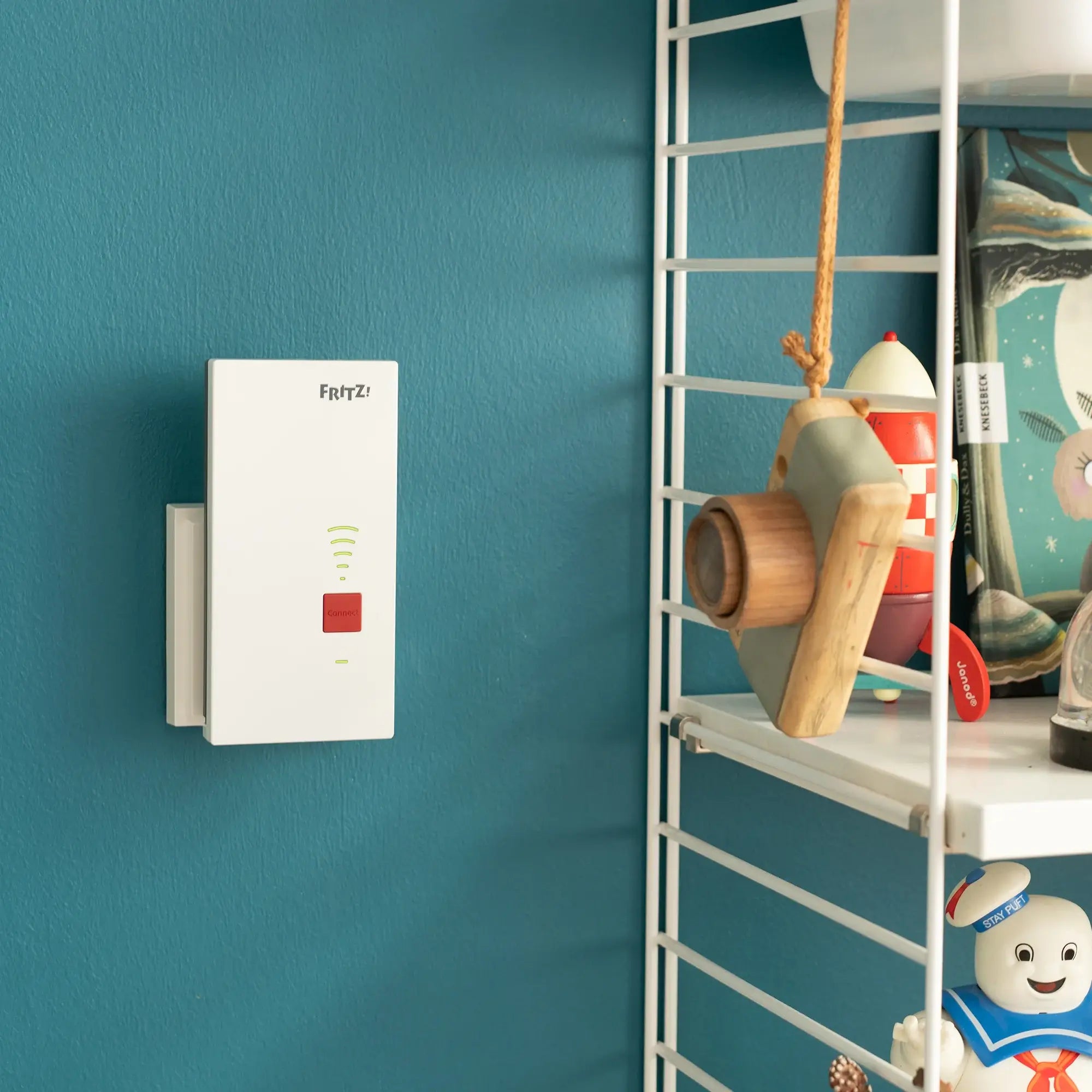
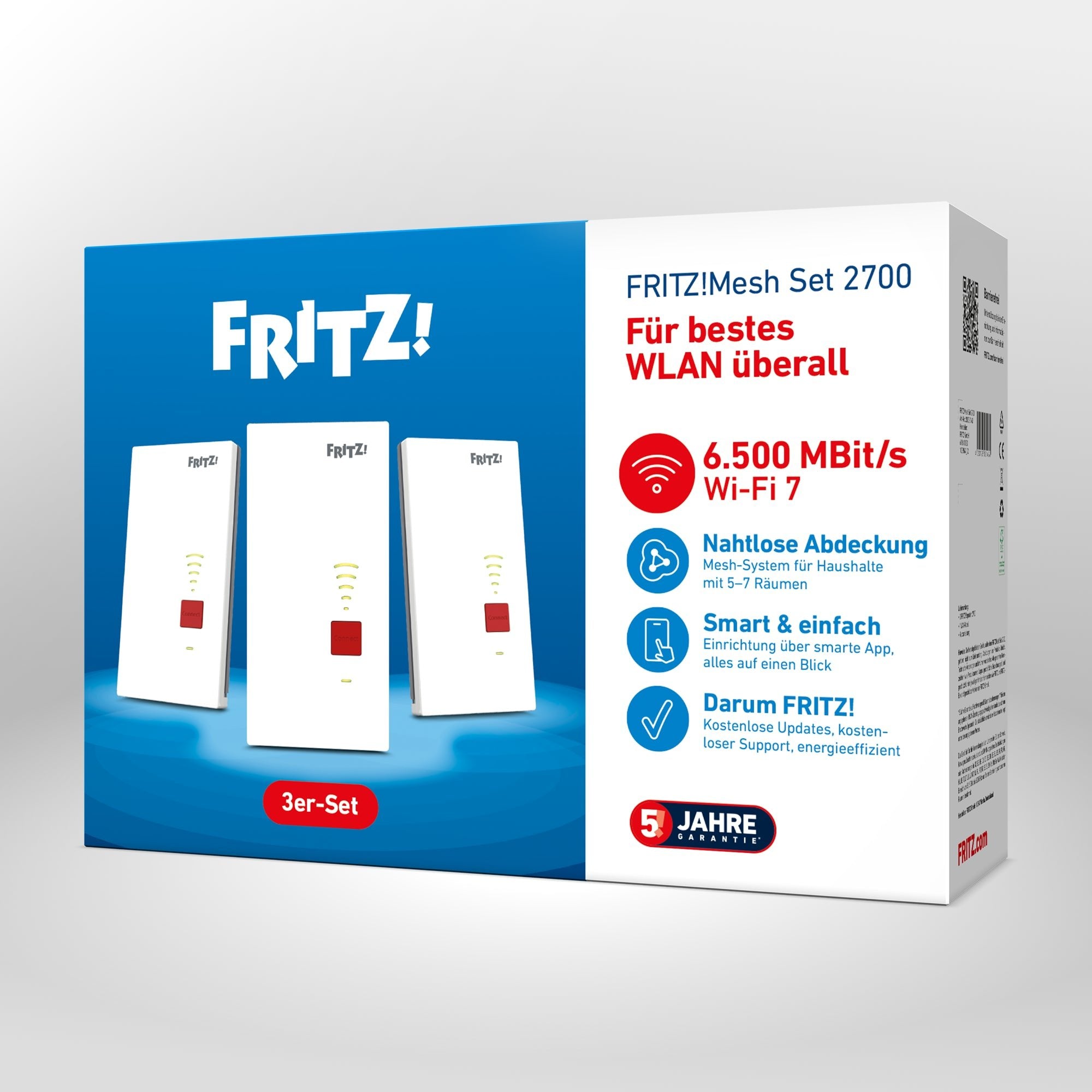
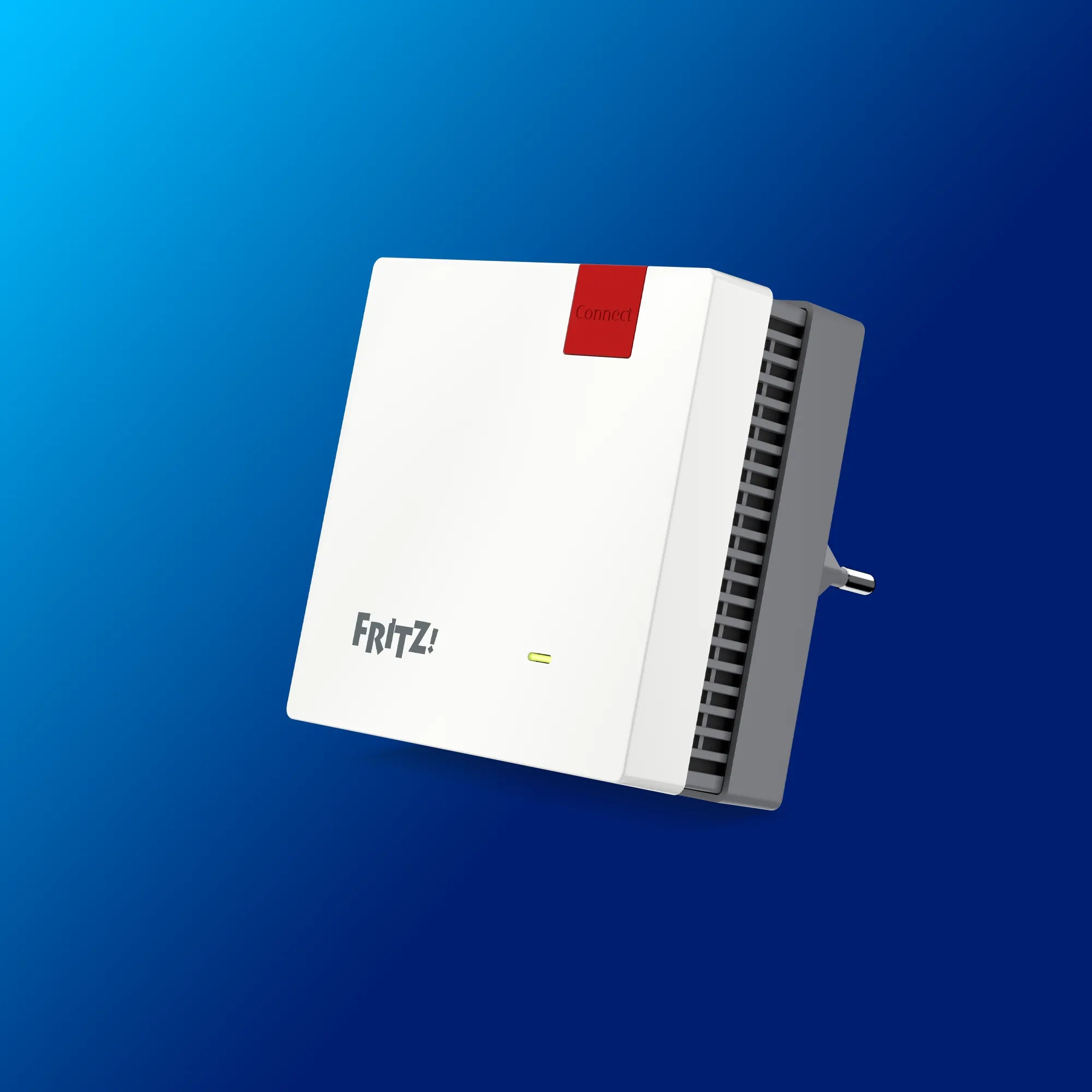
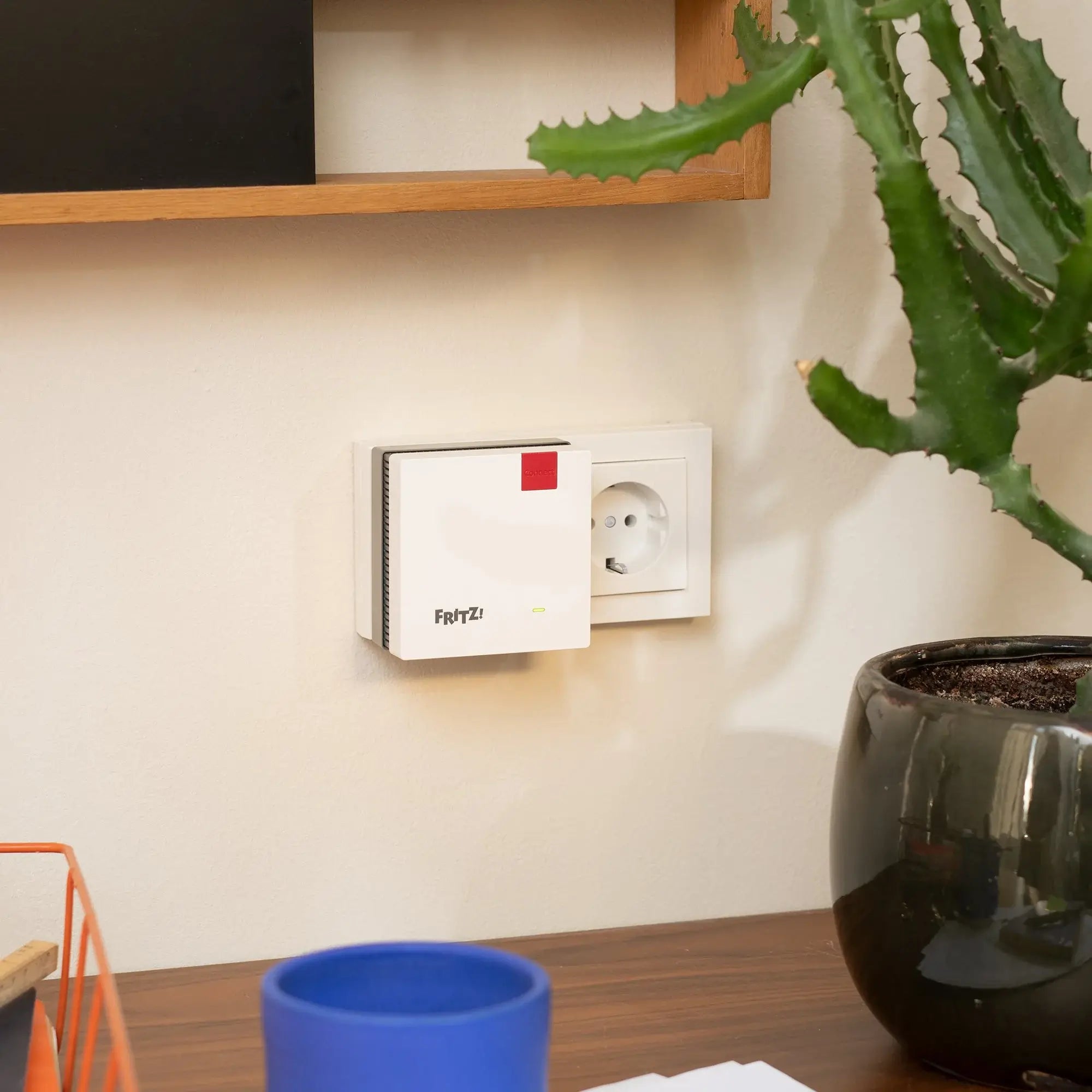
Expand your network with the right solutions for faster connections and smarter convenience.
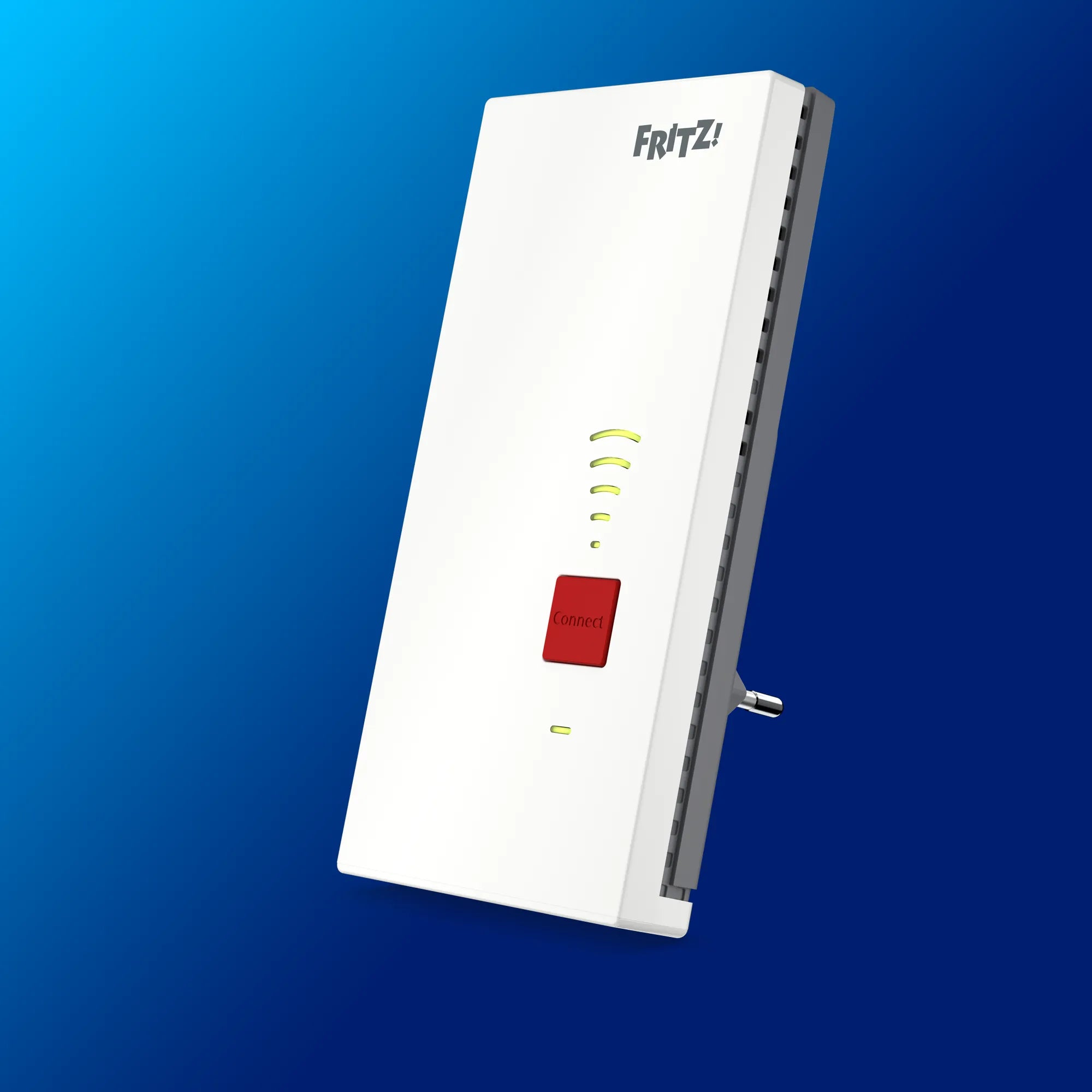
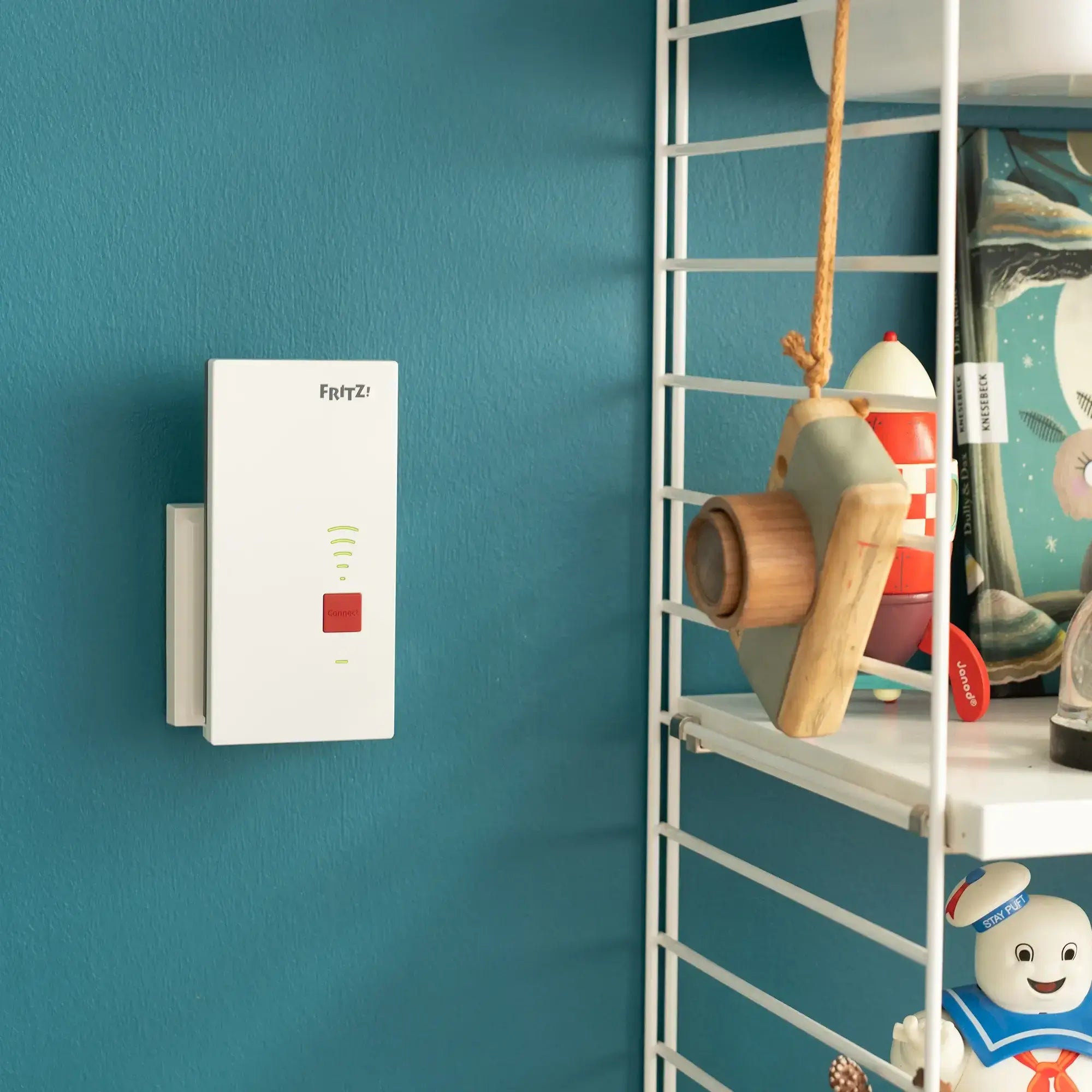

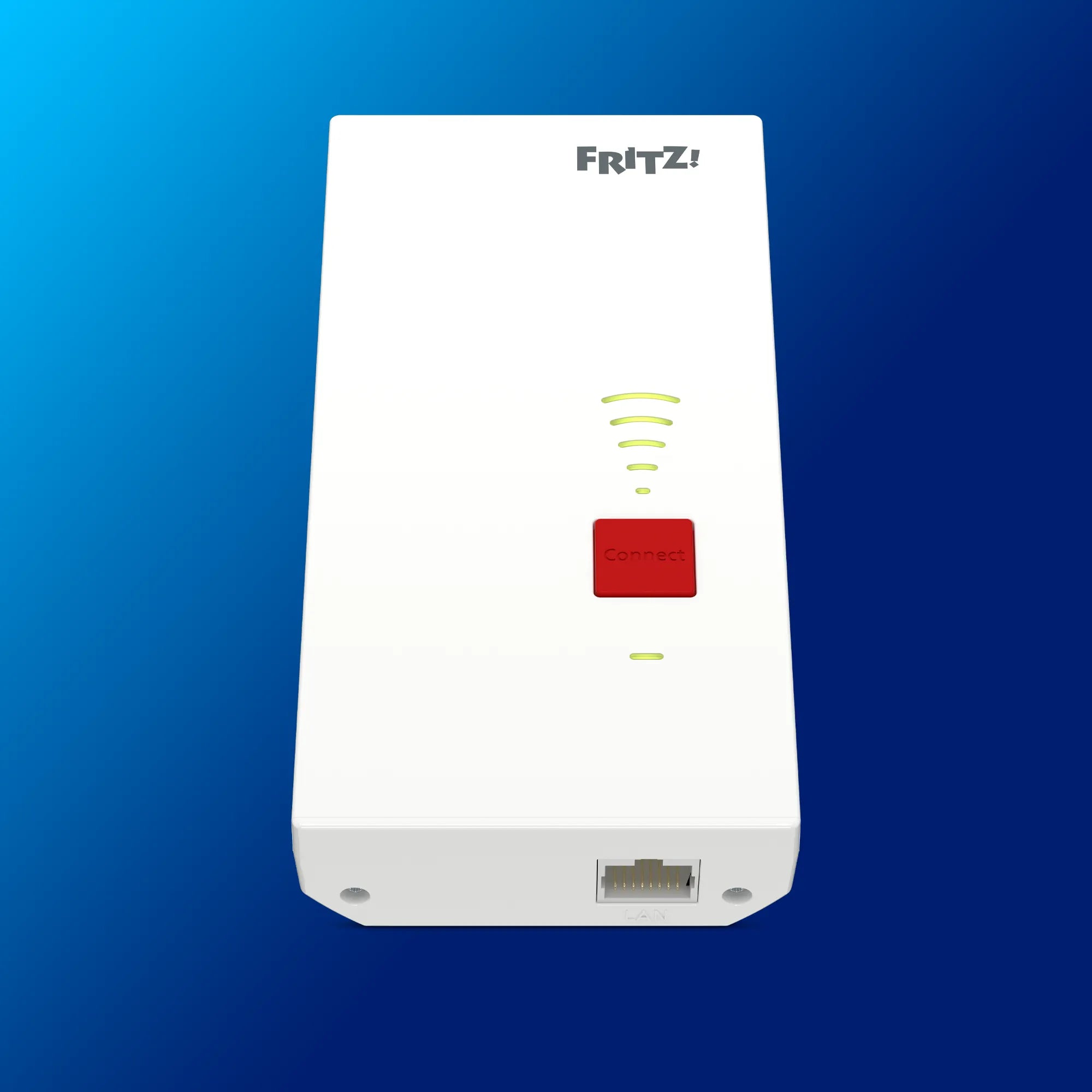
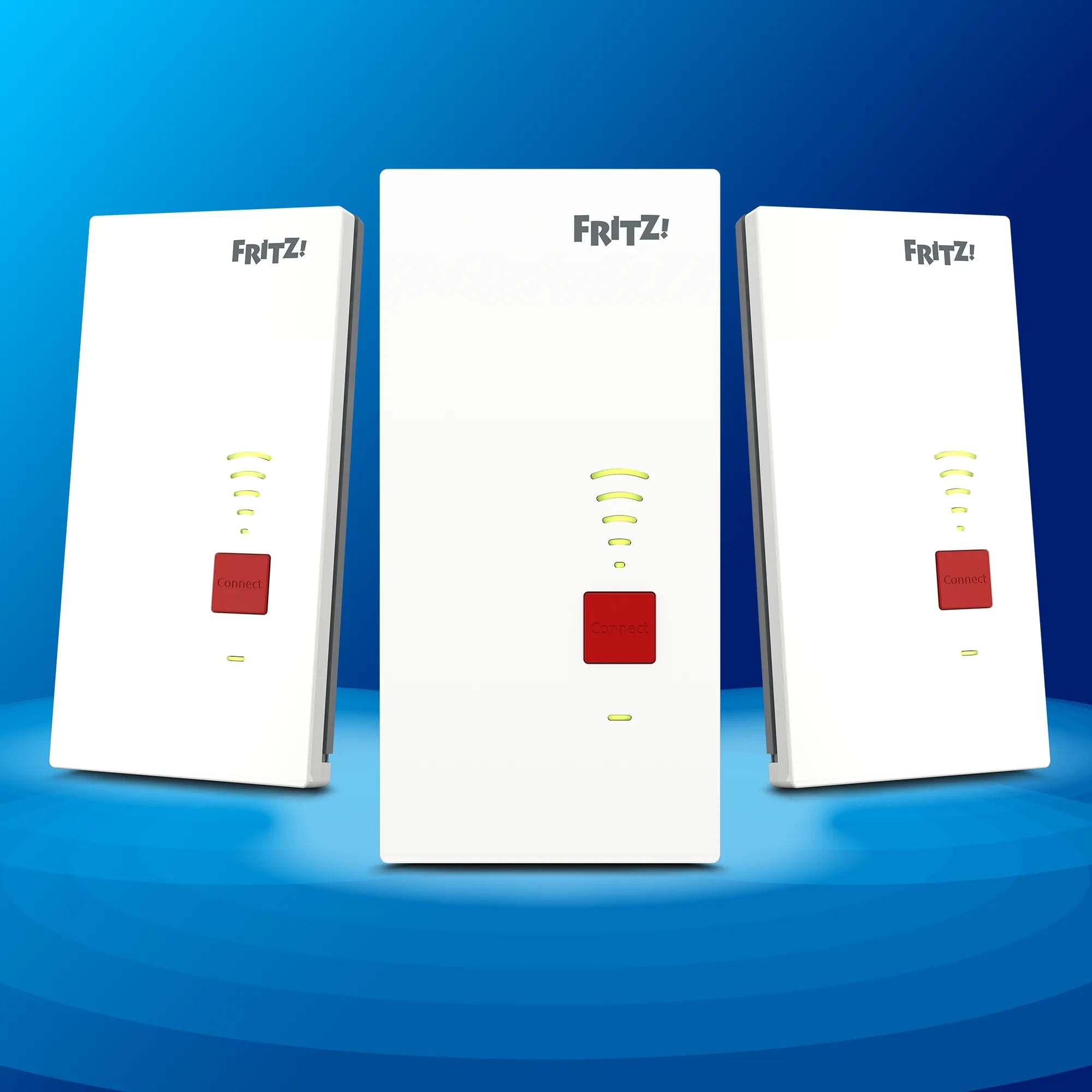
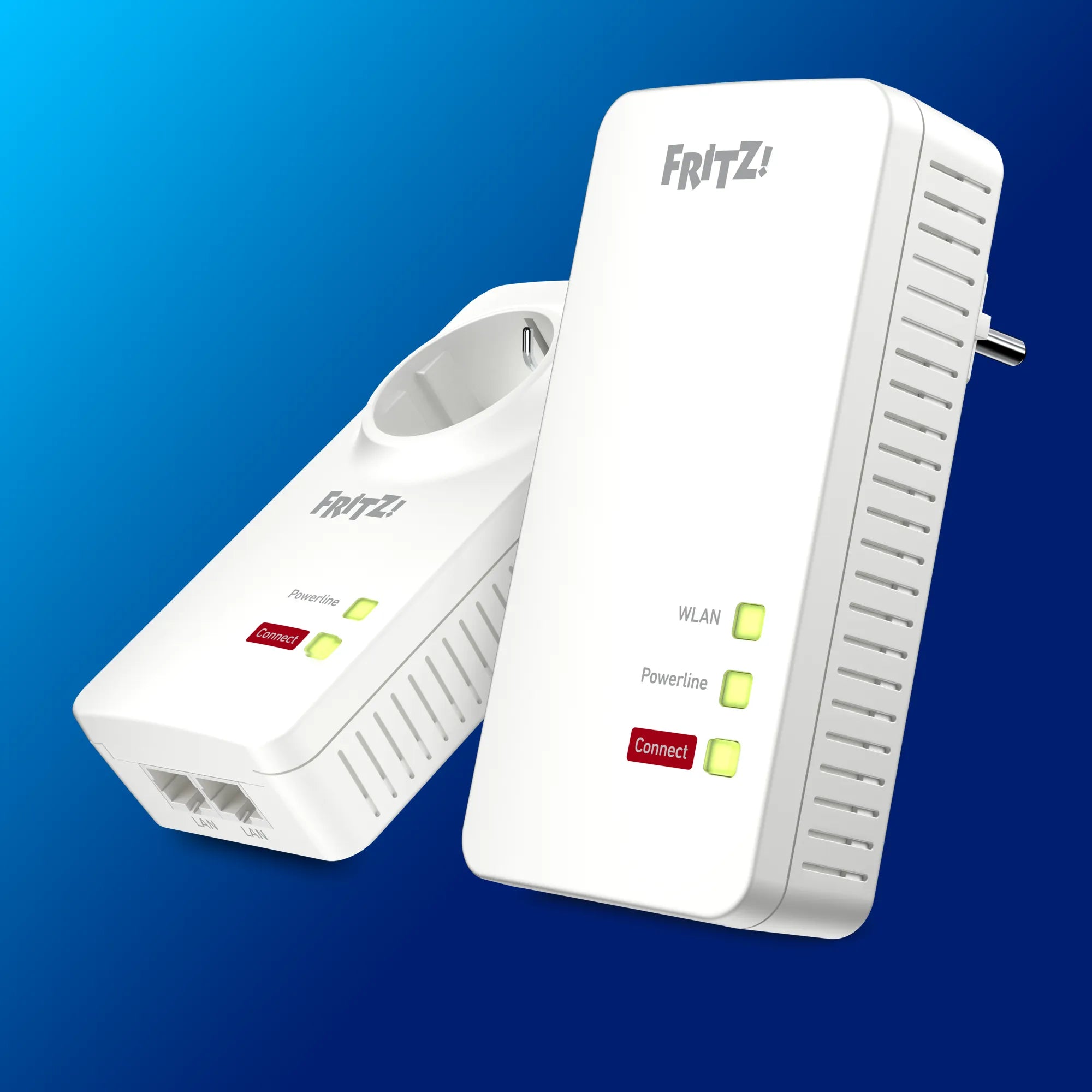
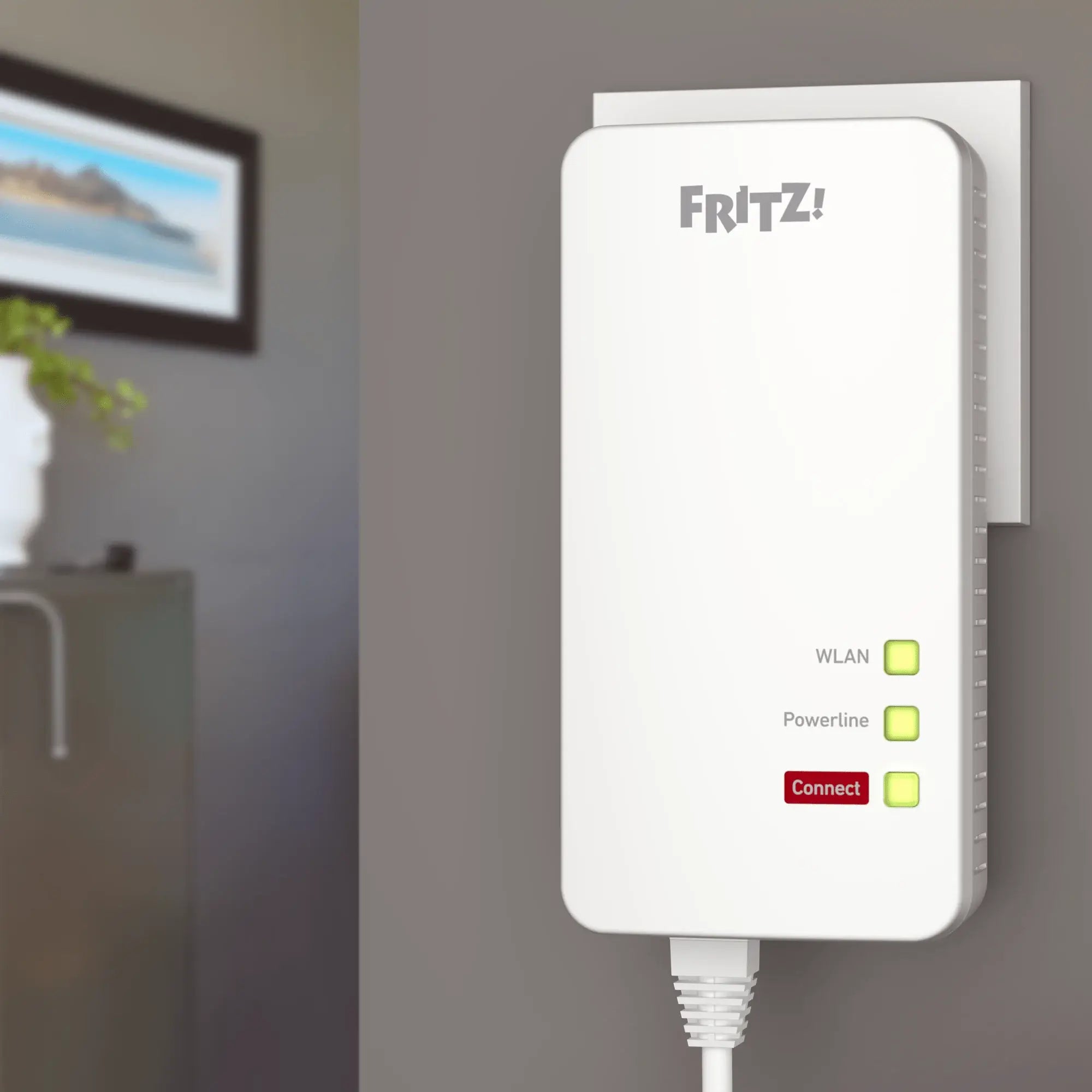
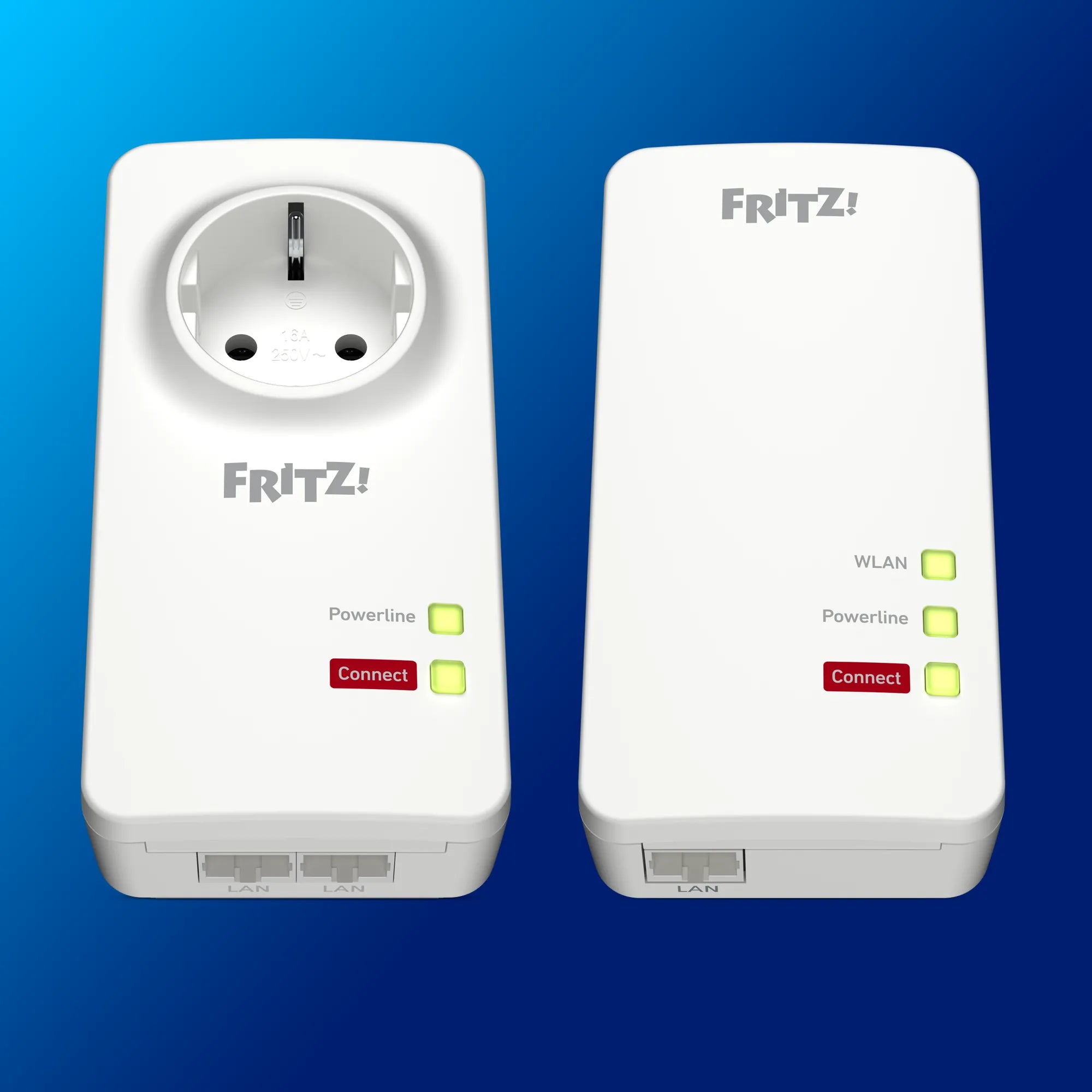
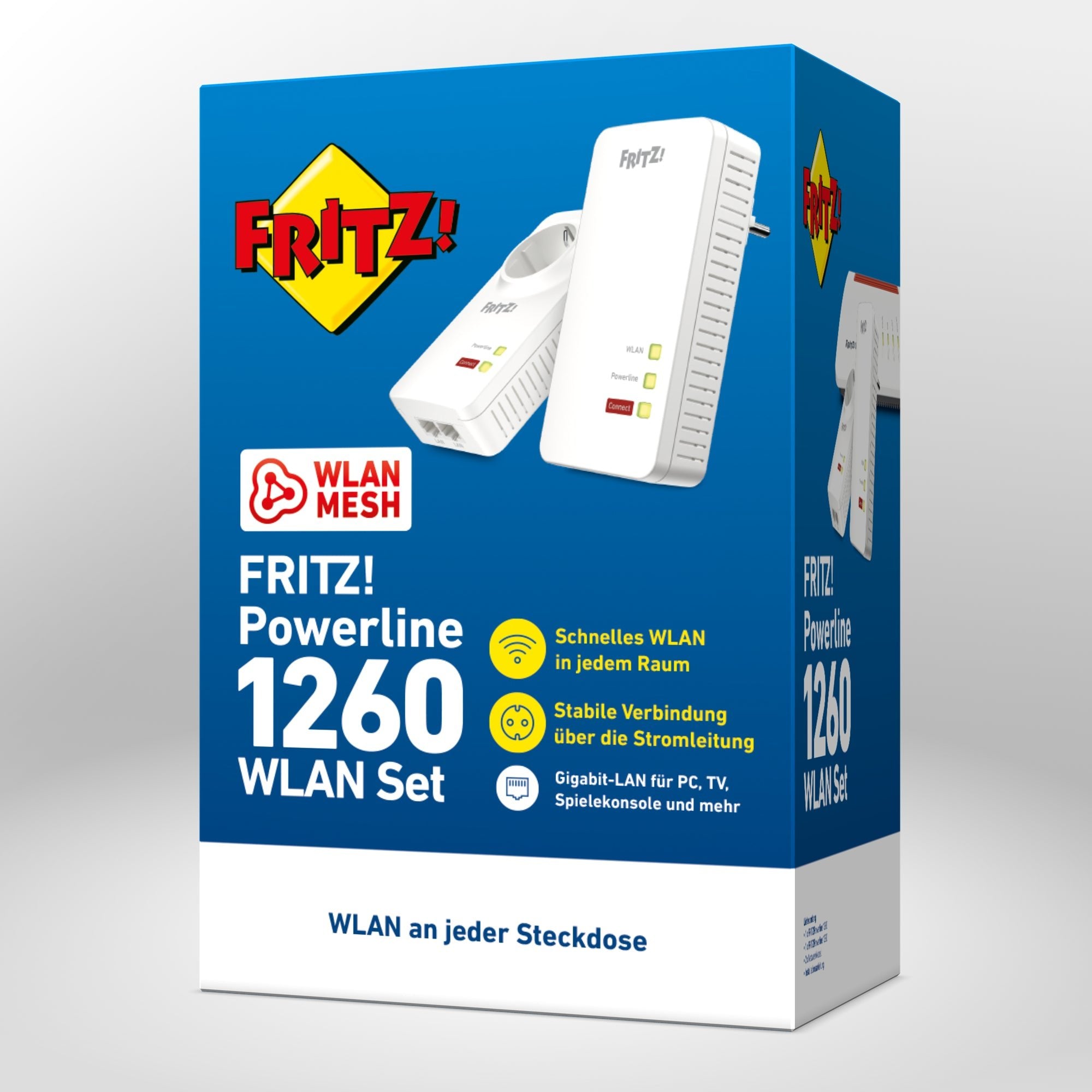
FRITZ!Powerline 1260 Wi-Fi Set
FAQs
Is the FRITZ!Box better than a router?
The FRITZ!Box offers far more functions than other wireless routers. The FRITZ!Box offers powerful Wi-Fi with lots of extras, is especially user-friendly, and impresses with the highest security standards. Most FRITZ!Box models also have a modem integrated for the corresponding connection.
What's the difference between a router and a wireless router?
In contrast to a simple router, a wireless router can establish a Wi-Fi network and provide the internet wirelessly. This means you can go online everywhere at home without a network cable (LAN). Almost all routers available today are automatically wireless routers.
What's the difference between a router and a modem?
A modem connects your home directly with the internet provider to provide the internet connection. A router, in contrast, distributes this connection to all devices in the home network, by cable or Wi-Fi. Many FRITZ!Boxes combine both functions, but there are also models without an integrated modem. These are perfectly suited for use behind a fiber optic ONT, cable or DSL modem.
Which router has the strongest Wi-Fi?
The strongest Wi-Fi is provided by high-end routers with high speed, extensive range and support for the latest Wi-Fi technology. A strong wireless router combines cutting-edge Wi-Fi technology, powerful hardware, optimized location selection, Mesh support and the latest security functions. Examples of the most powerful wireless routers are the FRITZ!Box 7690 and the FRITZ!Box 5690 Pro.
Can I use any wireless router?
No, because not every wireless router fits with every connection. Always check whether the model is a match for your internet provider and connection type (e.g. DSL, cable, fiber optic). A wireless router without a modem can be used flexibly behind any provider device.
What is a wireless router and how does it work?
A wireless router (also called an internet router or Wi-Fi box) receiver) receives your internet provider's signal and distributes it throughout the home – via Wi-Fi or a LAN cable. It is the link between your devices (e.g. smartphone, laptop or smart TV) and the connection supplied by your internet provider.
The wireless router receives the internet signal either via the direct connection on the socket – like FRITZ!Box models with an integrated modem – or via an external modem, e.g. a fiber optic modem (ONT). A router with Wi-Fi then provides the internet connection to your devices via the Wi-Fi network and via LAN. The wireless router also works as a hub to control all the data traffic in your home.
Further, a wireless router provides for security and enables additional smart functions like guest access and parental controls. Different router models with Wi-Fi can have different speeds, Wi-Fi ranges, numbers of LAN ports and additional functions.
Most FRITZ!Box models combine a modem and wireless router in a single device – this makes configuration especially simply and saves both space and energy.
Rent or buy a router? It depends on your situation
If you want to use your internet connection for longer than 2-3 years, purchasing a router is usually the more economical solution.
While purchasing your own FRITZ!Box may be initially be more expensive than the monthly rent (e.g. 9.99 €), a wireless router you buy yourself generally pays off after 20-30 months. Every further month is then cheaper than renting.
In addition, you have complete control of all settings and receive updates without any delay. Should you change your connection, you can simply keep using the FRITZ!Box, for instance as a Mesh Repeater in your home network, or resell it. If your wireless router stops working, the five-year manufacturer’s warranty applies and you receive a replacement device.
If you are uncertain about whether you might change your connection in the near future, or want to remain flexible, a rental device is the better choice. Here you don’t have to pay anything up front, just a fixed monthly amount.
With a rented router, everything is taken care of by the provider: You receive the FRITZ!Box that matches your contract and your internet connection. Your wireless router is configured upon delivery and can be used immediately. If there are any defects, the provider takes care of a replacement.
And no matter whether your FRITZ! box is purchased or rented: We offer Support for everyone.
How do I choose the perfect router?
The perfect router is chosen ideally based on your connection type, use, and the size of your home. The following checklist shows you what to watch out for during selection:
- Compatibility with your connection: Make sure that the wireless router matches your connection (DSL, cable, fiber optic) and provider. Many FRITZ!Box models combine a modem and a router. There are models without a modem, however – they can be used behind any external modem or provider box, no matter what internet connection technology you have.
- Stationary & mobile use:
Decide whether you would like to use a fixed connection in your home or require a mobile router. Many homes already have connection linesinstalled, but the lines are not always fast enough.
If you need more flexibility, you have the alternative of using a mobile network router. Mobile network routers from FRITZ! with an integrated LTE or 5G modem work independently of DSL, cable or fiber optic connections. With this you can use Wi-Fi even when you're on the go, travelling or camping – independently of installed lines. - Use behaviour & household size:
Think about the applications you would like to use and the size of the household to be covered by your wireless router. For smallapartments or single flats, a compact single device is often sufficient. For households with many devices, a powerful Wi-Fi router for the entire family is recommended. And for large homes or multiple storeys, rely on a Mesh system extended by Mesh Repeaters. - Technology & speed:
Decide which Wi-Fi standards your routers should support and what speeds you would like to achieve. Up-to-date routers with Wi-Fi 6 or Wi-Fi 7 offer high Wi-Fi speeds and maximum range, like for instance the FRITZ!Box 5690 Pro. You may also want to provide internet over network cable (LAN) to some devices, e.g. for gaming or streaming – for this, the number and speed of the LAN sockets on the wireless router is decisive. - Security & extras:
Consider the current security standards like WPA3 encryption, regular updates and long product maintenance by the manufacturer. Also watch out additional functions you find important, like guest Wi-Fi, parental controls, telephony functions and smart home integration. All current FRITZ!Box models offer regular updates, app support, Mesh Wi-Fi and smart energy-saving functions.
FRITZ!Box tip:
With the FRITZ!Box finder it is easy to find the model that best matches your connection, your home and your needs. No matter whether you choose a starter or a high-end model: Every FRITZ!Box supplies reliable Wi-Fi with the right speed and range for your home. Premium models offer the most features and maximum performance – ideal for demanding users and large homes. If you have any questions, feel free to contact our sales consultation.
How is a wireless router configured?
You can set up a wireless router yourself in a few steps. The exact order may vary according to the model, connection type and provider, but in principle you have to observe the following:
- Preparation
Make sure that you have all required cables, account information from your provider, and the installation guide handy. Plan enough time for configuration and read the manufacturer's instructions carefully. - Configuration and starting operation:
Connect the wireless router with the internet connection and the mains supply as instructed by your provider or manufacturer. If the router is a FRITZ!Box, configuration is made easy by the user interface (fritz.box) or MyFRITZ!App. Simply follow the step-by-step instructions in the configuration wizard. - Wi-Fi settings:
In current routers like the FRITZ!Box, the Wi-Fi network is already optimally protected upon delivery – with a secure network key and up-to-date encryption. You can adjust the password or network name individually as needed. - Updates & additional functions:
After configuration, check whether firmware updates are available and install them right away. This way security and performance are always up to date. Configure any desired additional functions like parental controls, guest Wi-Fi or smart home. - Optimal placement:
Position the router in a free, central space. Avoid the vicinity of obstacles that could hinder the Wi-Fi signal, such as objects containing water or metal like radiators and other radio transmitters like microwaves. By placing your wireless router in a free, elevated position you ensure optimum distribution of the Wi-Fi signal throughout your flat or home.
What's the difference between a router, a wireless router, and a Wi-Fi box?
The terms are often used differently, but generally designate the same thing: a device that connects your home with the internet.
The term ‘router’ is generally used as the umbrella term for devices that distribute the internet to terminal devices via Wi-Fi or cable. Sometimes it means only routers without Wi-Fi functionality.
‘Wireless routersֹ’ are routers with Wi-Fi that provide devices with the internet connection not only via network cable (LAN, but also wirelessly via Wi-Fi. This means that you no longer need any cable to connect your smartphone, tablet or laptop to the internet. Today nearly all routers are automatically wireless routers.
Routers are also often called ‘Wi-Fi box’, ‘internet router’ or ‘FRITZ!Box’. These are special names or models that manufacturers or internet providers give their routers. If the contract with your internet provider includes wording about a Wi-Fi box or internet box, generally a wireless router is meant. Whether it's called router, wireless router, Wi-Fi box or internet router – they all work more or less the same for the user. The differences are generally in the features they offer. What really matters in the end is that the device fits with your use.

